

Ova tema je arhivirana.
Postavi novo pitanje ako trebaš pomoć.

Arhivirano
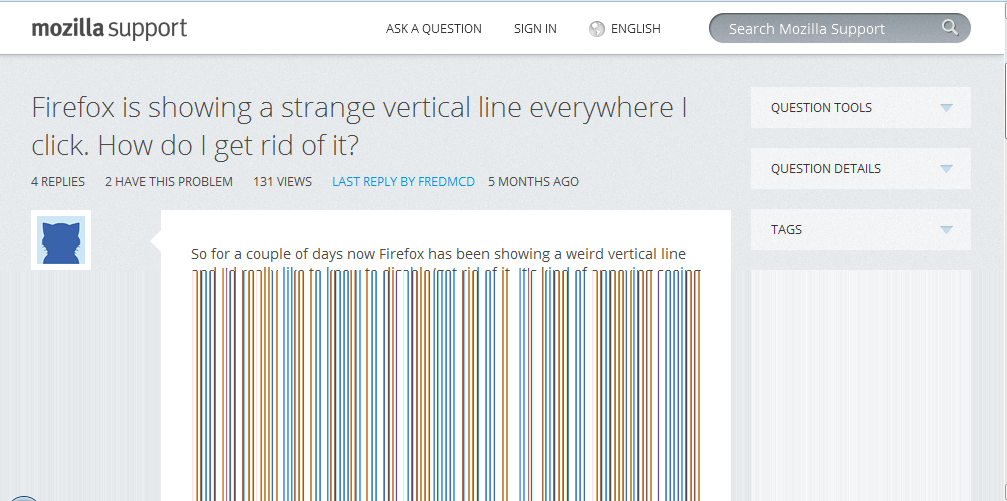
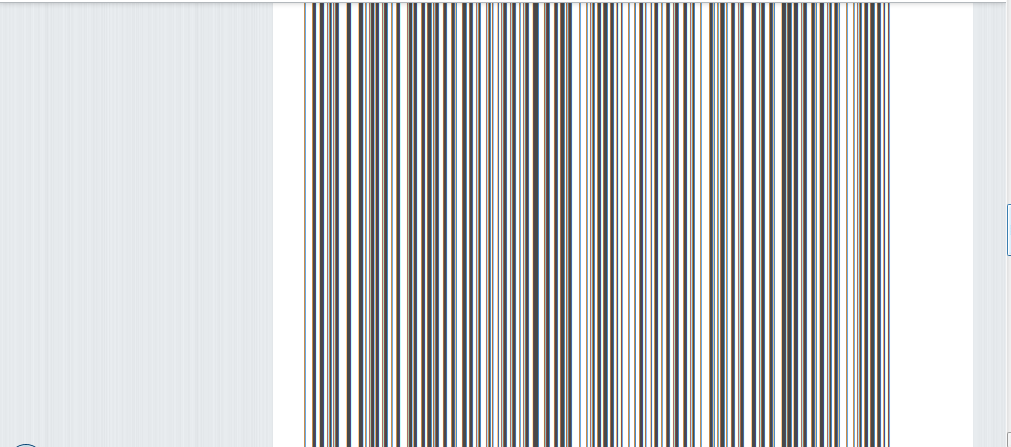
whenever a page loads its texts and images become vertical lining or blank white space. Please help me

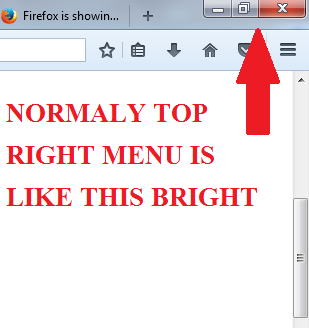
from last few days whenever a page loads its texts and images becomes verticle lines or blank space when i start scrolling. I have attached some screenshots. Even the top right menu (close, minimize, maximize button) has been faded after this problem started , normally its colours are bright. Screenshot attached.
Please help me to sort this out
from last few days whenever a page loads its texts and images becomes verticle lines or blank space when i start scrolling. I have attached some screenshots.
Even the top right menu (close, minimize, maximize button) has been faded after this problem started , normally its colours are bright. Screenshot attached.
Please help me to sort this out


Svi odgovori (1)

Start Firefox in Safe Mode {web link} While you are in safe mode;
Type about:preferences#advanced<Enter> in the address bar.
Under Advanced, Select General. Look for and turn off Use Hardware Acceleration. Now restart Firefox.
Poke around safe websites. Are there any problems?