


Spell check not working and language sub menu not displaying

Hello,
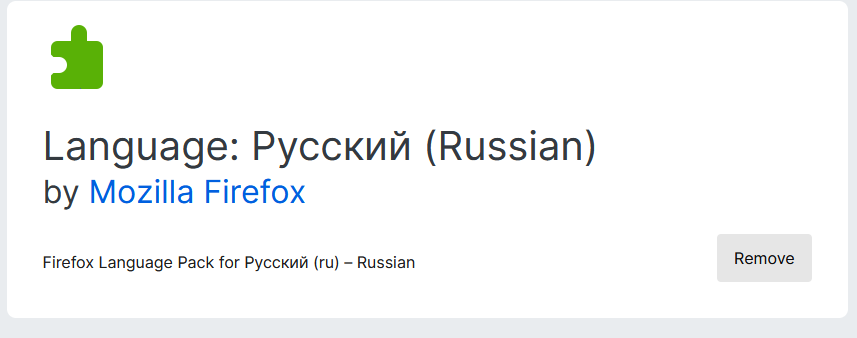
I install language pack from https://addons.mozilla.org/en-US/firefox/language-tools/ https://addons.mozilla.org/en-US/firefox/addon/russian-ru-language-pack/
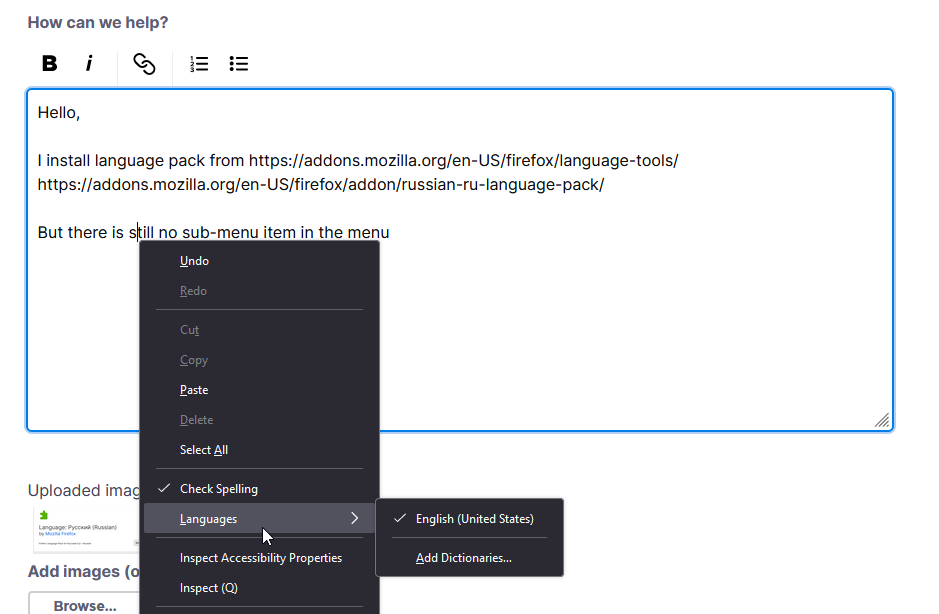
But there is still no sub-menu item in the menu
Chosen solution
The issue is you are installing a Language Pack instead of a Dictionary. https://support.mozilla.org/en-US/kb/how-do-i-use-firefox-spell-checker
On top of https://addons.mozilla.org/en-US/firefox/language-tools/ it says
Installing a dictionary add-on will add a new language option to your spell-checker, which checks your spelling as you type in Firefox. Language packs change your browser's interface language, including menu options and settings.
A Language Pack is useful for those who want to have one Firefox install but be able to change the language of Firefox menus and such. https://support.mozilla.org/en-US/kb/use-firefox-another-language
Btw the second image basically showed you to Add Dictionaries.
Ler a resposta no contexto 👍 1All Replies (2)
Chosen Solution
The issue is you are installing a Language Pack instead of a Dictionary. https://support.mozilla.org/en-US/kb/how-do-i-use-firefox-spell-checker
On top of https://addons.mozilla.org/en-US/firefox/language-tools/ it says
Installing a dictionary add-on will add a new language option to your spell-checker, which checks your spelling as you type in Firefox. Language packs change your browser's interface language, including menu options and settings.
A Language Pack is useful for those who want to have one Firefox install but be able to change the language of Firefox menus and such. https://support.mozilla.org/en-US/kb/use-firefox-another-language
Btw the second image basically showed you to Add Dictionaries.
James modificouno o
Thanks