


Disabling OCSP

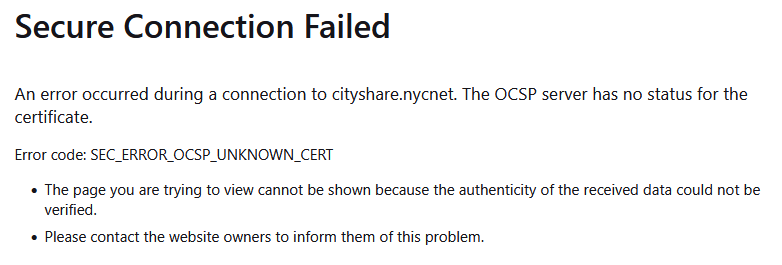
We’re experiencing intermittent OCSP issues where all our internal sites fail to validate certificates. The problem appears random and sometimes resolves by simply closing and reopening Firefox.
One of your forums mentions disabling OCSP checking via the UI, but that option is no longer available in the latest version (147.0.1).
We’ve temporarily disabled it via about:config by setting security.OCSP.enabled to false.
Is there a permanent way to disable OCSP checking that can be enforced via Group Policy (GPO)?
All Replies (2)
Hi,
It is not, but we do manage it via group policy settings. More importantly, why are we seeing this error message that it seems it started after the latest update? Edge and Chrome are not having cert issues when accessing the sites, we also noticed if you close and launch Firefox, the issue goes away temporarily. Can the issue be resolved by resetting the certs its picking up from our PCs? The certs that we are seeing as having an issue are certs that are created by our internal systems.