


Open
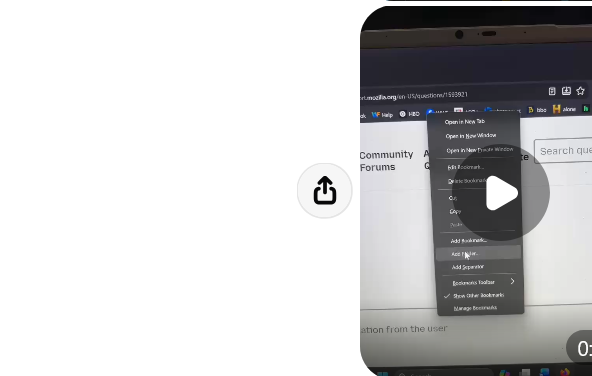
disable drop downs from some call them convex bar

anytime i try to open a site that are in my upper favorite and menu bars, i have to close the drop down once, maybe twice.
anytime i try to open a site that are in my upper favorite and menu bars, i have to close the drop down once, maybe twice.
All Replies (3)
THIS IS JUST ONE EXAMPLE. I CALL THEM DROP DOWNS I CANT GO TO MY UPPER BARS WITHOUT ONE OF THESE POPPING DOWN

Quick Fix!
Click the three horizontal lines (Menu) in the top-right corner of Firefox and select Settings. In the General panel, scroll down until you reach the Performance section. Uncheck the box that says "Use recommended performance settings". Uncheck the new box that appears called "Use hardware acceleration when available".
That should help!
i ALREADY HAVE THOSE TWO ITEMS UNCHECKED. ANYTHING ELSE WE CAN TRY?