

This thread was archived.
Please ask a new question if you need help.

Solved
Archived
Toolbar bookmarks broken

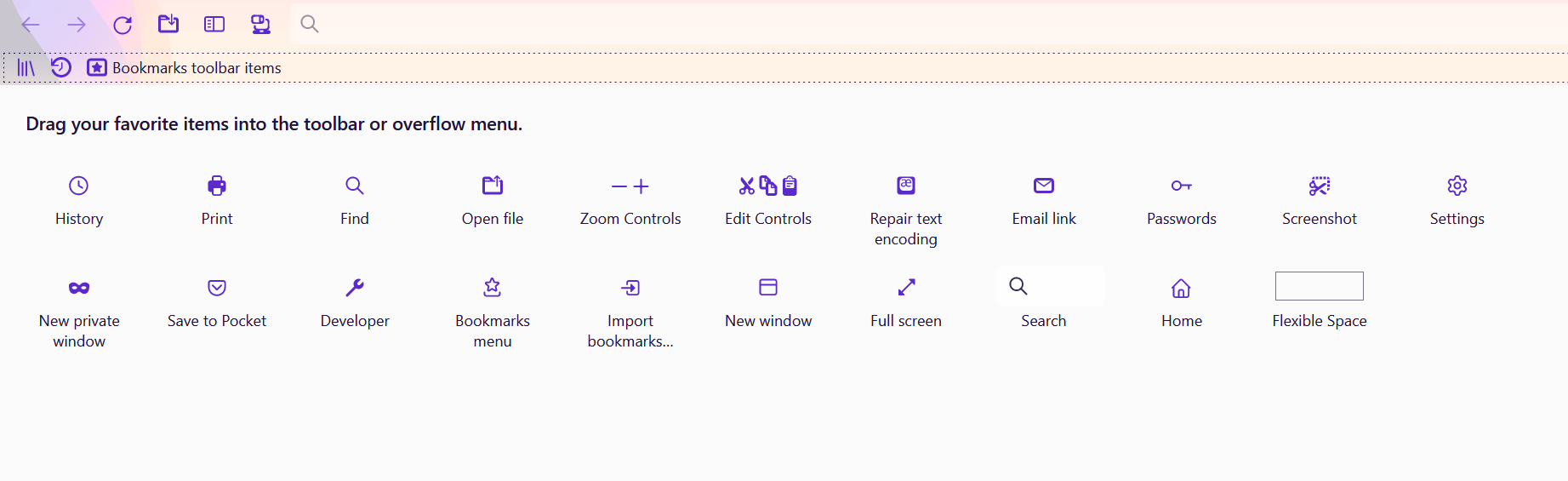
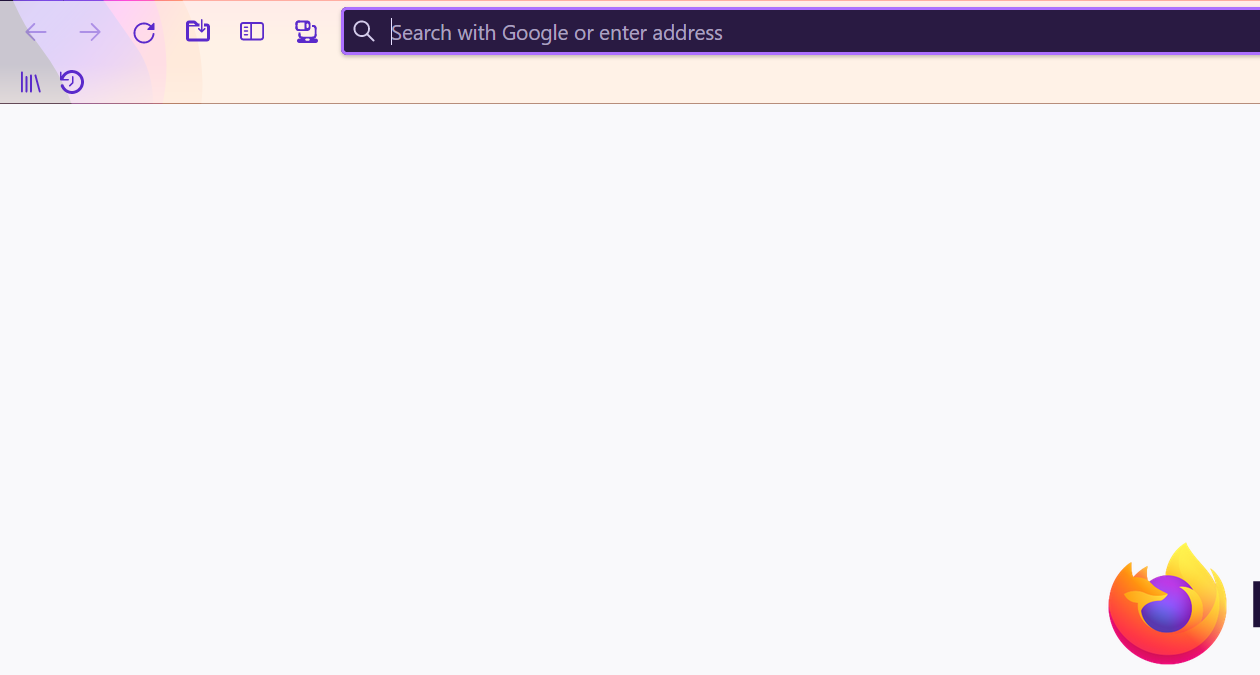
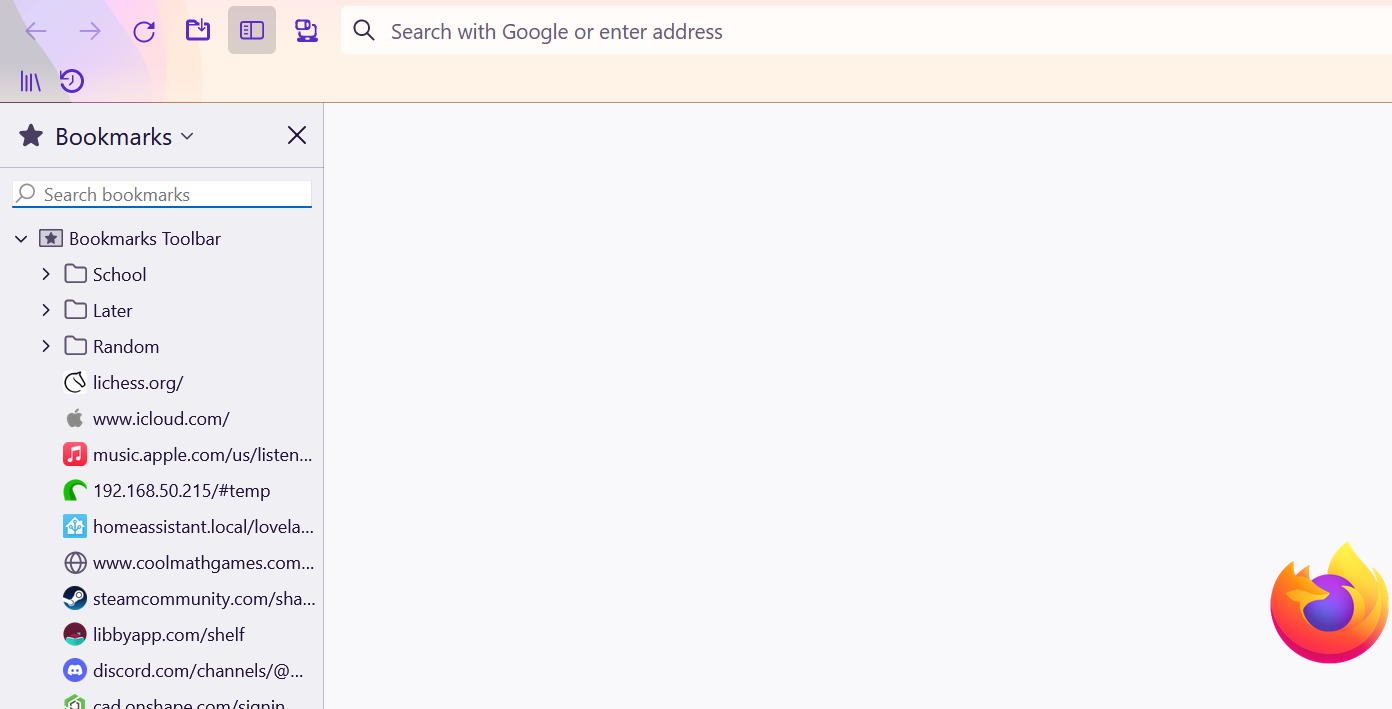
My toolbar is not displaying my bookmarks. Today, the right click menu stopped showing up, so I have no way to make it only show up on a new tab.
My toolbar is not displaying my bookmarks. Today, the right click menu stopped showing up, so I have no way to make it only show up on a new tab.
All Replies (1)

Chosen Solution
You can use the menus instead of right-click. First, the View menu on the menu bar. If you don't have the menu bar showing, alt+v will get the View menu. The first item is Toolbars which takes you to Bookmarks toolbar which gives you the 3 options.
Secondly, you can use the 3 bar menu. See this article.
https://support.mozilla.org/en-US/kb/bookmarks-toolbar-display-favorite-websites
Try restarting in troubleshoot mode to see whether you get the right-click menu back.
https://support.mozilla.org/en-US/kb/diagnose-firefox-issues-using-troubleshoot-mode