


Firefox took space for a new lateral bar that I do not want

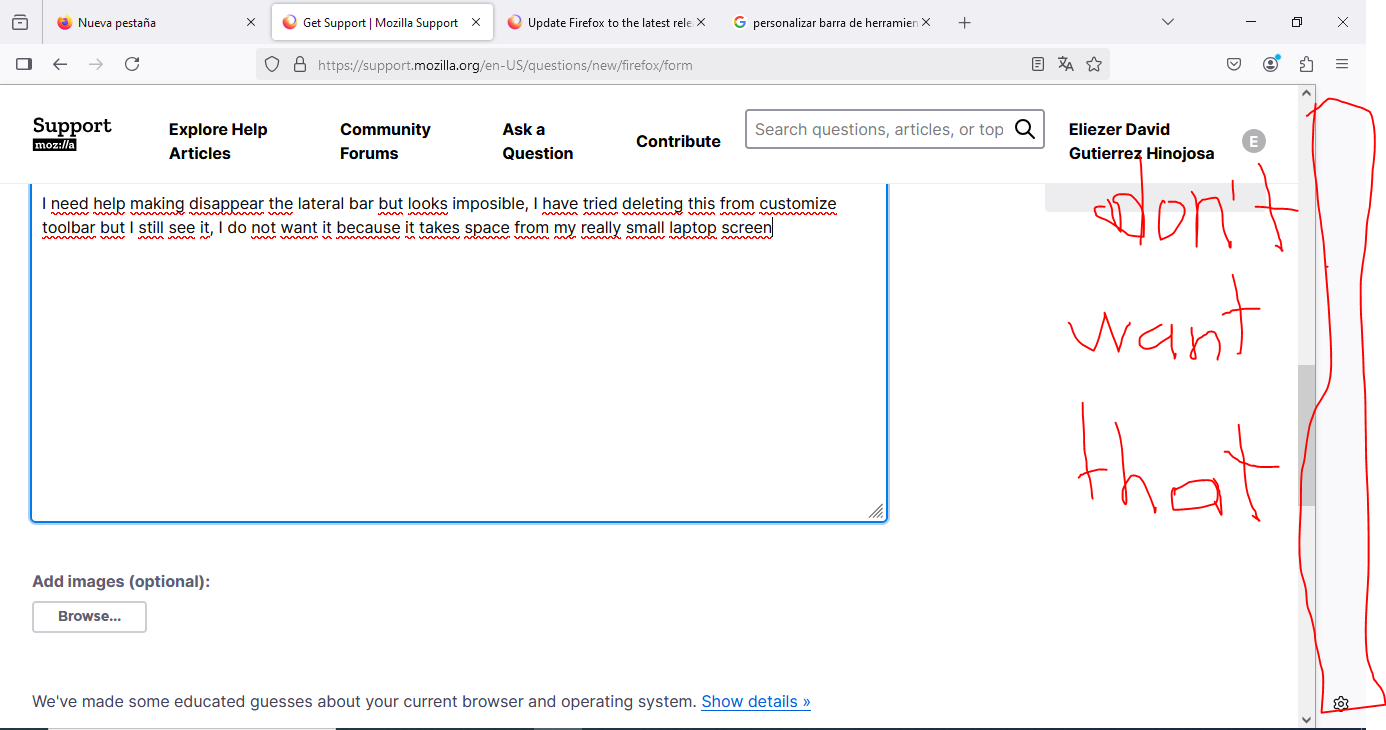
I need help making disappear the lateral bar but looks imposible, I have tried deleting this from customize toolbar but I still see it, I do not want it because it takes space from my really small laptop screen.
This problem started when I updated the laptop and I guess firefox also
I need help making disappear the lateral bar but looks imposible, I have tried deleting this from customize toolbar but I still see it, I do not want it because it takes space from my really small laptop screen.
This problem started when I updated the laptop and I guess firefox also
Όλες οι απαντήσεις (2)
I just want to know if there is a solution for this or I will have to look for a new browser.
Hi
If you select the cog wheel icon at the bottom of the sidebar launcher, you should see an option to "Show and hide sidebar". Selecting this will hide the sidebar.