Firefox won't Save As, won't allow me to change the location of Downloads folder, doesn't prompt to Save...

I am running Lubuntu 22.04LTS (have been for months now), with Firefox 130.0.1 installed via the normal vanilla apt.
It was working fine until a few days ago (perhaps after an update, but I can't recall specifically), and then just stopped being able to save anything.
For example, right clicking on an image will bring up "Save As..." as an option, but when I choose that, nothing happens. No prompt to save, nor does the file appear anywhere.
When I choose "Save" as a pulldown on cloud XLSX files...similarly, nothing happens.
When I download something, Firefox is supposed to open up a prompt asking me where I want to save the file but that never opens...nor does the file download.
I am totally baffled.
Όλες οι απαντήσεις (2)
It seems this is an issue pertaining only to 130.0.1, as I on a hunch, rolled my install back to 130.0.0 and that restored my Save functionality. Hoping this is fixed soon in a future update.
Interesting... Did you try Firefox in Troubleshoot Mode? What desktop? X11 or Wayland?
Try downloading Firefox from Mozilla, run firefox-bin from the folder and see if you have the same issue. https://www.mozilla.org/en-US/firefox/all/#product-desktop-release
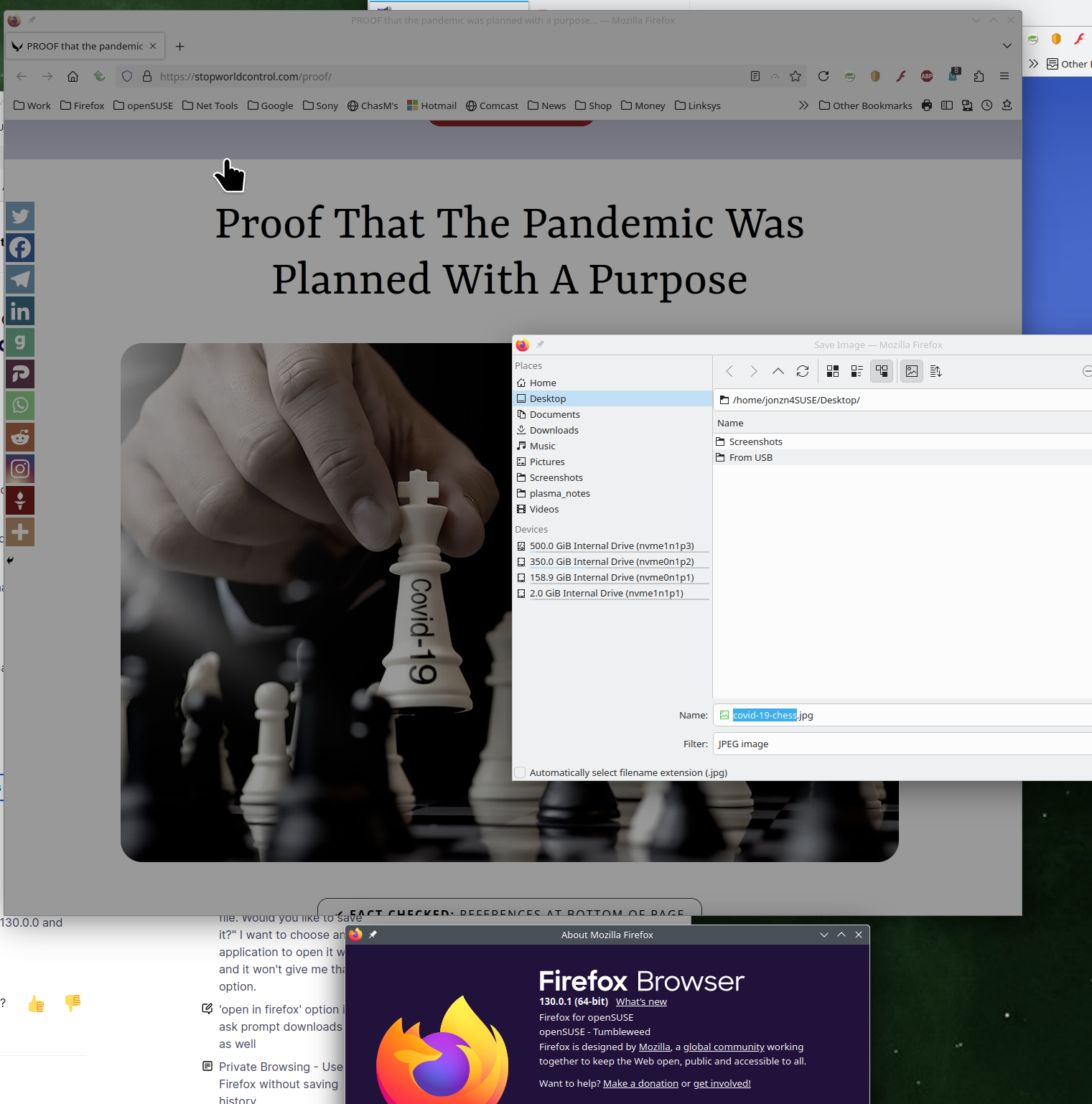
No issues for me with my distro nor Mozilla version. see screenshot
Operating System: openSUSE Tumbleweed 20240923
KDE Plasma Version: 6.1.5
KDE Frameworks Version: 6.6.0
Qt Version: 6.7.2
Kernel Version: 6.10.11-1-default (64-bit)
Graphics Platform: X11
Processors: 16 × AMD Ryzen 7 5825U with Radeon Graphics
Memory: 62.1 GiB of RAM
Graphics Processor: AMD Radeon Graphics
Manufacturer: HP
Product Name: HP ProBook 455 15.6 inch G9 Notebook PC