

Αυτό το νήμα αρχειοθετήθηκε.
Κάντε νέα ερώτηση αν χρειάζεστε βοήθεια.

Αρχειοθετήθηκε
Problem logging into google from Mozilla

Every time I try to log in to gmail I receive this message: We've detected a problem with your cookie settings. Enable cookies Make sure your cookies are enabled. To enable cookies, follow these browser-specific instructions I've tried enabling cookies in Mozilla. Apparently I'm doing something wrong because I'm still getting the same message from google.
Every time I try to log in to gmail I receive this message: We've detected a problem with your cookie settings. Enable cookies Make sure your cookies are enabled. To enable cookies, follow these browser-specific instructions I've tried enabling cookies in Mozilla. Apparently I'm doing something wrong because I'm still getting the same message from google.
Όλες οι απαντήσεις (1)

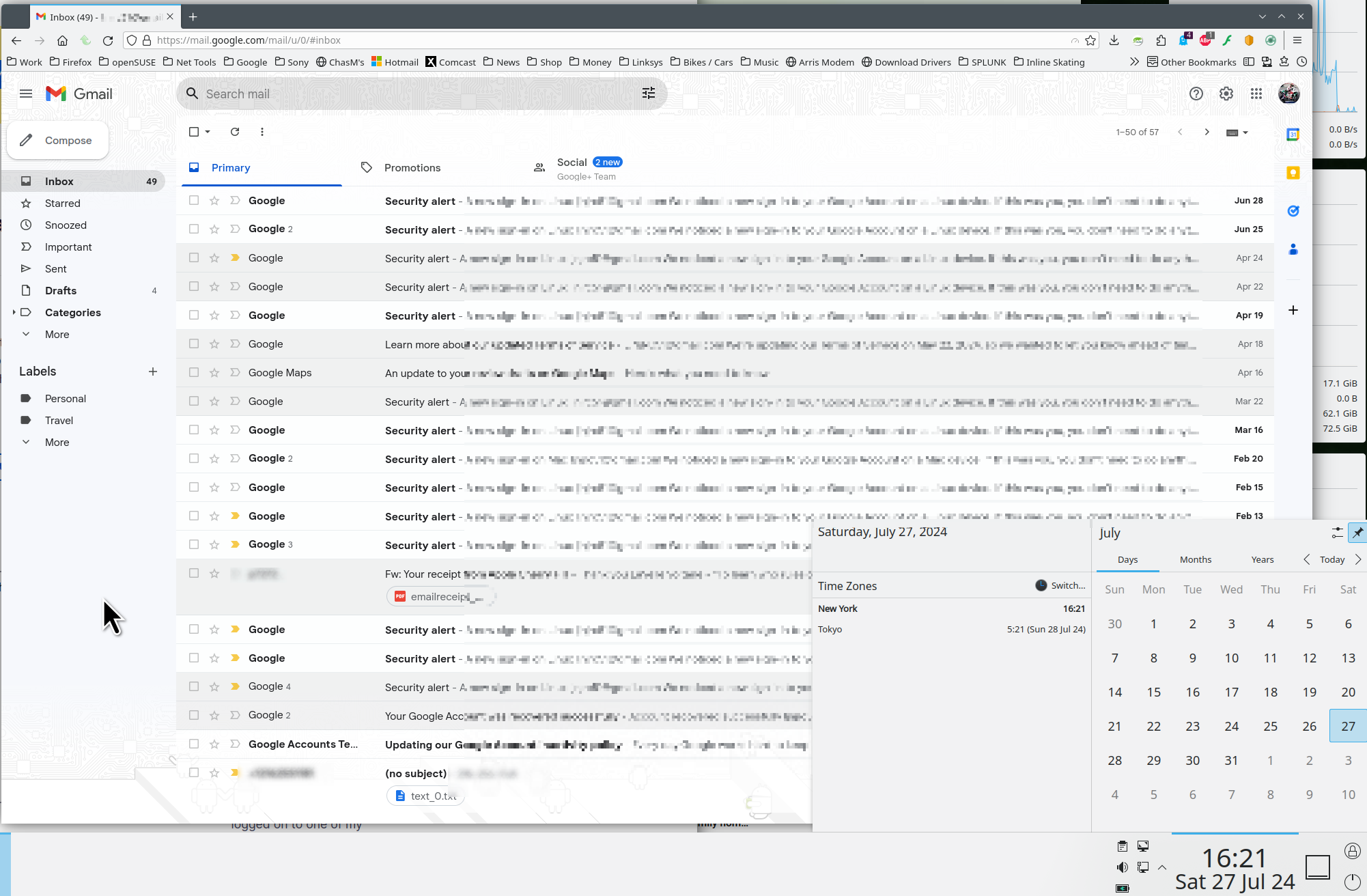
Show your settings and post a full browser screenshot showing the issue using anything other than Firefox screenshot option. I was able to log into my gmail account. see screenshot Do you have the same issue with Firefox in Troubleshoot Mode?
Τροποποιήθηκε στις από τον/την jonzn4SUSE