


Unable to paste screenshot into Google Translate

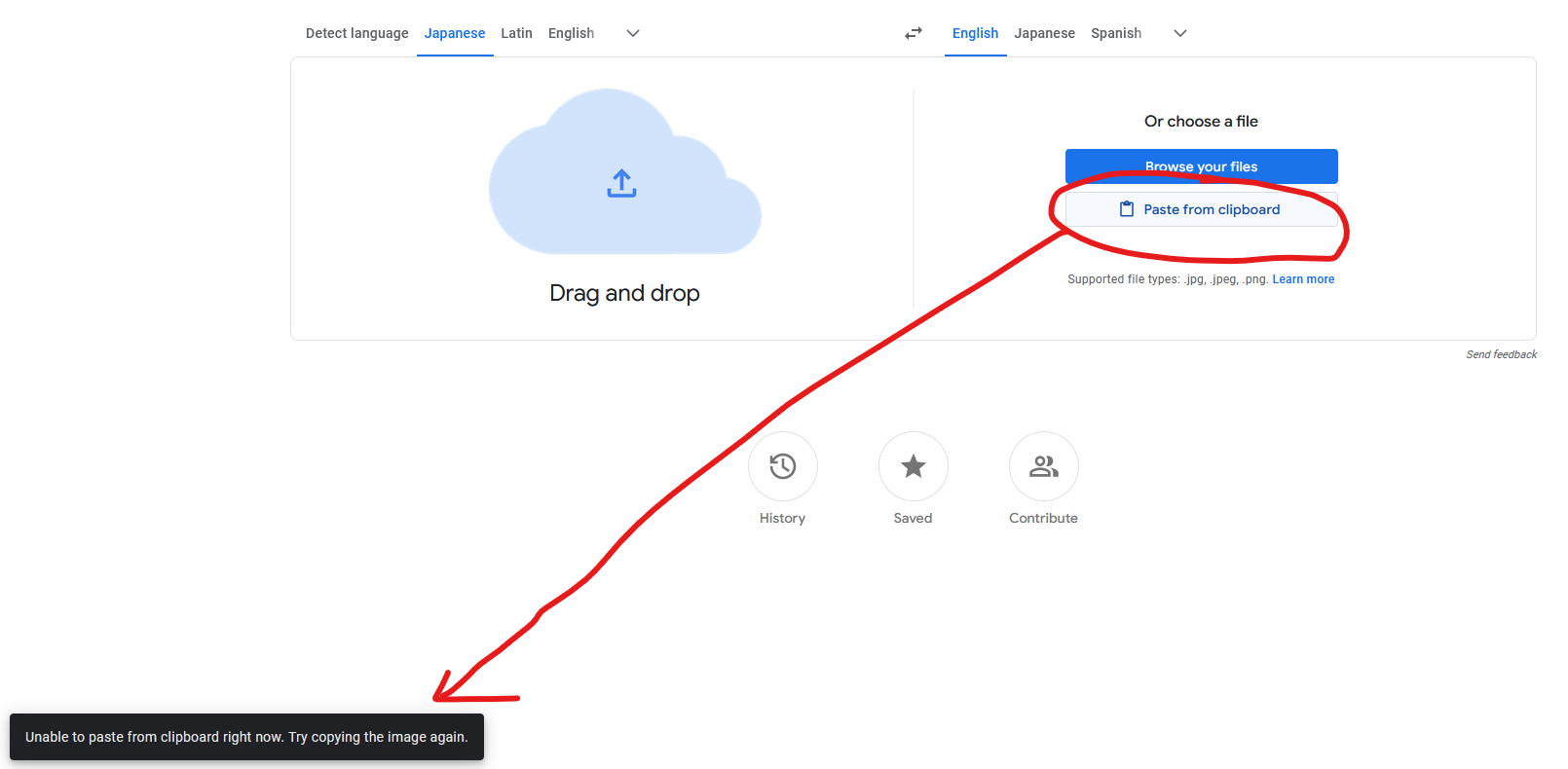
When I try to screenshot (Windows+Shift+S) and paste the screenshot into Google Translate, I get the error message:
Unable to paste from clipboard right now. Try copying the image again.
This functionality works in every other browser I've tried (Chrome, Edge, Brave, Opera GX), so it's not a Google problem, I don't think.
Επιλεγμένη λύση
Giving websites direct access to your clipboard is dangerous.
Current support is experimental, you can enable it by changing dom.events.asyncClipboard.clipboardItem to true in about:config and use the "Paste" context menu to confirm the action.
Προβολή απάντησης εντός συζήτησης 👍 7Όλες οι απαντήσεις (2)
Επιλεγμένη λύση
Giving websites direct access to your clipboard is dangerous.
Current support is experimental, you can enable it by changing dom.events.asyncClipboard.clipboardItem to true in about:config and use the "Paste" context menu to confirm the action.
Perfect, that solved it. Interestingly, the "Paste" context item appears on a completely different screen than my browser... but it works. Thank you.