


Mozilla language does not change
Hello,
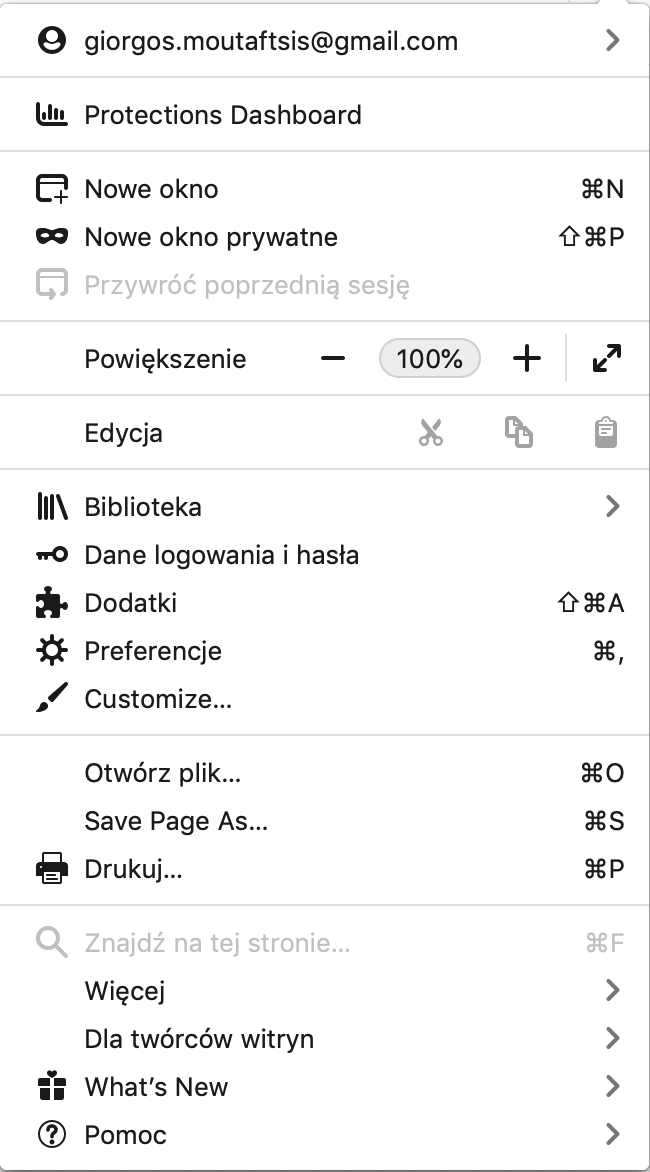
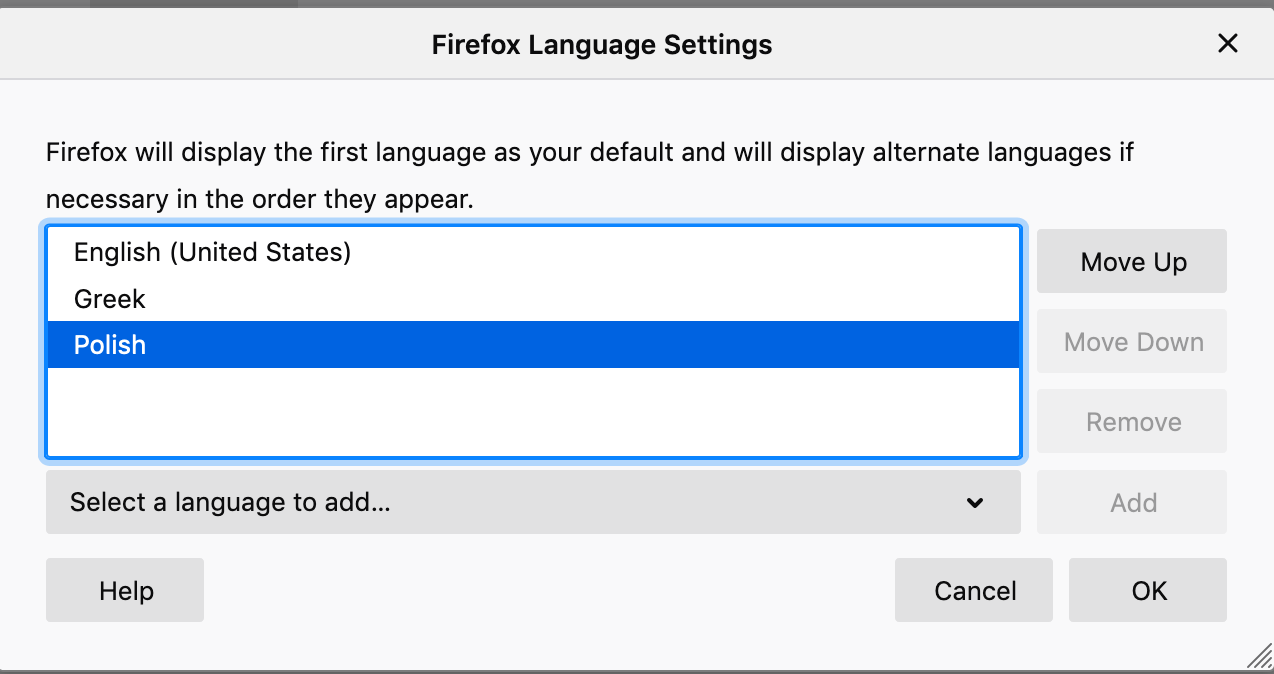
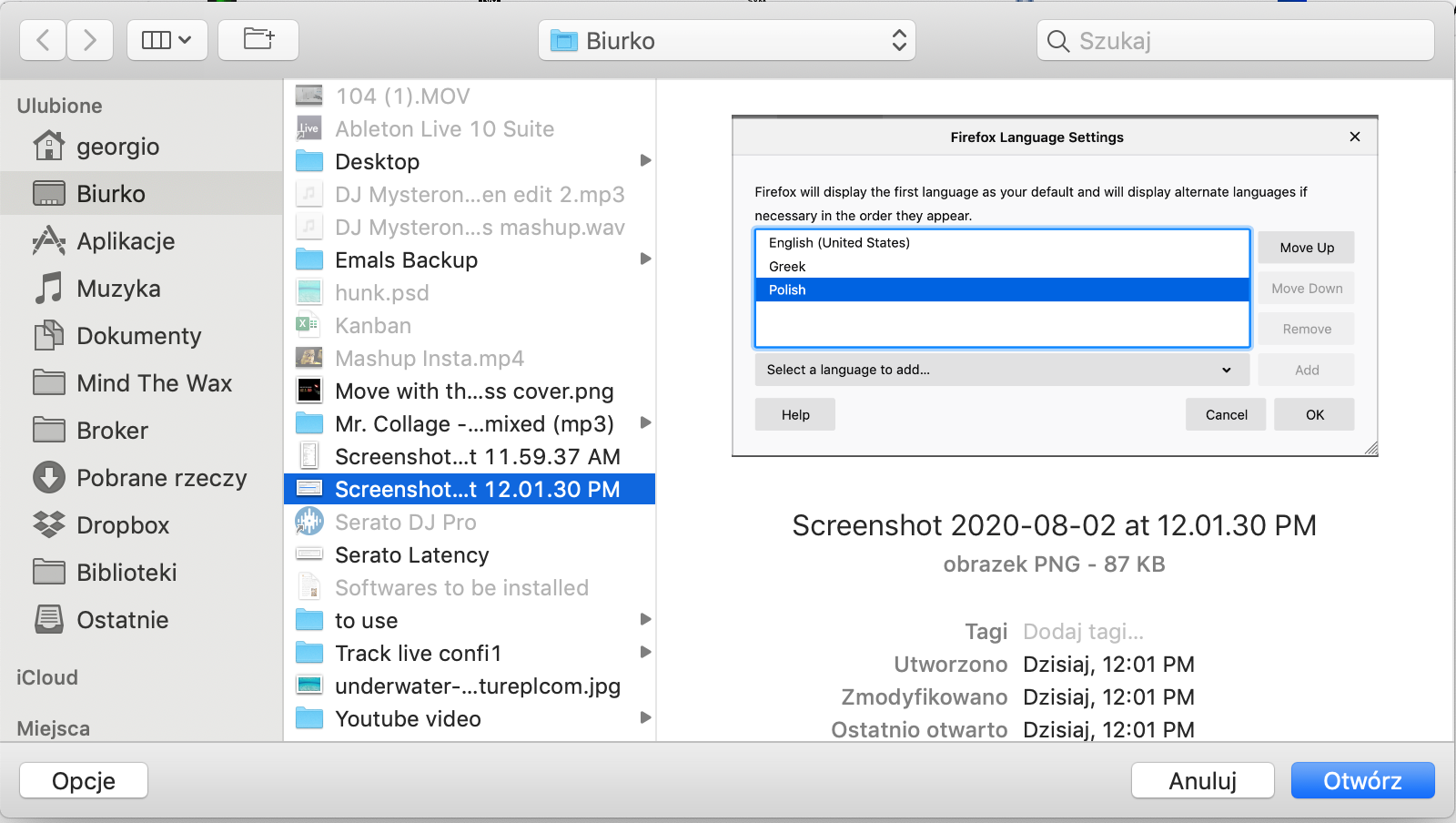
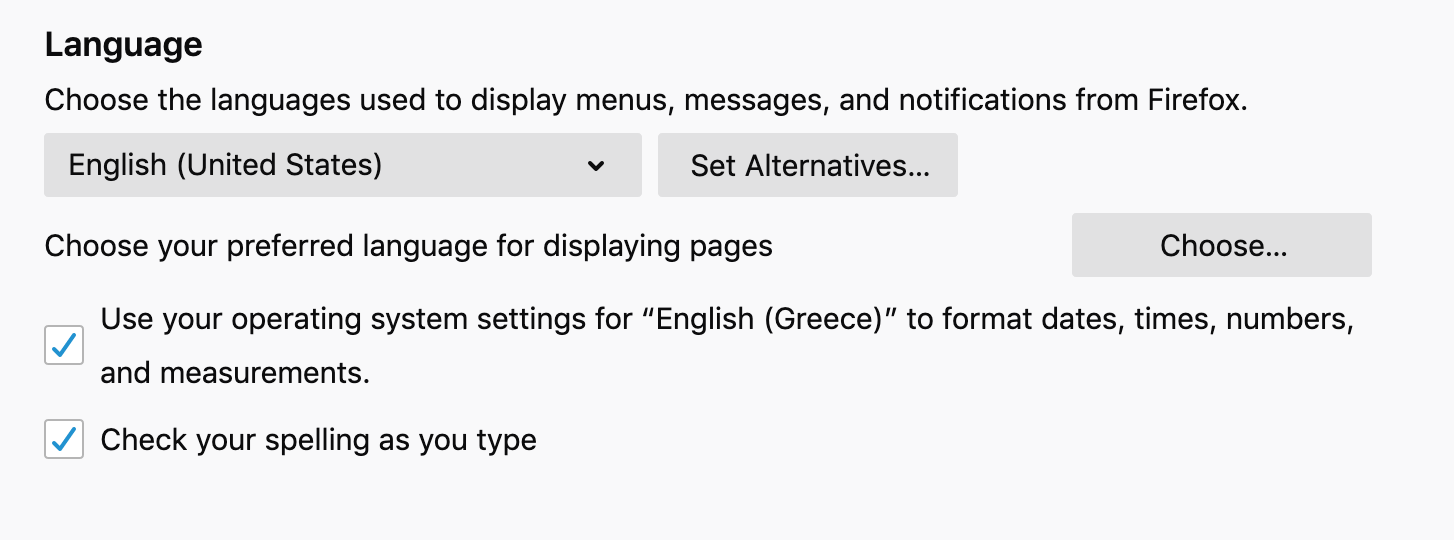
I have the language settings of Mozilla in English but on the menu and on the pop up windows the language is in Polish. The menu appears also with some functions in Polish and some in English. I would like to remove completely the Polish language as an option but it not removable. Pictures attached.
Can someone help with how to solve this issue? Many thanks in advance!
Giorgos
Επιλεγμένη λύση
Your OS interface is also in polish, so it looks like you've downloaded a polish version of Firefox.
Enter about:support in the URL bar and Try clearing the startup cache using a button on the right side.
Firefox stores certain temporary data in a startup cache to improve startup speed. Clearing the startup cache and then restarting Firefox can sometimes fix various issues, such as mixed languages in the user interface after an update. This will not change your profile data or add-ons.
If it doesn't work, go to https://www.mozilla.org/en-US/firefox/all/#product-desktop-release and download full installer with a preferred language.
Προβολή απάντησης εντός συζήτησης 👍 1Όλες οι απαντήσεις (2)
Επιλεγμένη λύση
Your OS interface is also in polish, so it looks like you've downloaded a polish version of Firefox.
Enter about:support in the URL bar and Try clearing the startup cache using a button on the right side.
Firefox stores certain temporary data in a startup cache to improve startup speed. Clearing the startup cache and then restarting Firefox can sometimes fix various issues, such as mixed languages in the user interface after an update. This will not change your profile data or add-ons.
If it doesn't work, go to https://www.mozilla.org/en-US/firefox/all/#product-desktop-release and download full installer with a preferred language.
Τροποποιήθηκε στις από τον/την TyDraniu
It worked man! Many thanks!