


Solved
Question about an email I received
I received an email stating the following: "Firefox now has a built-in ad blocker.... Turn it on under Settings > Browsing." There is no "Browsing" in my Settings.
I received an email stating the following:
"Firefox now has a built-in ad blocker.... Turn it on under Settings > Browsing."
There is no "Browsing" in my Settings.
Ɖɔɖɔɖo si wotia
Thank you, I didn't notice that!
All Replies (4)

Could you copy the exact text, maybe a screenshot.
There are options to limit intrusions :: 1. Privacy and security 2. Permissions and data
You can also add the extension uBlock Origin or other 'blocker'
Here's the screenshot.
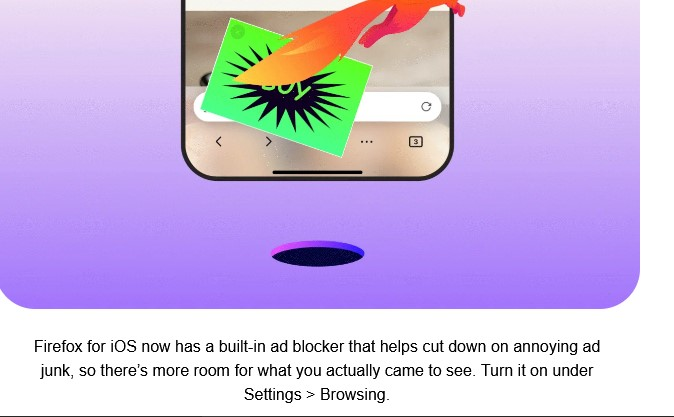
Hi.
You seem to be posting under the Desktop forum using a Windows computer, whilst your screenshot shows an iOS issue
Please use the appropriate forum :) Top menu > Community Forums > Firefox for iOS
Yes there is no Settings > Browser on Fx Windows Desktop
Ɖɔɖɔɖo si wotia
Thank you, I didn't notice that!