addons.mozilla.org: "An unexpected error occurred"

Hello,
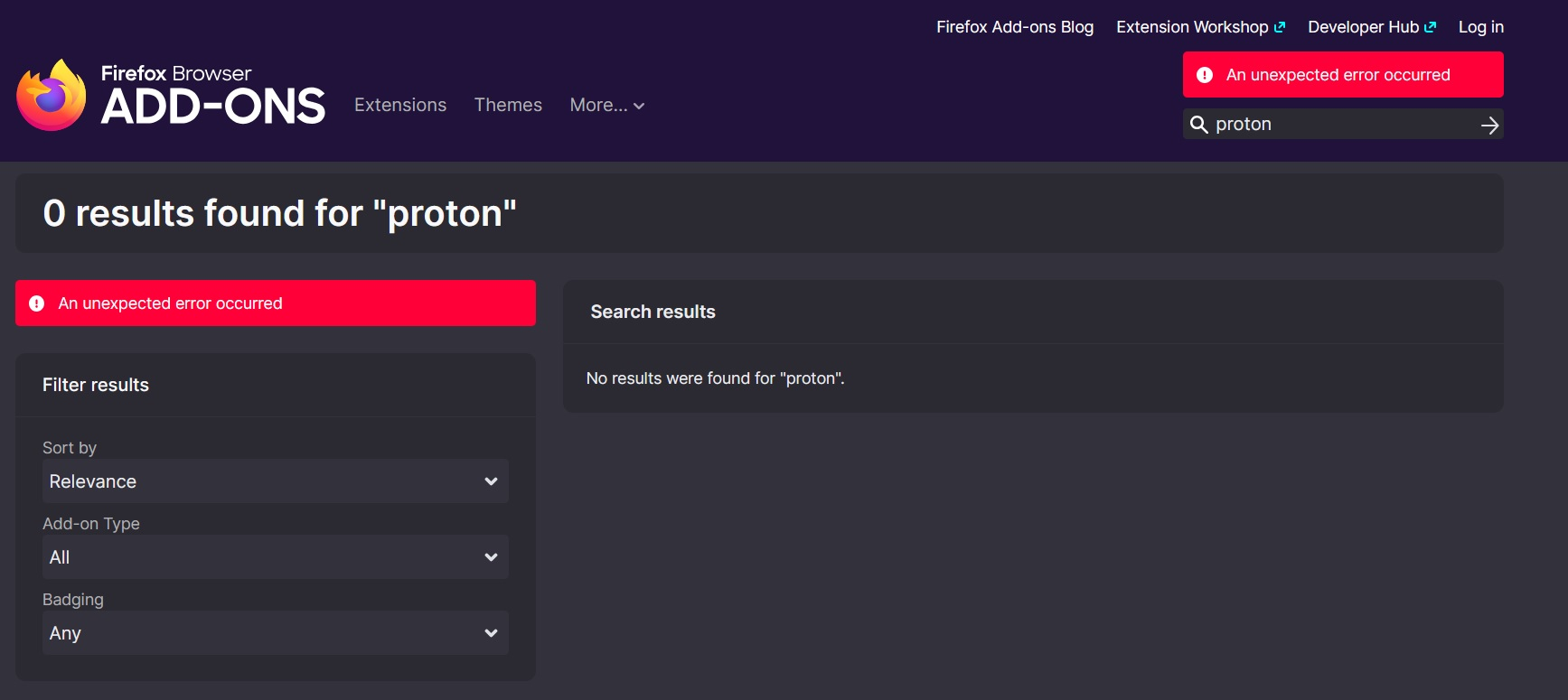
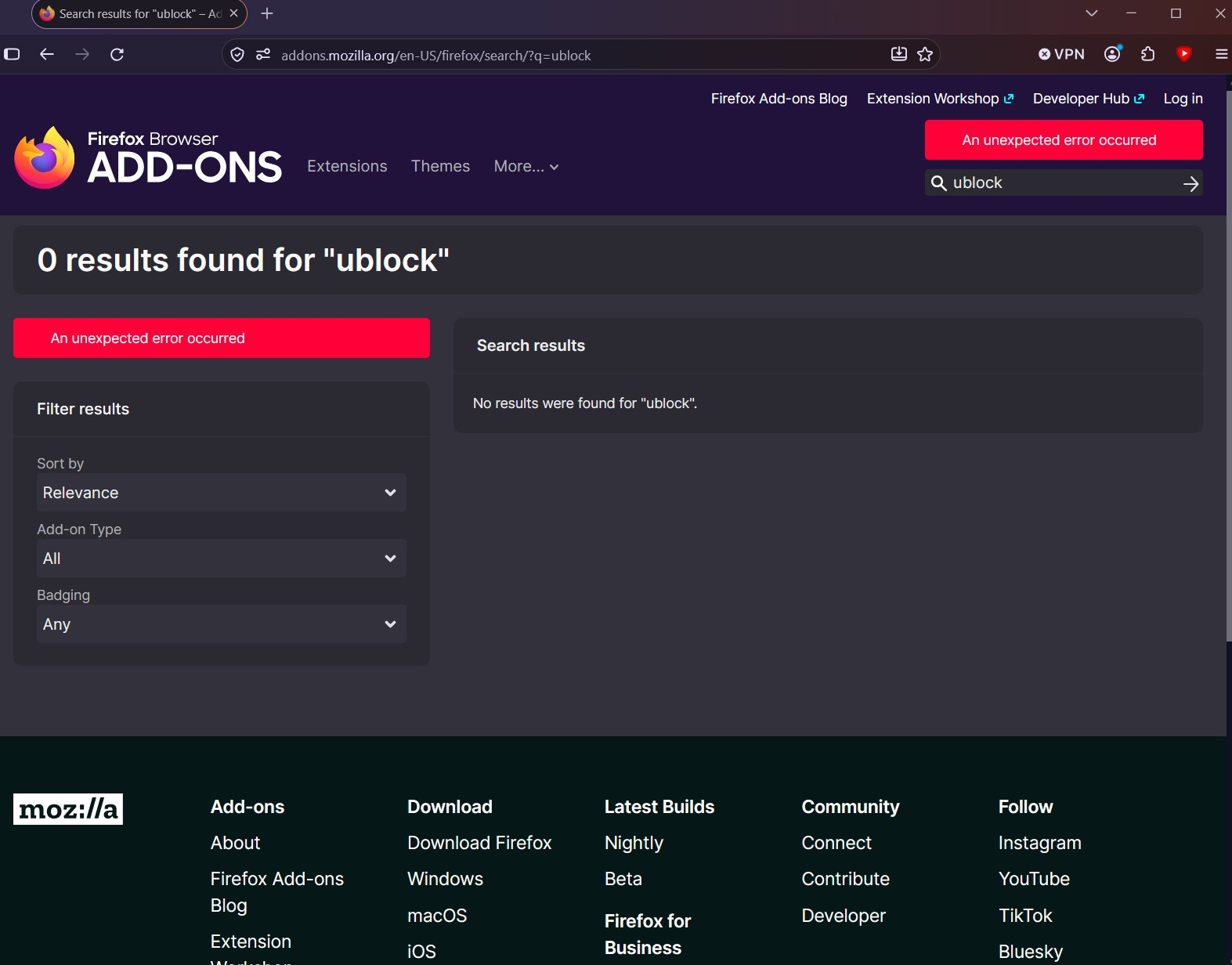
I have had an issue for a few months now where certain websites fail to load. This is most easily reproduced on https://addons.mozilla.org, where I am shown the error "An unexpected error occurred" on most pages, preventing me from installing addons.
This issue does not occur in a Private Window, in Troubleshooting mode or in Chrome or Brave, but persists in fresh installs of Firefox. In troubleshooting this issue, I have removed all program files, registry data, and app data pertaining to Mozilla / Firefox. In fresh installs, I can sometimes install an add-on or two before this error starts occuring. I have not imported any previous data.
I was previously installing from Chocolatey, but in my last clean install, I downloaded from the official website.
I am on Windows 10 and Firefox 157. I use Proton VPN (Paid) and have tried changing servers several times to no avail. Again, this only happens in Firefox in a standard window, Private Mode and Troubleshooting Mode are fine.
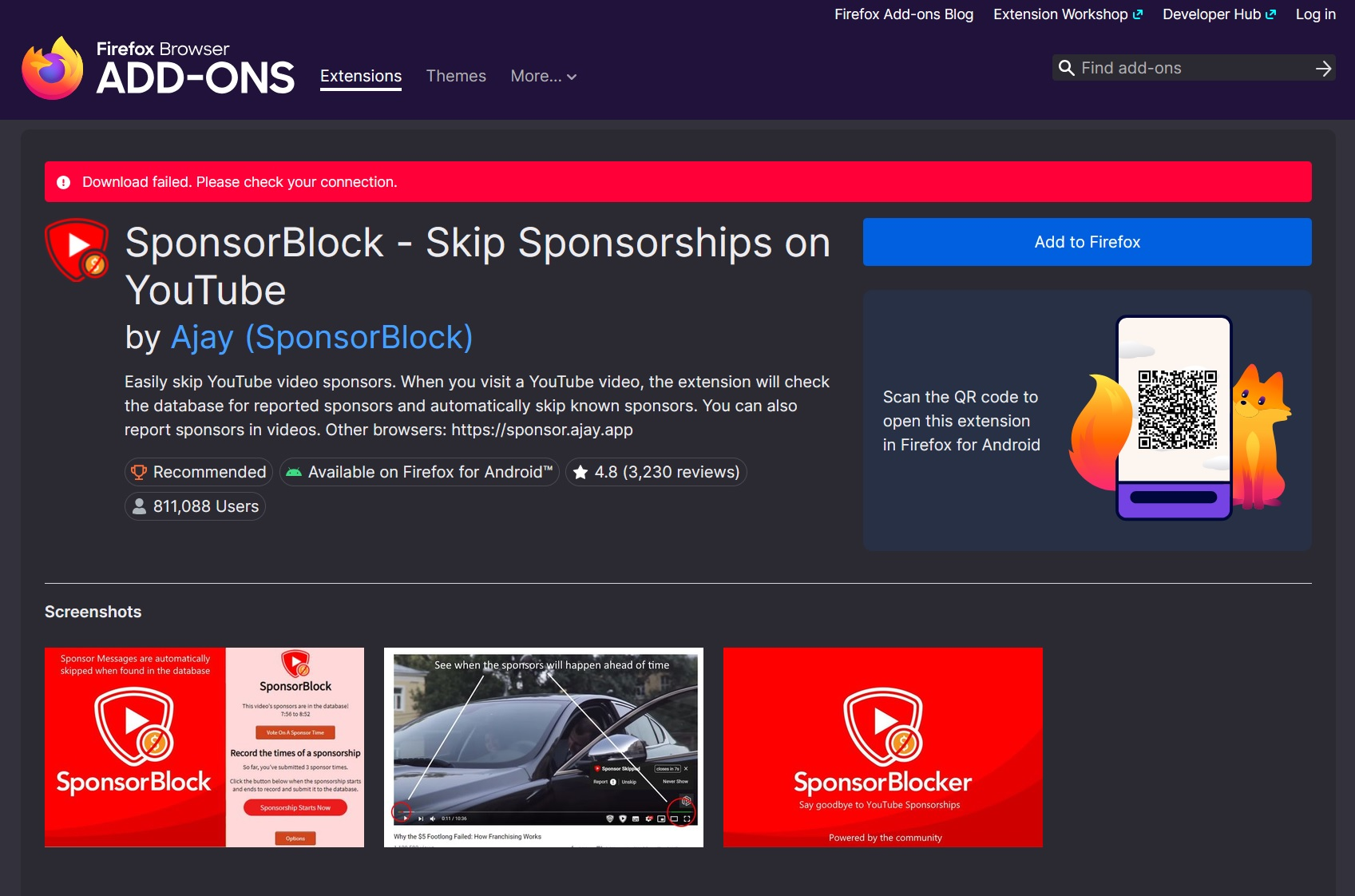
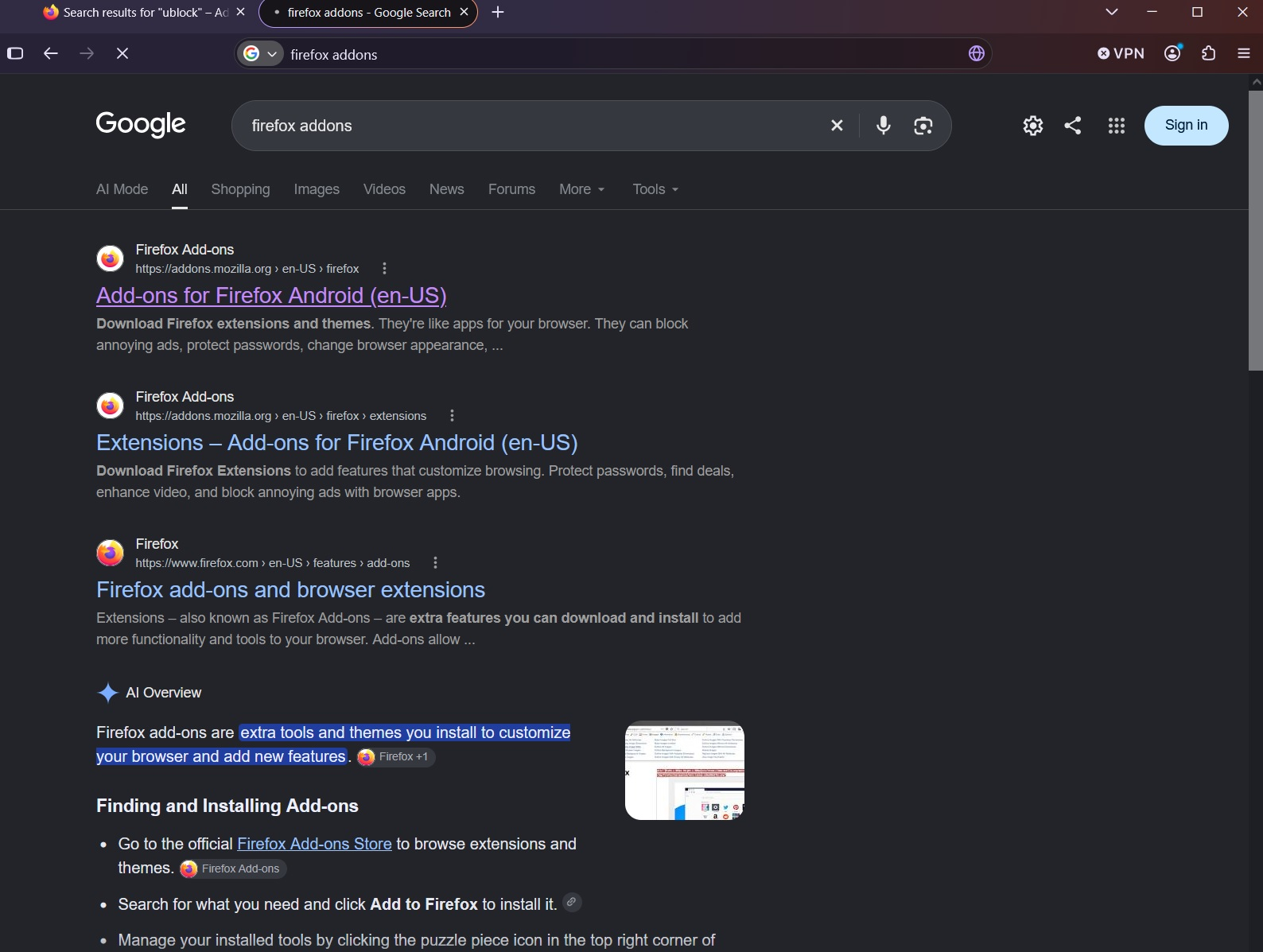
Screenshot 1 shows the issue from my most recent reinstall. I was able to install 1 add-on (SponsorBlock) before it started showing up. Removing the add-on doesn't fix the issue. Trying to access addons.mozilla.org via a search engine results in the tab icon loading for a second and no change happening on screen (Screenshot 2).
I experience similar issues on other websites, like trying to log into Bandcamp.com (logging in gives the error "There was a network error. Please try again."), but most sites work.
Loading https://addons.mozilla.org/en-US/firefox/ gives the following results in the Network Console:
Uncaught (in promise) TypeError: can't access property "pressed", target is null
onChangePermissions chrome://mozapps/content/extensions/components/addon-card.mjs:893
addon-card.mjs:893:7 Reporting Header: invalid JSON value received. collect Reporting Header: invalid JSON value received. collect Reporting Header: invalid JSON value received. collect Reporting Header: invalid JSON value received. collect Reporting Header: invalid JSON value received. collect Reporting Header: invalid JSON value received. collect
Wšykne wótegrona (3)
I think it's the same issue as this user: https://support.mozilla.org/en-US/questions/1599323
Hi,
Since the problem only occurs in a normal Firefox window, while Private Browsing and Troubleshoot Mode work correctly, this points more toward something specific to your normal Firefox profile or its stored settings/data.
Since you've already tested a fresh installation, VPN servers, and removing the previous Firefox data, could you try creating a completely new Firefox profile and testing addons.mozilla.org there? You can open about:profiles in Firefox and select Create a New Profile.
If the problem also occurs in a brand-new profile, that would be useful information because it would make an installation/profile issue less likely. The fact that Bandcamp also produces network errors suggests this may not be specific to addons.mozilla.org.
Max said
Hi, Since the problem only occurs in a normal Firefox window, while Private Browsing and Troubleshoot Mode work correctly, this points more toward something specific to your normal Firefox profile or its stored settings/data. Since you've already tested a fresh installation, VPN servers, and removing the previous Firefox data, could you try creating a completely new Firefox profile and testing addons.mozilla.org there? You can open about:profiles in Firefox and select Create a New Profile. If the problem also occurs in a brand-new profile, that would be useful information because it would make an installation/profile issue less likely. The fact that Bandcamp also produces network errors suggests this may not be specific to addons.mozilla.org.
Hi Max,
Thanks for your quick reply.
I setup a new profile and got pretty much the same result. After creating the profile, I was able to get to the SponsorBlock page, but clicking Install resulted in a network error (screenshot 1). After this, none of the add-ons load on the site (Screenshot 2).
Closing and reoping Firefox let me get a different addon installed, and then when I went to a second, I got the same result. It seems like there's a small, 30-60 second window where the connection to addons.mozilla.org works and I can install addons after booting up Firefox.