


No "end private session button" after updating to Firefox 151.0

I just updated Firefox to version 151.0. The release notes say:
"Private Browsing Mode now allows you to instantly clear all data from your current session without closing the entire window. When you select the End Private Session button (the fire icon) to the right of the URL bar, Firefox will ask you to confirm to clear your session. Once confirmed, it will wipe all of your private browsing data and open a fresh new Private Browsing Mode session for you."
There is no "fire icon" in my toolbar in private browsing windows. I have tried resetting my toolbar to defaults, but that didn't help. I re-installed Firefox 151.0, but that didn't help. I re-booted my system, but that didn't help. I have run out of ideas.
Can anyone tell me how to get this button to appear in the toolbar in private browsing sessions?
I'm using Windows 11 25H2 on a Dell XPS 9630 tower computer.
Thanks, Bill
Wšykne wótegrona (8)
Hello
Please, check the preference, browser.privatebrowsing.resetPBM.enabled value true
1 - Go to configuration editor https://support.mozilla.org/en-US/kb/about-config-editor-firefox 2 - Enter a search term browser.privatebrowsing.resetPBM.enabled
And test, Private Browsing - Use Firefox without saving history https://support.mozilla.org/en-US/kb/private-browsing-use-firefox-without-history
And test, also, Always use private browsing mode or to Never remember history
This preference has been usable since (a article) https://www.soeren-hentzschel.at/firefox/firefox-120-ermoeglicht-das-zuruecksetzen-privater-sitzungen
Screenshot below.
Important: When Firefox is set to Always use private browsing mode or to Never remember history, you won't see a purple mask at the top of each window, even though you are in Private Browsing mode.
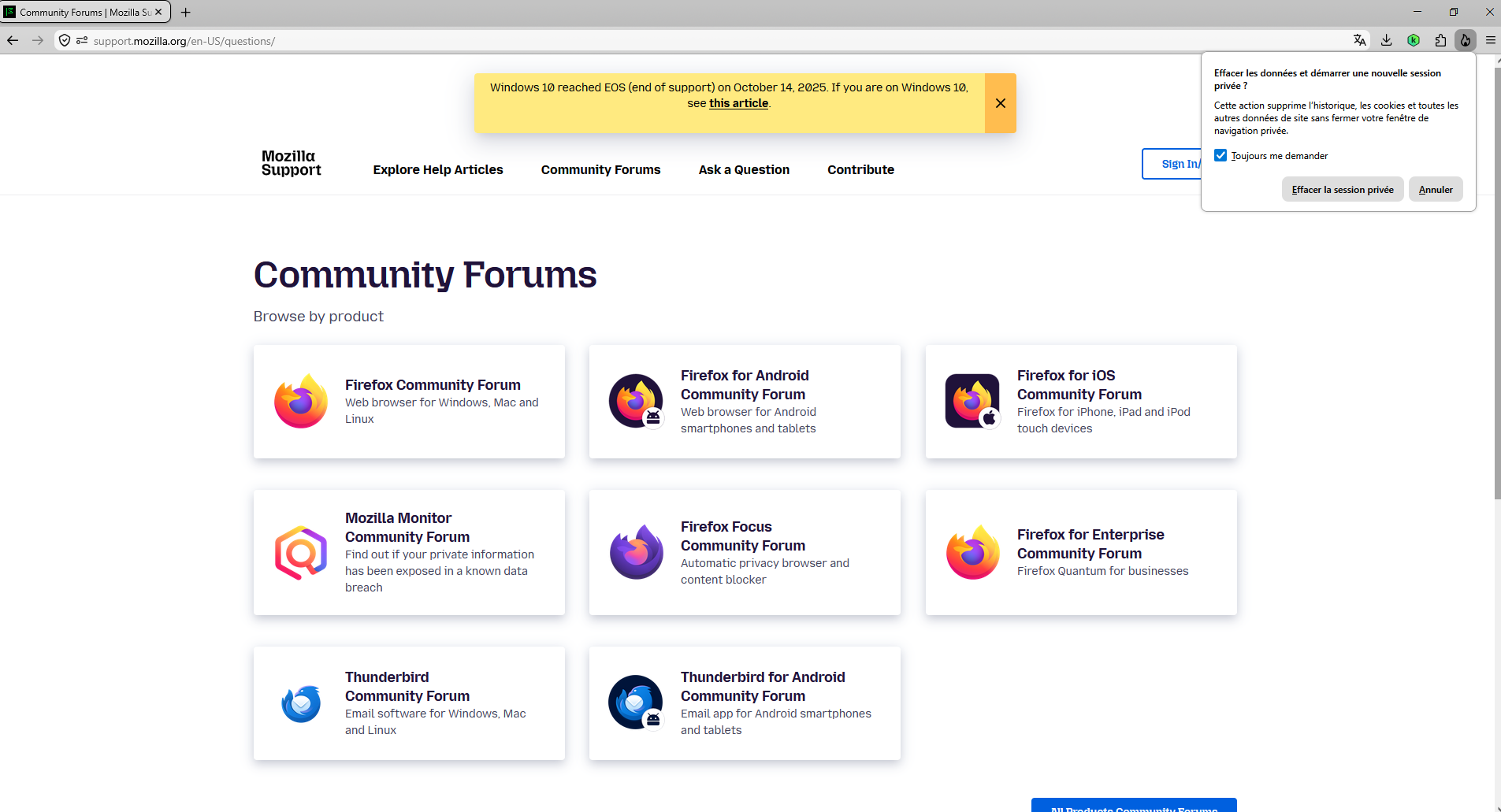
How does Mozilla expect the average user to ever see an article on https://www.soeren-hentzschel.at/firefox/firefox-120-ermoeglicht-das-zuruecksetzen-privater-sitzungen which appears to not even be an English web site?
Why didn't the upgrade to 151.0 automatically set browser.privatebrowsing.resetPBM.enabled to TRUE?
How were we to know this option even existed?
I didn't have this option in about:config so I had to add it and set it to TRUE.
Come on Mozilla. You can do better!
Wót BillH změnjony
That really isn't the point. Why didn't Mozilla tell us about this option in the release notes. How would I know to look at any website to find out about the option? I don't know about the site www.soeren-hentzschel.at or www.ghacks.net. We shouldn't have to search around to find a site. Mozilla should tell us.
Wót BillH změnjony
It wasn't marked as "progressive rollout", but eventually turned into one. Basically should have gotten available to everyone after a restart or two if they didn't see it available right away.