


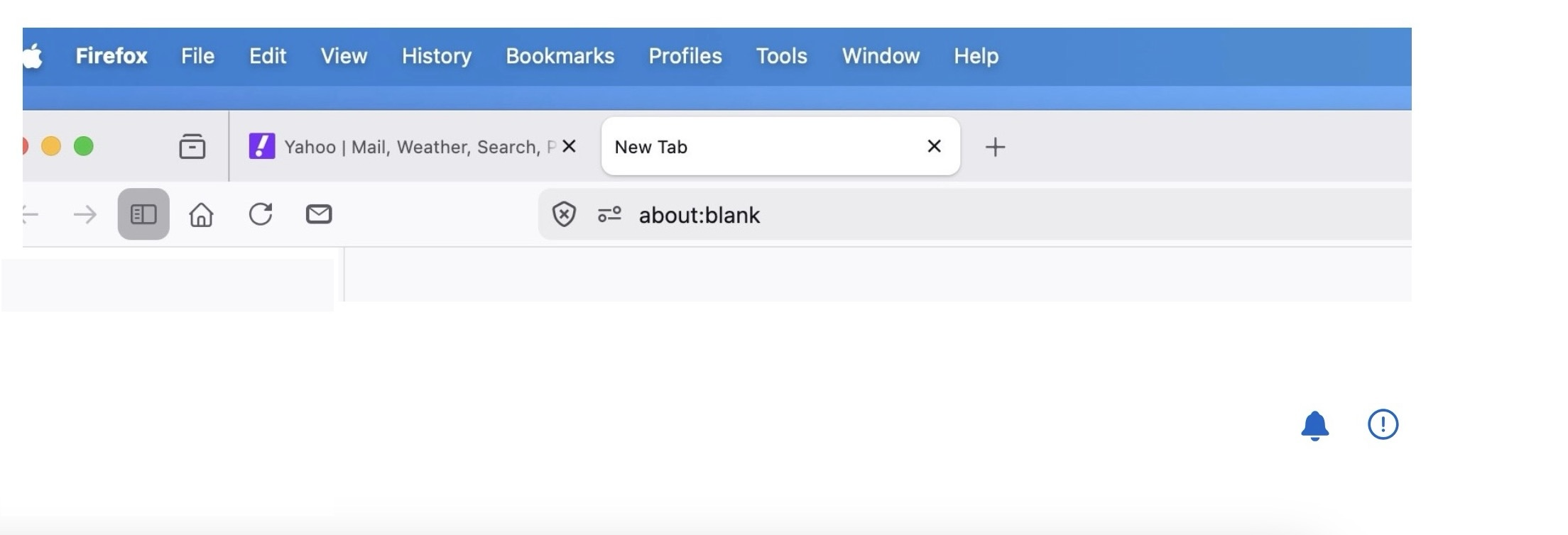
About:Blank comes up when I try to search. empty page

Why is this happening?!!!
I Type into the search bar, hit RETURN KEY and get "ABOUT:BLANK:, a new empty page.
Wšykne wótegrona (7)
Hello,
To my understanding, it is after typing in a query it redirects to the about:blank page.
Here is a way to fix it: 1. Try Firefox safe mode Click the menu button (three lines) in the top right, select Help, and then Troubleshoot Mode.... Click Restart, then Open in the dialog box. if it fixes, it is most likely a extension issue.
2. Clear cache and cookies Type about:preferences#privacy in the address bar and press Enter. Under Cookies and Site Data, click Clear Data Check both "Cookies and Site Data" and "Cached Web Content", then click Clear.
3. Fake search bar setting Type about:config in the address bar and press Enter. Click "Accept the Risk and Continue". Search for: browser.newtabpage.activity-stream.disableTabs. If it is set to true, double-click it to set it to false.
4. 0-RTT data issue Type about:config in the address bar. Search for: security.tls.enable_0rtt_data. Double-click it to set it to false. Restart Firefox.
5. Check for malware with your antimalware service. (if none, then skip)
6. Refresh firefox Type about:support in the address bar. Click Refresh Firefox. NOTE : this makes firefox go to default settings, and keeps bookmarks and passwords.

None of these steps worked. It not only is happening on my Macbook Air, its happening on my Mac ddsktop
Obviously a Firefox issue

None of the suggestions work! I have refreshed Firefox, cleared cache and cookies, turned off extensions, firewall and antivirus. Checked all the set pages to Yahoo or Firefox, even tried some of the config setting changes. NOTHING WORKS. It is a Firefox issue for certain though- because if I use google Chrome or Edge the search works just fine. For a bit of further information though- after you get the blank page, if you will hit the X to go back, the search will THEN work. I have 2 computers and one laptop and it's the same problem on all three. Type in a search in Yahoo (IN FIREFOX) and get about:blank instead!
Wót Lazee54 změnjony