


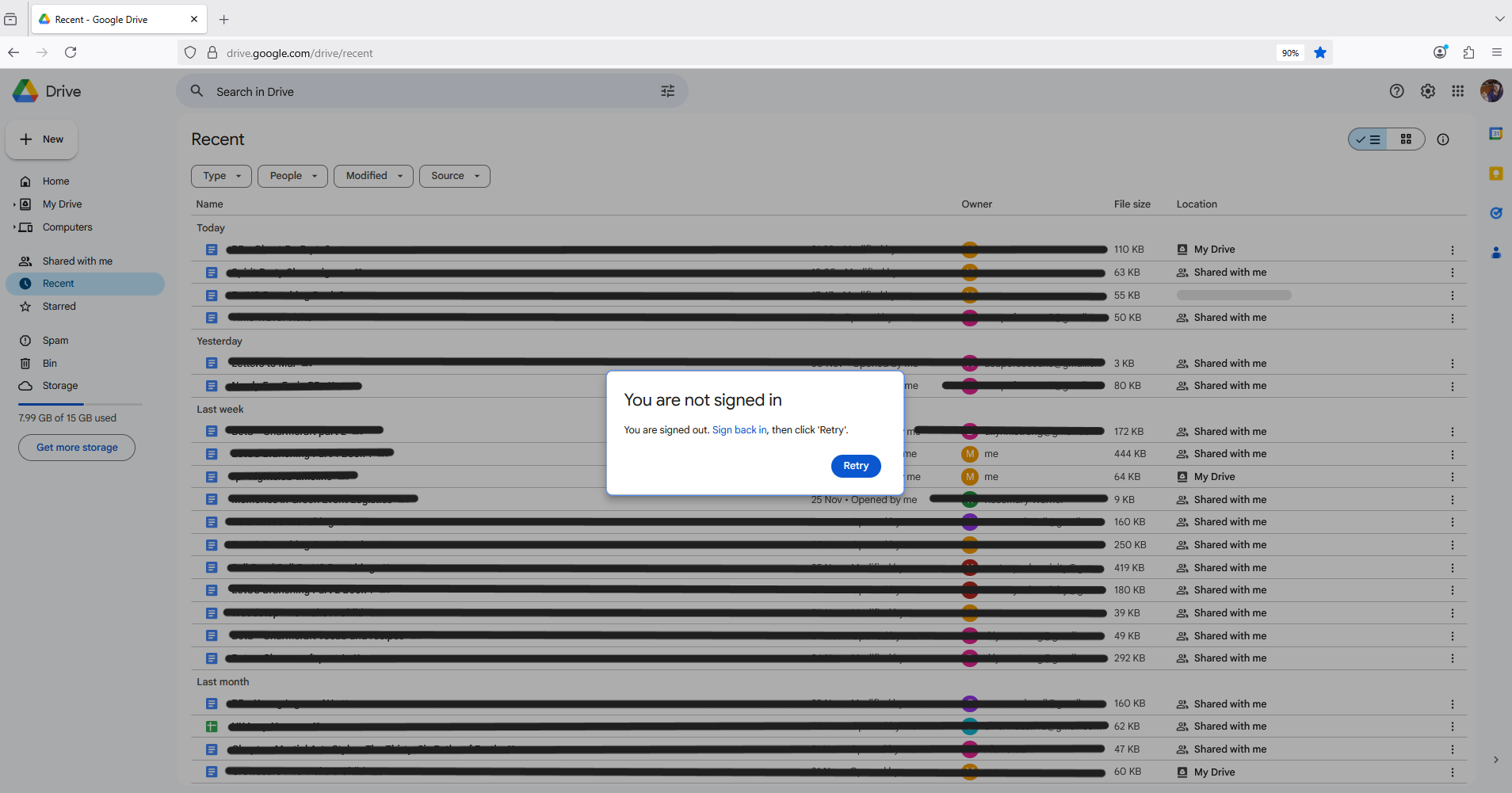
Google Drive is stuck in a loop error saying I am not signed in when my email is signed in

Hello,
I am having an issue where my google account half logs out after every session. My gmail remains logged in, but google search does not. Google drive (and this is the main issue), is stuck so that it can see the files of my account, but insists I'm not signed in.
When I attempt to login and retry nothing happens and it remains in the loop. Before today I have been able to open documents only accessible when signed in on google drive by going to the direct link. This is now intermittantly thinking I am not signed in but mostly working.
Things I have tried:
- Troubleshoot mode does not fix this problem.
- My firefox is up to date.
- I have seen this with no extensions or ad blockers.
- I have seen this both with and without cookies from google allowed.
- Screenshots attached from when I talked through this with google support. They said it was a problem on your end and can't do anything.
- This can be solved by logging out of all accounts and back in. But this is not an acceptable solution.
Wšykne wótegrona (13)
I had not realised this would post a public thread, so I have now censored the personal details.
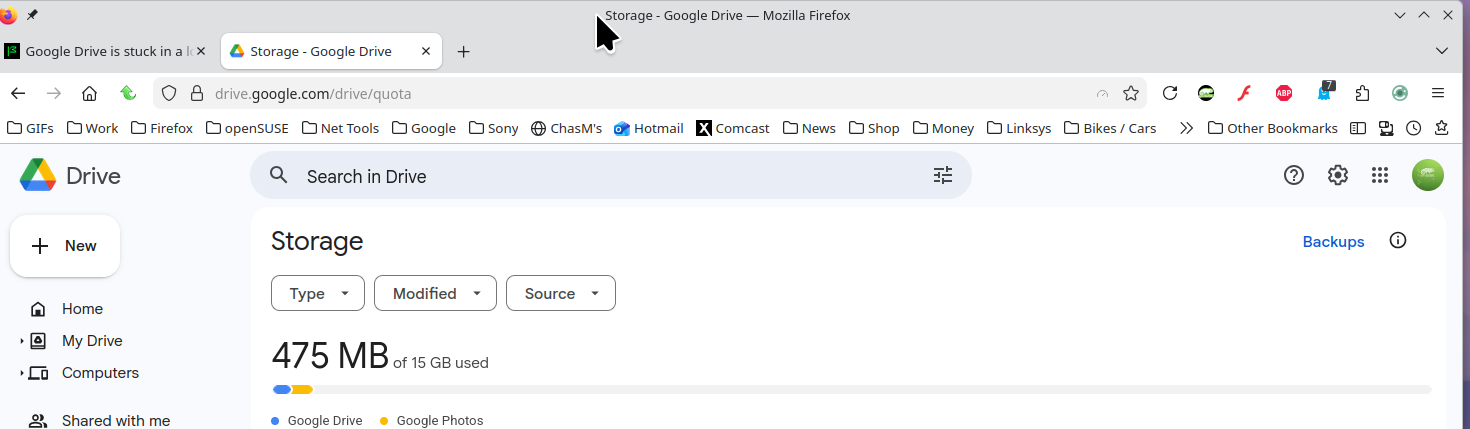
I'm not seeing any issue in GD. see screenshot What security software besides MS Defender are you running? Windows home or pro? If you're running Windows Pro version, I would test in Windows Sandbox to confirm. https://www.howtogeek.com/399290/how-to-use-windows-10s-new-sandbox-to-safely-test-apps/
I'm running free avast antivirus and I am on Windows 11 Home rather than pro.
My firefox has, separately, been crashing a *lot* and having tabs cashing a lot. I didn't think it was related though? (about 3700mb memory usage)
Can you disable avast, reboot, and try again. You can also boot windows to safe mode with networking and test.
Nope, safe mode with networking does the same, no fix.
This feels like an issue with how gmail / google remembers login maybe? Or maybe gmail is retaining login stuff when the rest isn't?
I know that the same issue has been seen on chrome, but the cookie settings i allowed / disallowed fixed it on chrome.
Did you clear your browser cache? https://support.mozilla.org/en-US/kb/clear-cookies-and-site-data-firefox
You can also try Refreshing Firefox. https://support.mozilla.org/en-US/kb/refresh-firefox-reset-add-ons-and-settings
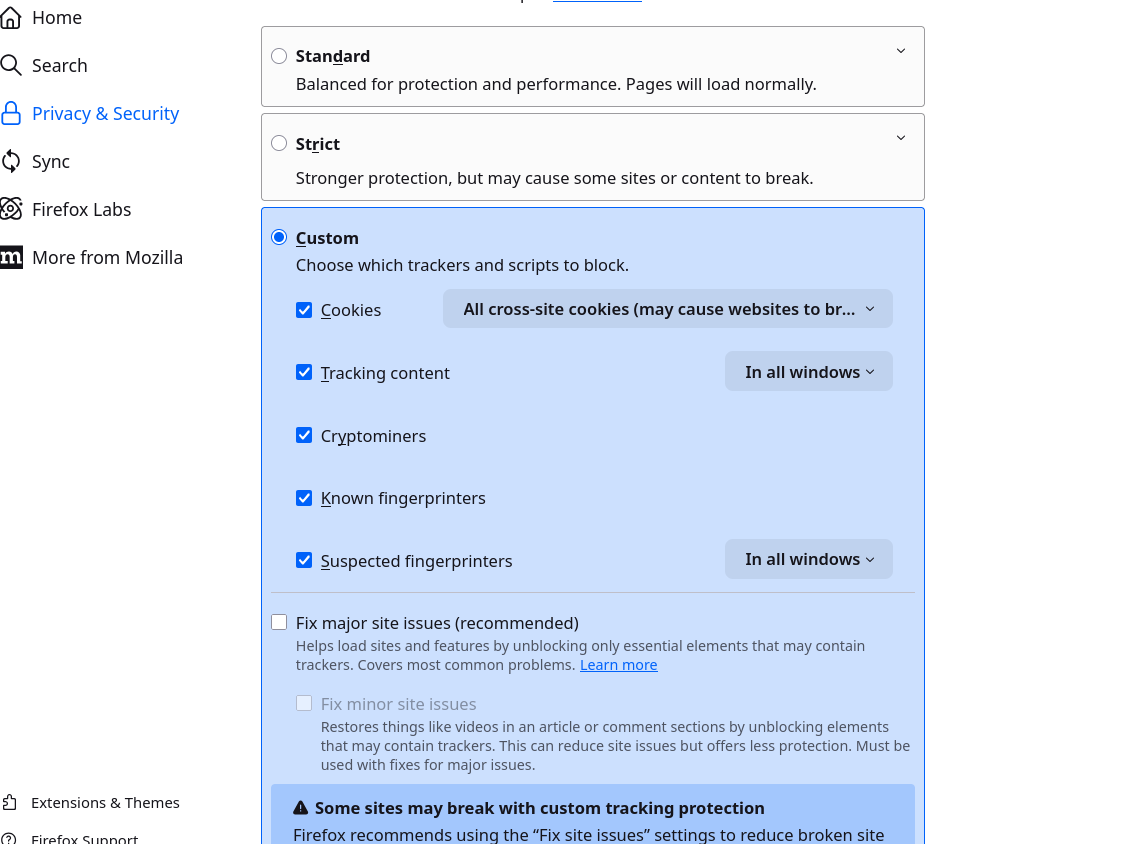
How about trying from a different windows account. What are your privacy settings. see screenshot Mine are really strict, but no issues.
- Cache: yes, did that in testing before posting here, I knew I was forgetting something
- Privacy settings are standard
- I don't have a different windows acount on this machine
- I'll try refreshing firefox, but I haven't actually changed that many settings from the default in firefox anyway.
I can't spend much more time on this today, may continue tomorrow, thank you for the help today!
(Why yes I am a software QA tester)

It sounds frustrating! Sometimes this happens because of conflicts between multiple Google sessions in Firefox. A few things you could try: clear your Google cookies (not all cookies, just the ones from google.com), then restart Firefox; make sure no extensions are interfering with login sessions; and check that Firefox is set to allow third-party cookies for Google services. If that doesn’t work, creating a fresh Firefox profile just for Google apps can sometimes fix persistent login loops without affecting your main profile.
Refreshing Firefox has not helped.
Kolmon:
- These are the cookies I tried allowing and then not allowing and it didn't make a difference - Is this the correct place to try and do this? And have I put it in right?
- I only made a mozilla account to post here, so I'm not sure it's a firefox profile thing?
- Literally no extensions apart from the default video encoding ones.
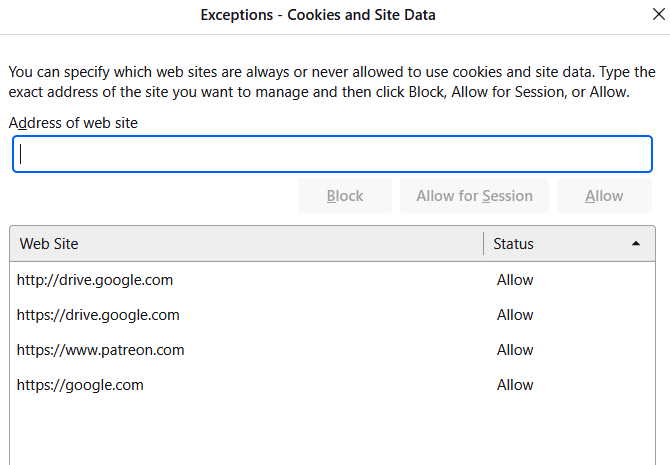
That's the right place, but I have 2 google account have never needed to do that. Laptop, desktop or DIY? If not DIY, what make and model? Also try getting on your phones hotspot and see if you have the same issue. If available try another computer and see what happens.
Wót jonzn4SUSE změnjony