


new tab

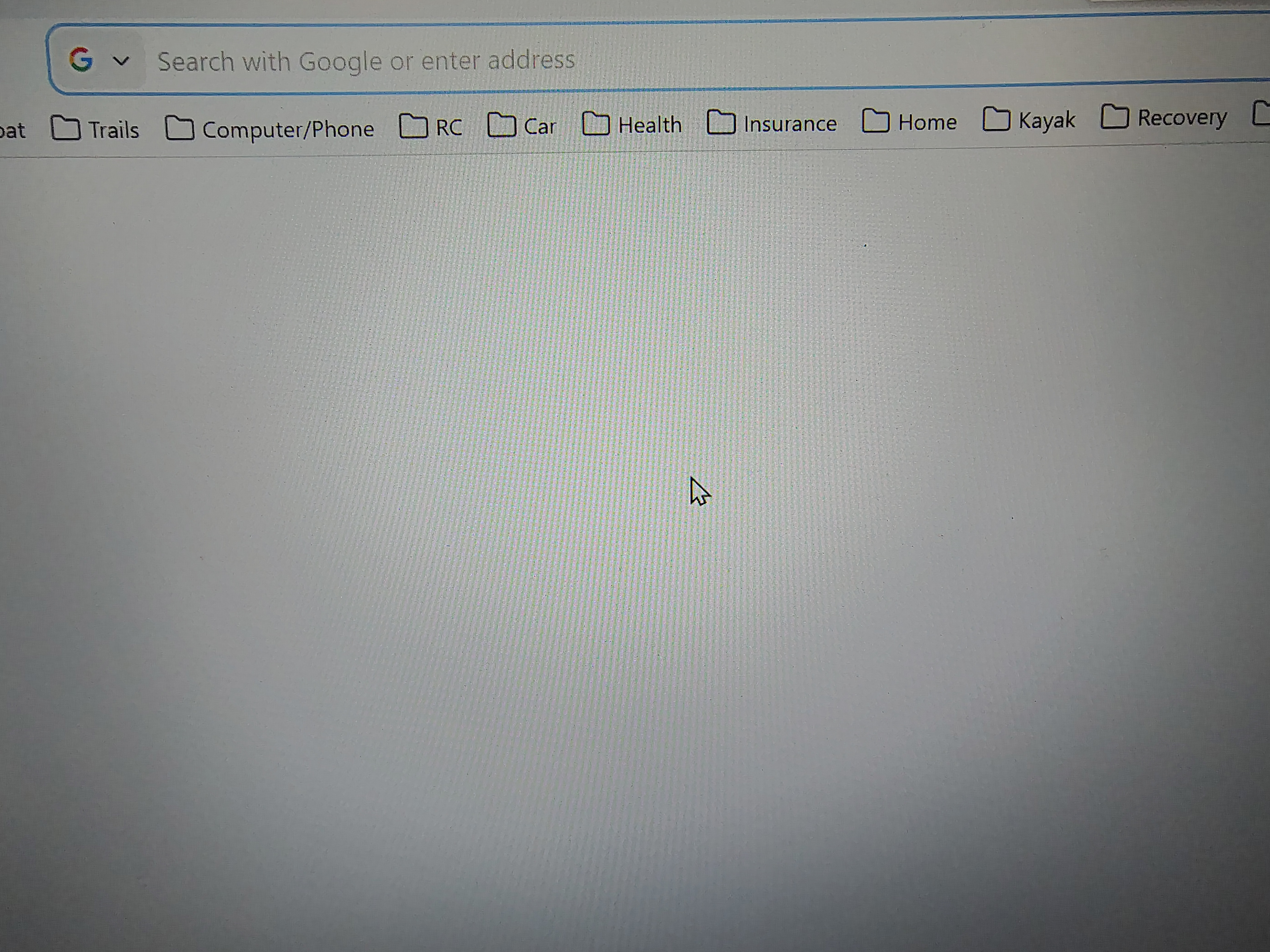
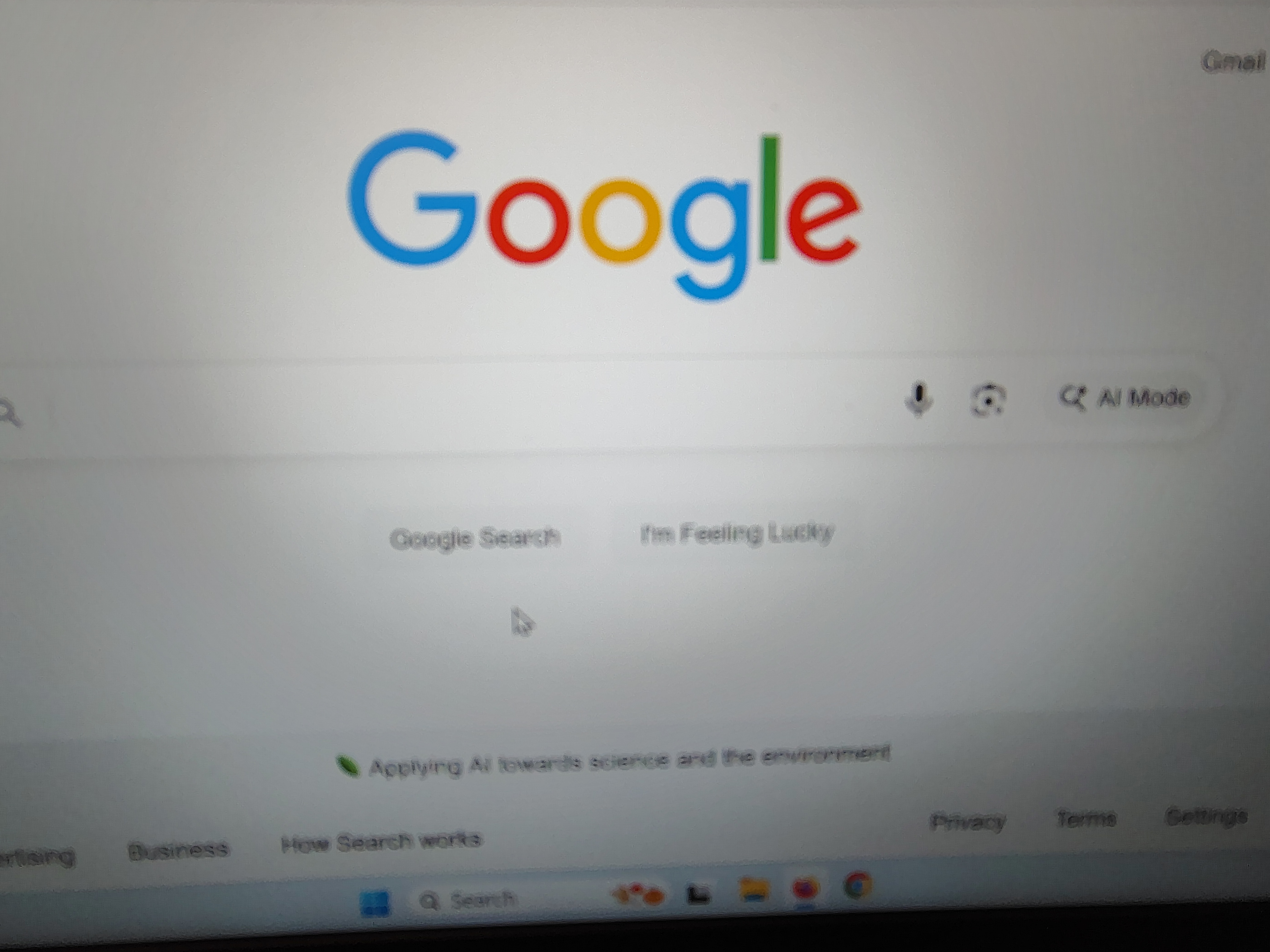
When I open a new tab how do I get my search engine to appear in center of page instead of up top in address bar?
Wubrane rozwězanje
Aha, I see now. To set your new tab to a custom URL (in your case, it's probably google.com), you'll have to use an extension, such as New Tab Override.
Another option is to use Firefox Home (Default) for new tabs. It's not the same, but it also has a search box in the middle (as well as some other useful features!) You can set it in Settings -> Home -> New Windows and Tabs (at the top) -> New tabs.
Toś to wótegrono w konteksće cytaś 👍 0Wšykne wótegrona (4)
Hi there,
Do you mean that when you start typing in the search bar on the New Tab page, the focus switches to the address bar? If so, that's currently intended. Firefox developers are working on changing that.
Hi thanks for response - what I mean is that when I first open mozilla, the home screen looks like this - see attached picture (my search engine in middle of page). then when i click on plus sign for new tab it looks like this - see attached. what i want is when i click on plus sign to open tab i want page to look just like it looks when i first open mozilla, with search engine in center of page
Wubrane rozwězanje
Aha, I see now. To set your new tab to a custom URL (in your case, it's probably google.com), you'll have to use an extension, such as New Tab Override.
Another option is to use Firefox Home (Default) for new tabs. It's not the same, but it also has a search box in the middle (as well as some other useful features!) You can set it in Settings -> Home -> New Windows and Tabs (at the top) -> New tabs.

harleymon69691 said
When I open a new tab how do I get my search engine to appear in center of page instead of up top in address bar?
I've tried everything to keep my typing from jumping up into the address bar when I type it into the search bar in the center of the new tab page. That is how browsers always worked before.
This can't be fixed fast enough for me. Please hurry.