Windows 10 reached EOS (end of support) on October 14, 2025. If you are on Windows 10, see this article.

Pomoc pśepytaś

Glědajśo se wobšudy pomocy. Njenapominajomy was nigda, telefonowy numer zawołaś, SMS pósłaś abo wósobinske informacije pśeraźiś. Pšosym dajśo suspektnu aktiwitu z pomocu nastajenja „Znjewužywanje k wěsći daś“ k wěsći.

Dalšne informacije
Toś ta nitka jo se archiwěrowała. Pšosym stajśo nowe pšašanje, joli trjebaśo pomoc.
Archiwěrowany

Cannot open gmail.

Clive & Brenda

Today I cannot open gmail on laptop, windows 10 with firefox. Site wants clear cache & cookies, I cannot sign in to google account. Clive CaveyWhen you use a browser, like Chrome, it saves some information from websites in its cache and cookies. Clearing them fixes certain problems, like loading or formatting issues on sites. Computer AndroidiPhone & iPad In Chrome

   On your computer, open Chrome.
   At the top right, click More More and then Clear browsing data.
   Select a time range, like Last hour or All time.
   Select the types of information you want to remove.
   Click Clear data.

Learn how to change more cookie settings in Chrome. For example, you can delete cookies for a specific site. In other browsers

If you use Safari, Firefox, or another browser, check its support site for instructions. What happens after you clear this info

After you clear cache and cookies:

Today I cannot open gmail on laptop, windows 10 with firefox. Site wants clear cache & cookies, I cannot sign in to google account. Clive CaveyWhen you use a browser, like Chrome, it saves some information from websites in its cache and cookies. Clearing them fixes certain problems, like loading or formatting issues on sites. Computer AndroidiPhone & iPad In Chrome On your computer, open Chrome. At the top right, click More More and then Clear browsing data. Select a time range, like Last hour or All time. Select the types of information you want to remove. Click Clear data. Learn how to change more cookie settings in Chrome. For example, you can delete cookies for a specific site. In other browsers If you use Safari, Firefox, or another browser, check its support site for instructions. What happens after you clear this info After you clear cache and cookies:

Wšykne wótegrona (2)

Let me see...

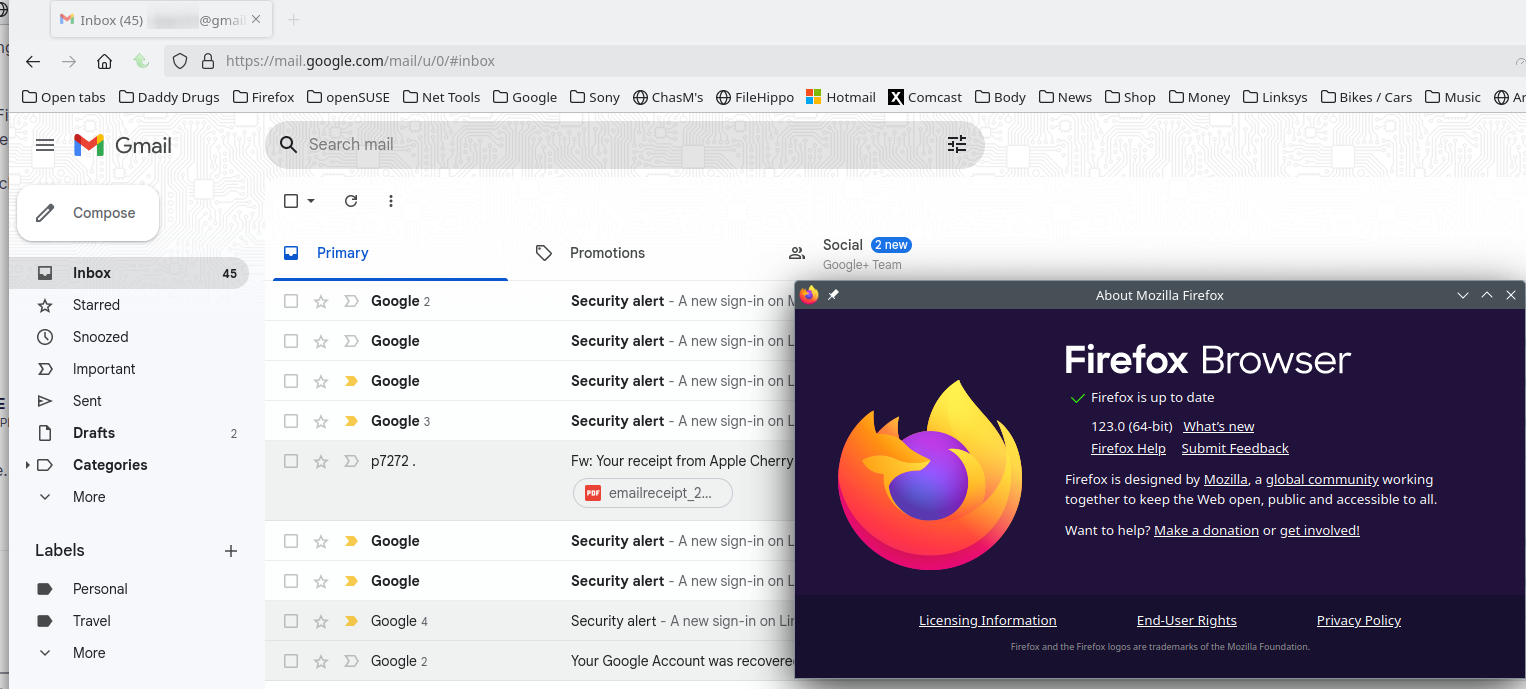
I'm in. see screenshot Try to Clear all items for a single site. https://support.mozilla.org/en-US/kb/remove-websites-address-bar-suggestions

Also try to Refresh Firefox.