


no link in email to confirm firefox account

there is NO LINK in the email firefox sent to confirm my account.
I have had the email resent several times.
Wšykne wótegrona (4)
PogoStick99 said
there is NO LINK in the email firefox sent to confirm my account. I have had the email resent several times.
Hello PogoStick99,
That must be frustrating ....
Would you please take a look at the Chosen Solution in this thread and see if maybe that will work for you too :
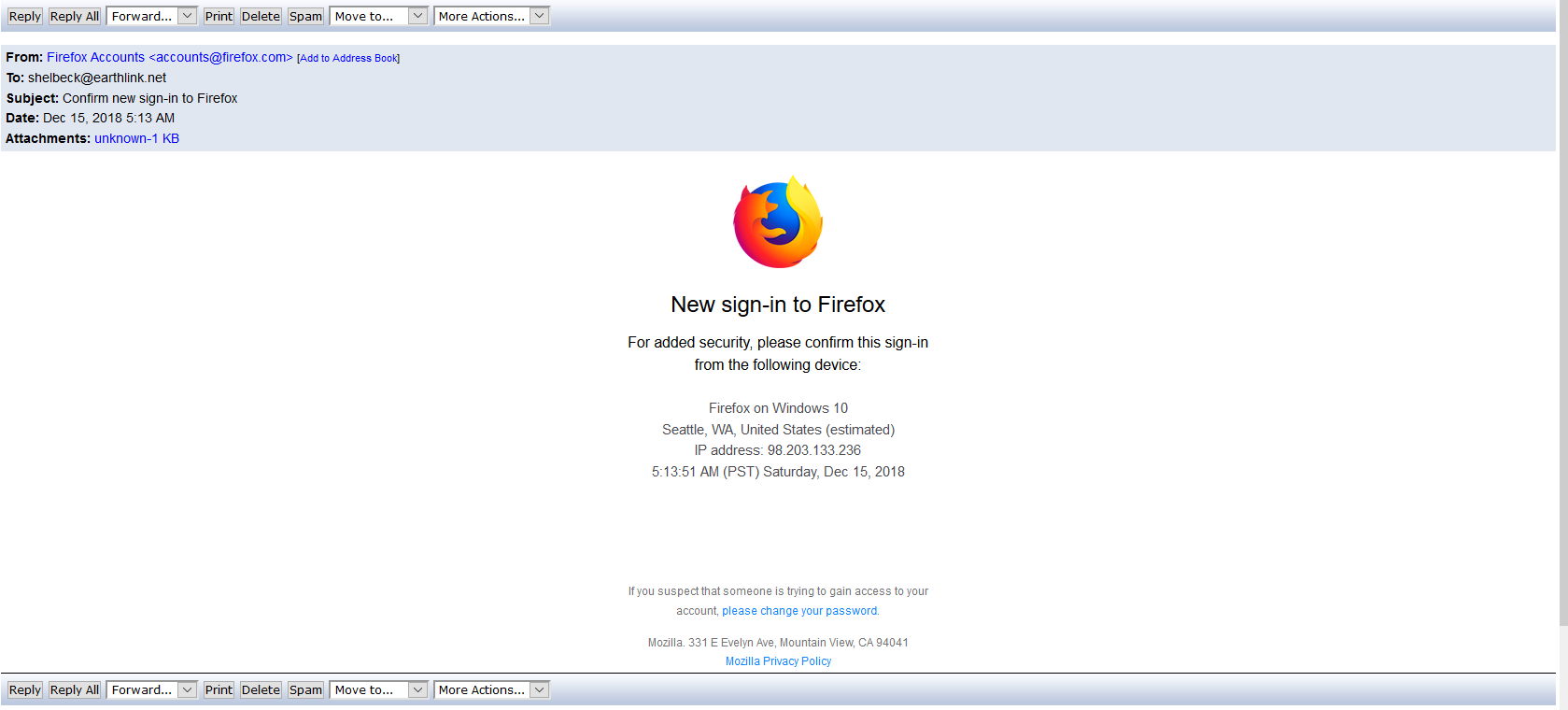
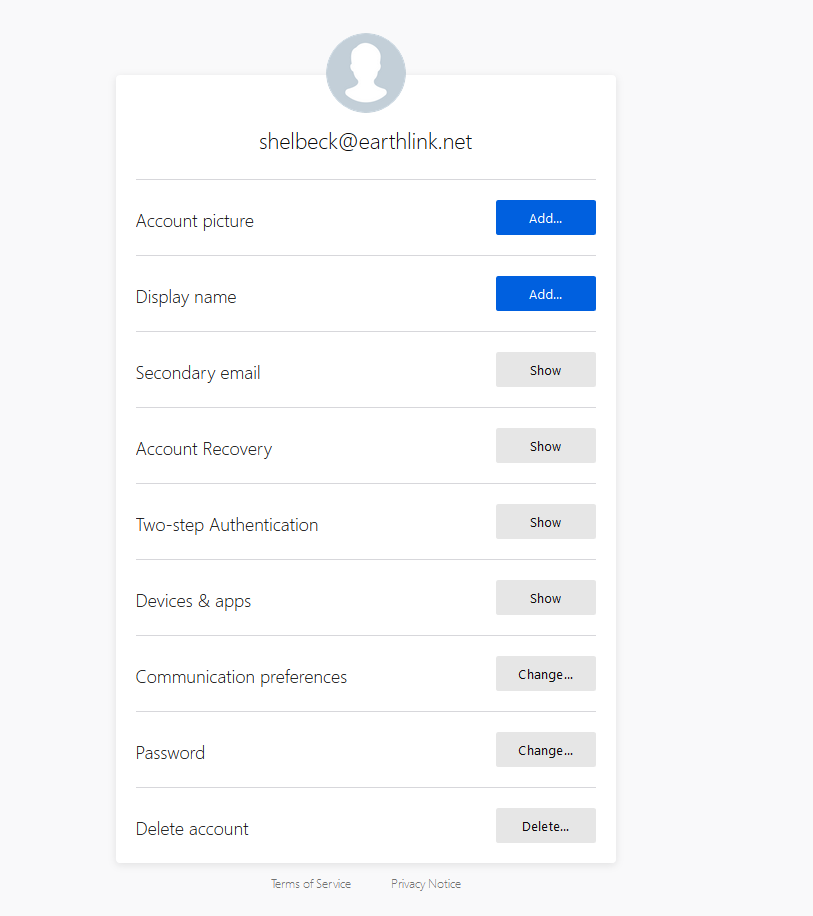
Attached is the email confirmation sent. I don't see where to click. The attachment you see 'unknown -1 KB' is a notepad with the message/link below. But I also managed to get to the screen in the 2nd attachment, which I don't know what to do with.
New sign-in to Firefox For added security, please confirm this sign-in from the following device: Firefox on Windows 10 5:13:51 AM (PST) Saturday, Dec 15, 2018 Confirm sign-in https://confirm.accounts.firefox.com/complete_signin?code=c1c8cf7ace29125c46df21b301f351a8&uid=283b23c1cd064155960485e230c2bd10&service=sync&resume=eyJlbWFpbCI6InNoZWxiZWNrQGVhcnRobGluay5uZXQiLCJlbnRyeXBvaW50IjoibWVudXBhbmVsIiwiZmxvd0JlZ2luIjoxNTQ0ODc5NTM1OTkwLCJmbG93SWQiOiI1M2VmOTVkNmVhNWY5MThiNjJkMGM5NmJkODVlYzRjMzFlYTg2ODJhOTVmNDhjOTFkOWUxYjU5YmY4ZGY3MjFiIiwicmVzZXRQYXNzd29yZENvbmZpcm0iOnRydWUsInVuaXF1ZVVzZXJJZCI6IjYxMGZmODI5LWJmZGItNGI4MC1hYjkyLTliOWNjNDNjMGM2ZSIsInV0bUNhbXBhaWduIjpudWxsLCJ1dG1Db250ZW50IjpudWxsLCJ1dG1NZWRpdW0iOm51bGwsInV0bVNvdXJjZSI6bnVsbCwidXRtVGVybSI6bnVsbH0%3D&utm_medium=email&utm_campaign=fx-new-signin&utm_content=fx-confirm-signin
If you suspect that someone is trying to gain access to your account, please change your password. https://accounts.firefox.com/settings/change_password?email=shelbeck%40earthlink.net&utm_medium=email&utm_campaign=fx-new-signin&utm_content=fx-change-password
Mozilla. 331 E Evelyn Ave, Mountain View, CA 94041 Mozilla Privacy Policy https://www.mozilla.org/privacy?utm_medium=email&utm_campaign=fx-new-signin&utm_content=fx-privacy
Wót guigs změnjony
When I clicked on your link the first time, I got the sign in form.
When I clicked on it the second time I got this :
Sign-in already confirmed
That confirmation link was already used, and can only be used once.
I will now forward this to an administrator, but please bear in mind that we're dealing with different time zones, and that it's
weekend - so : hang in there, please.

Dear PogoStick99 and McCoy,
I hope I can help here. From what I read, I understand that when Pogo receives the email confirmation for a new sign in to Firefox Sync that there is no link to click. However, from what you copied here the link does appear.
Since in testing, the link has been clicked on, you will have to try to login again to receive a new email that will appear the same way. The link will be embedded in the button in the email that is sent.
I am suspicious that that the form of the email is in html, which can be displayed differently with different email and software providers. Can you confirm that clicking on the button in the new email confirms the sign in?