


Requesting guidance on moving from Firefox Beta to the stable Release while preserving all data

Hello, I am currently using Firefox Beta and I would like to switch to the regular Firefox Release without losing any of my data (browsing history, bookmarks, passwords, add-ons, and settings). I would appreciate guidance on the safest recommended method. Specifically:
Is it safe to install the Release version over Firefox Beta, or could this cause data loss or profile conflicts?
What is the best way to create a full backup of my Firefox profile beforehand?
Should I expect any issues with add-ons after moving from Beta to Release?
Do you recommend enabling Firefox Sync as an additional safeguard, or is a profile backup enough?
In case something goes wrong, what are the recommended recovery steps?
My setup:
Operating System: [windows 10 ]
Thank you for your assistance.
Alle Antworten (2)
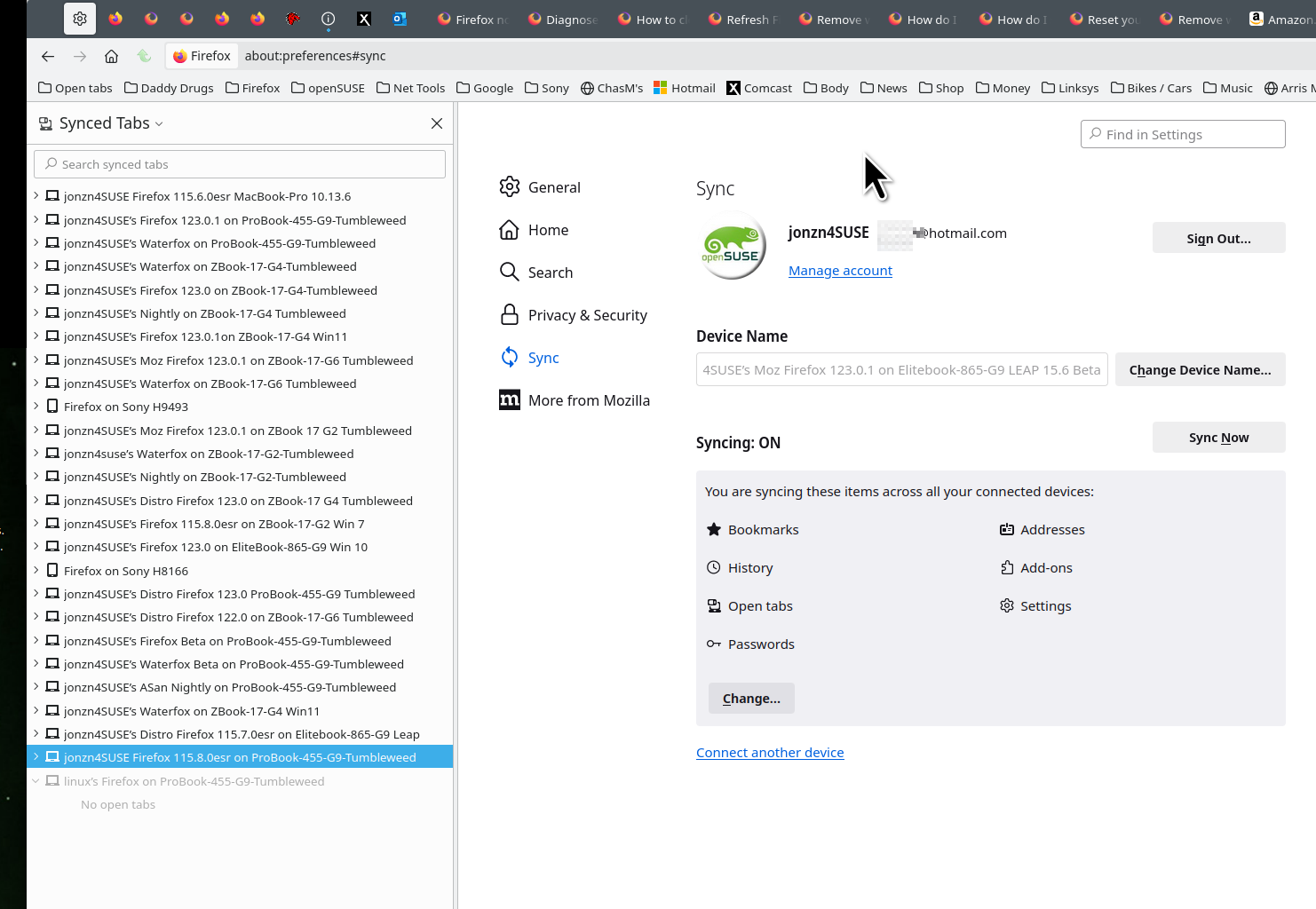
It's good to have your data in more than just 1 browser in case something goes BOOM. see old screenshot Sync is not a backup service. You will need to do that, but I have my data on all versions of Firefox and also Waterfox on several devices. So if a browser or device goes BOOM, my data is not only in another browser, but on another device.
Sync info... FYI... Firefox Sync IS NOT A DATA BACKUP SERVICE https://support.mozilla.org/en-US/kb/how-do-i-set-sync-my-computer https://support.mozilla.org/en-US/kb/how-do-i-choose-what-information-sync-firefox https://www.mozilla.org/en-US/firefox/features/sync/ Sync Firefox data https://support.mozilla.org/en-US/kb/sync https://hacks.mozilla.org/2018/11/firefox-sync-privacy/ Sync is not a backup tool but it is a good sync/transfer/move tool https://support.mozilla.org/en-US/forums/contributors/707681
Geändert am von jonzn4SUSE