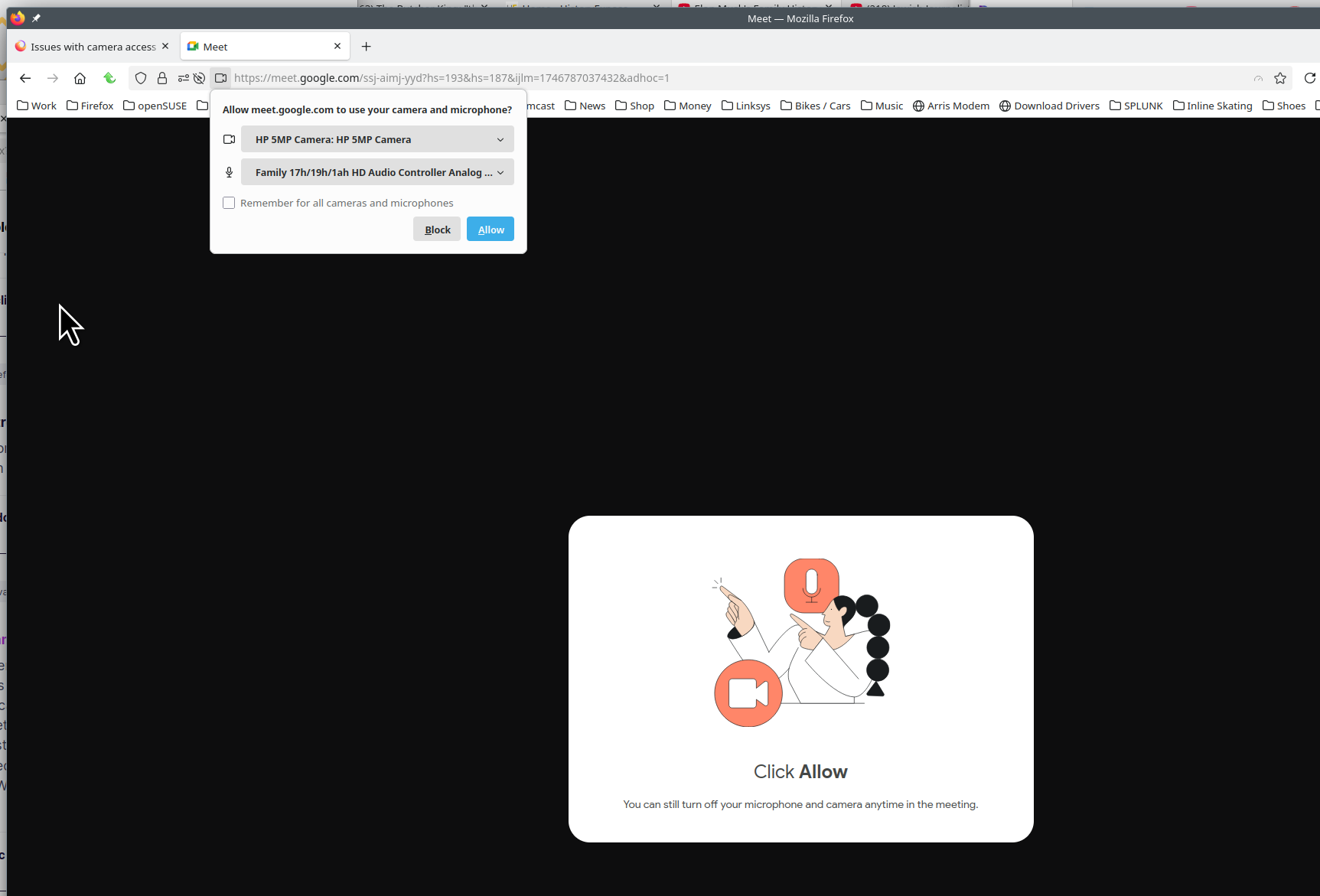
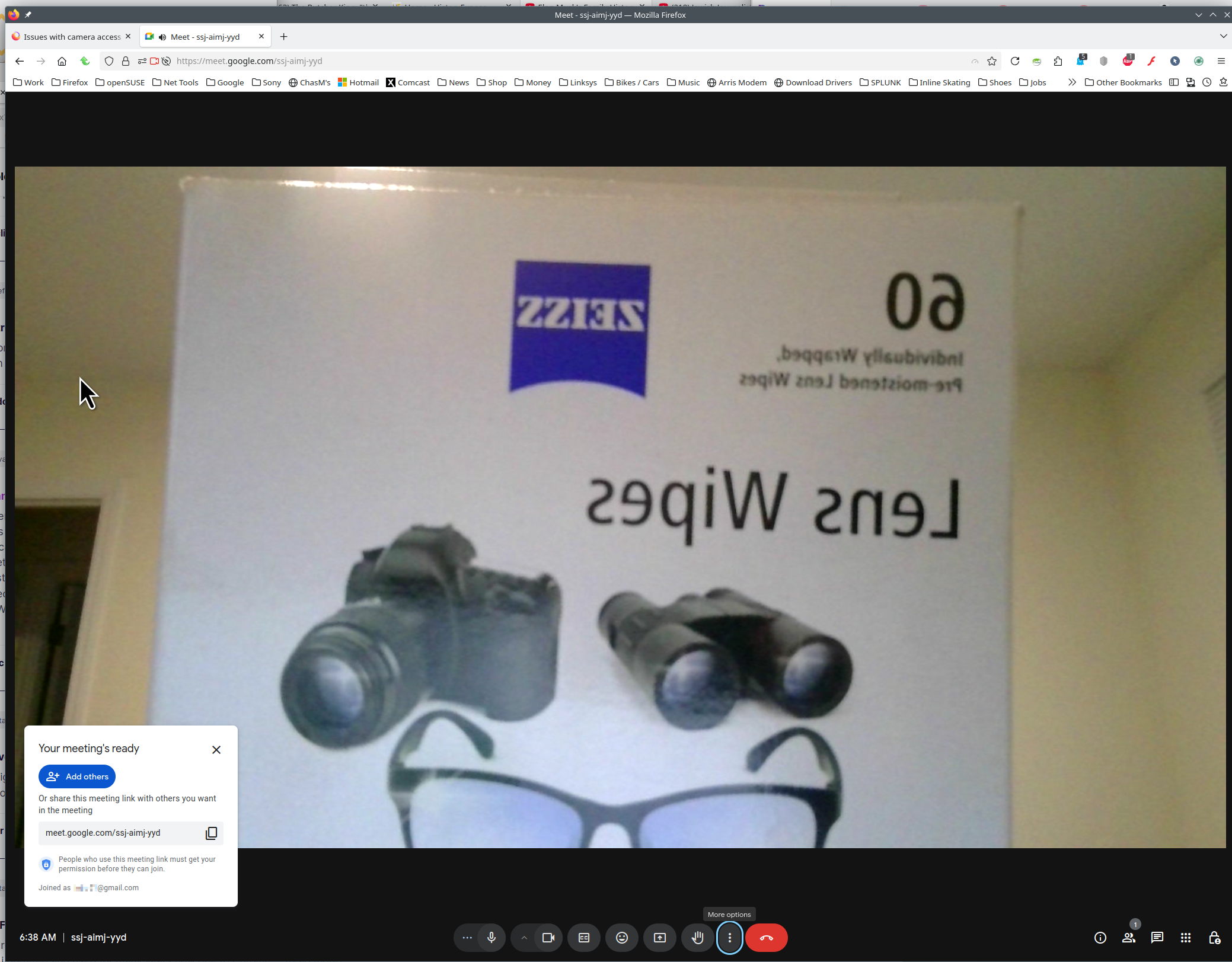
Issues with camera access
I have tried everything. I've gone into the permissions, I have it set that everything is allowed. I reset and forgot the sites multiple times, zoom and Google Meets, and when I reload still the same issue. It says I do not have a camera. The camera works for both Edge and the camera app on my laptop. I even checked my settings on my laptop, and Firefox has permission to access my camera. However, in the camera request history, it does not show that Firefox asked for access to my camera. It also says the last time it accessed my camera was last year, but I have been trying to get it to work this entire time. I am updated with Windows 11 and the latest update of Firefox. How do I fix this? Is it an issue with Firefox or Windows?

Alle Antworten (1)

Windows home or pro and what security software are you running besides MS Defender? Try the same steps you mentioned above under a different user account on the computer.
You can try to clear all items for a single site. https://support.mozilla.org/en-US/kb/remove-websites-address-bar-suggestions
You can also Refresh Firefox. https://support.mozilla.org/en-US/kb/refresh-firefox-reset-add-ons-and-settings
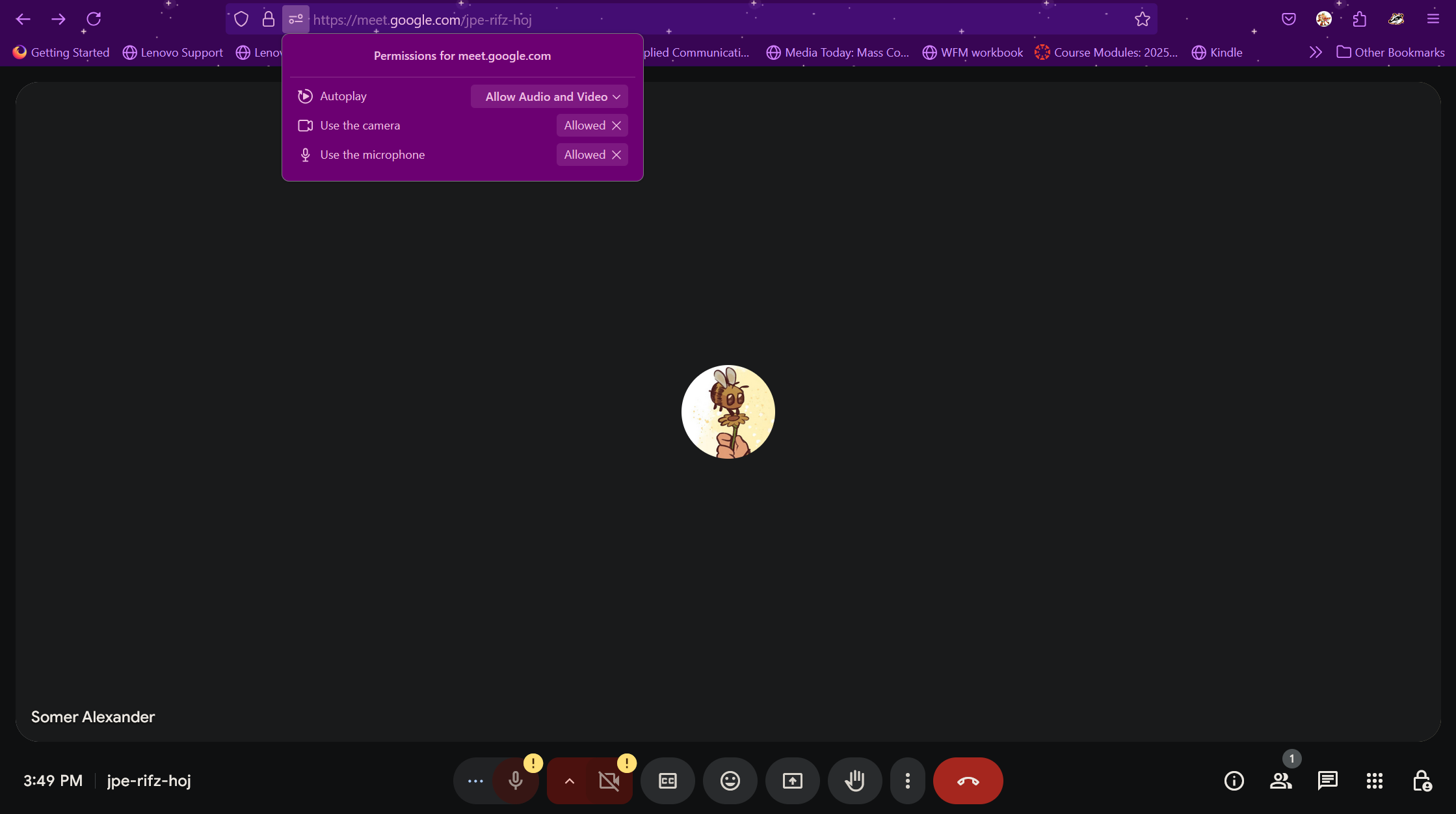
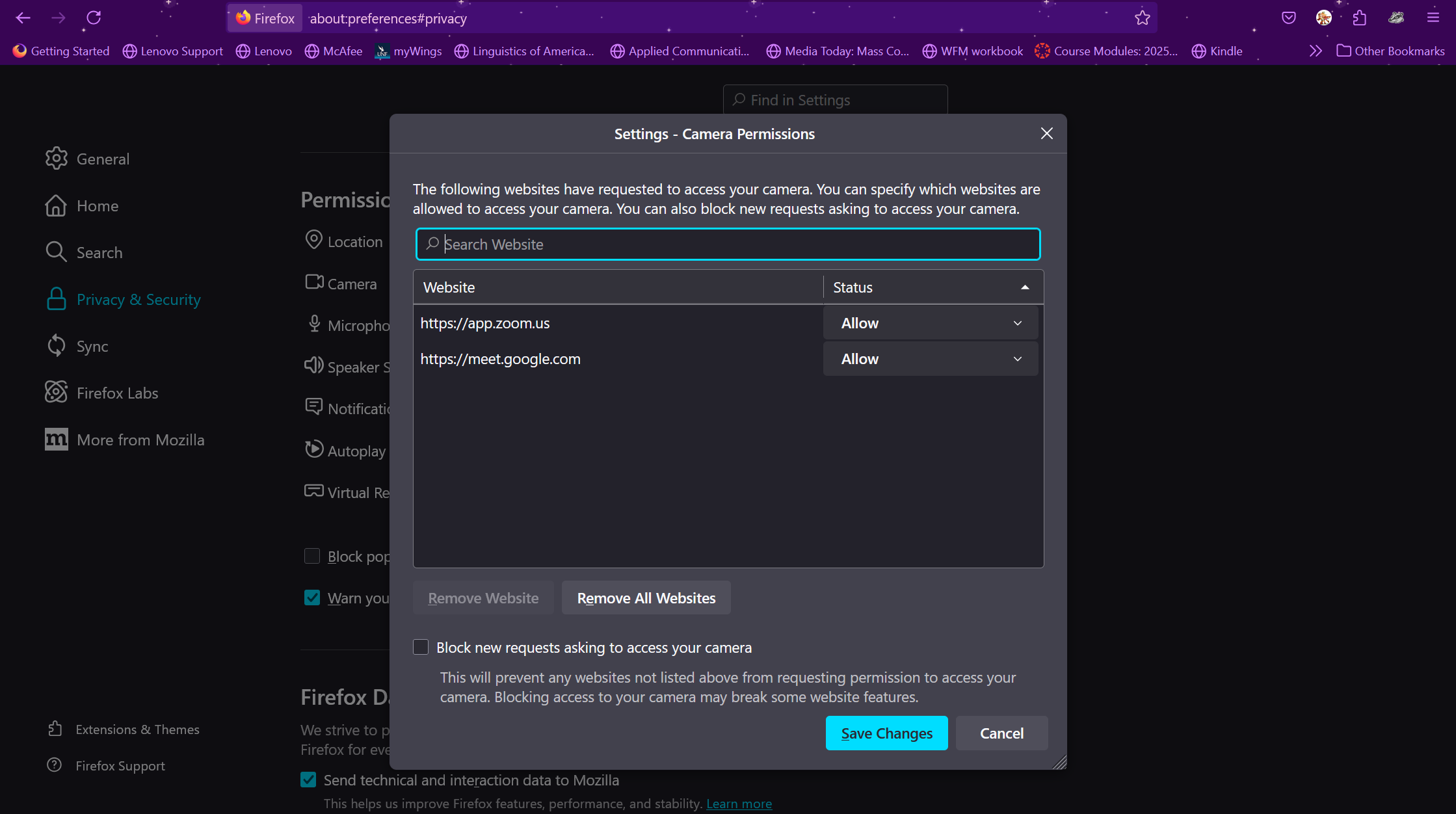
Here is what I see on both sites. see screenshots