


Cookies

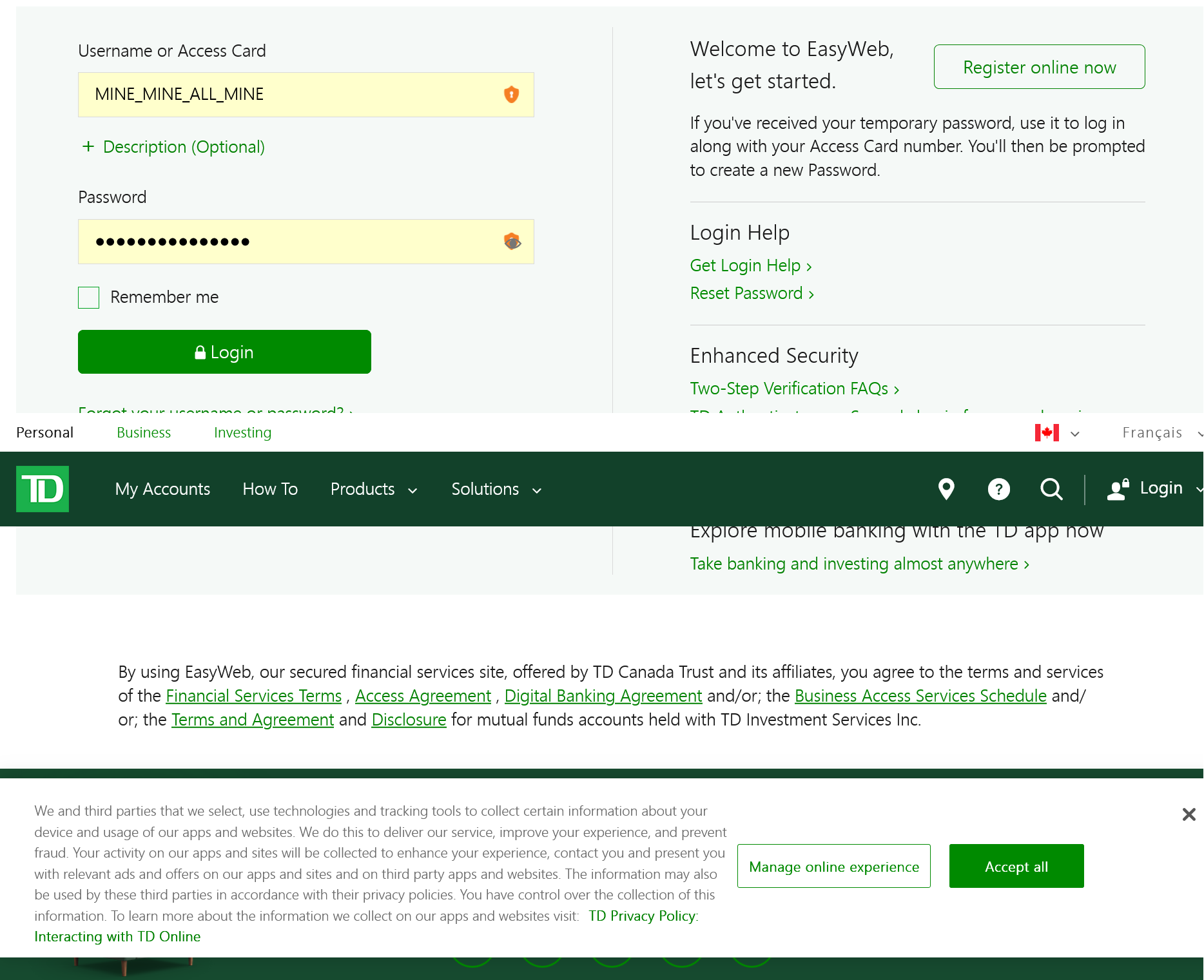
Why do I always get the cookie acceptance pop up for my bank account whenever I sign in even though I always accept.
Alle Antworten (2)

They do this to protect their systems and verify you are whom you claim to be in the login and for tracking whom is accessing their system. All "Financial institutions" do this for "Network Security". This isn't from Firefox that is doing this.
https://support.mozilla.org/en-US/kb/cookies-information-websites-store-on-your-computer
Geändert am von markwarner22
Detail like websites remembering you and log you in automatically is stored in cookies, so make sure you aren't clearing important cookies.
You can use these steps to make a website recognize and remember you.
- create a cookie allow exception with the proper protocol (https:// or http://) to make a website remember you
You can check that you aren't clearing important cookies.
- using "Delete cookies and site data when Firefox is closed" to clear cookies keeps cookies with an allow exception
in 102+ version toggling this setting makes changes to the "Clear history when Firefox closes" settings and those settings prevail - using "Clear history when Firefox closes" in Firefox 102+ honors exceptions and keeps cookies with an allow exception, previous versions removed all cookies
Make sure to keep the "Site settings".
- clearing "Site settings" clears exceptions for cookies, images, pop-up windows, and software installation and exceptions for passwords and other website specific data
- Settings -> Privacy & Security
Cookies and Site Data: "Manage Exceptions" - Settings -> Privacy & Security
Firefox will: "Use custom settings for history":
[X] "Clear history when Firefox closes" -> Settings