


Unable to Visit Certain Sites on Macbook

Hello,
First time posting here, so I'm hoping that someone can help me out.
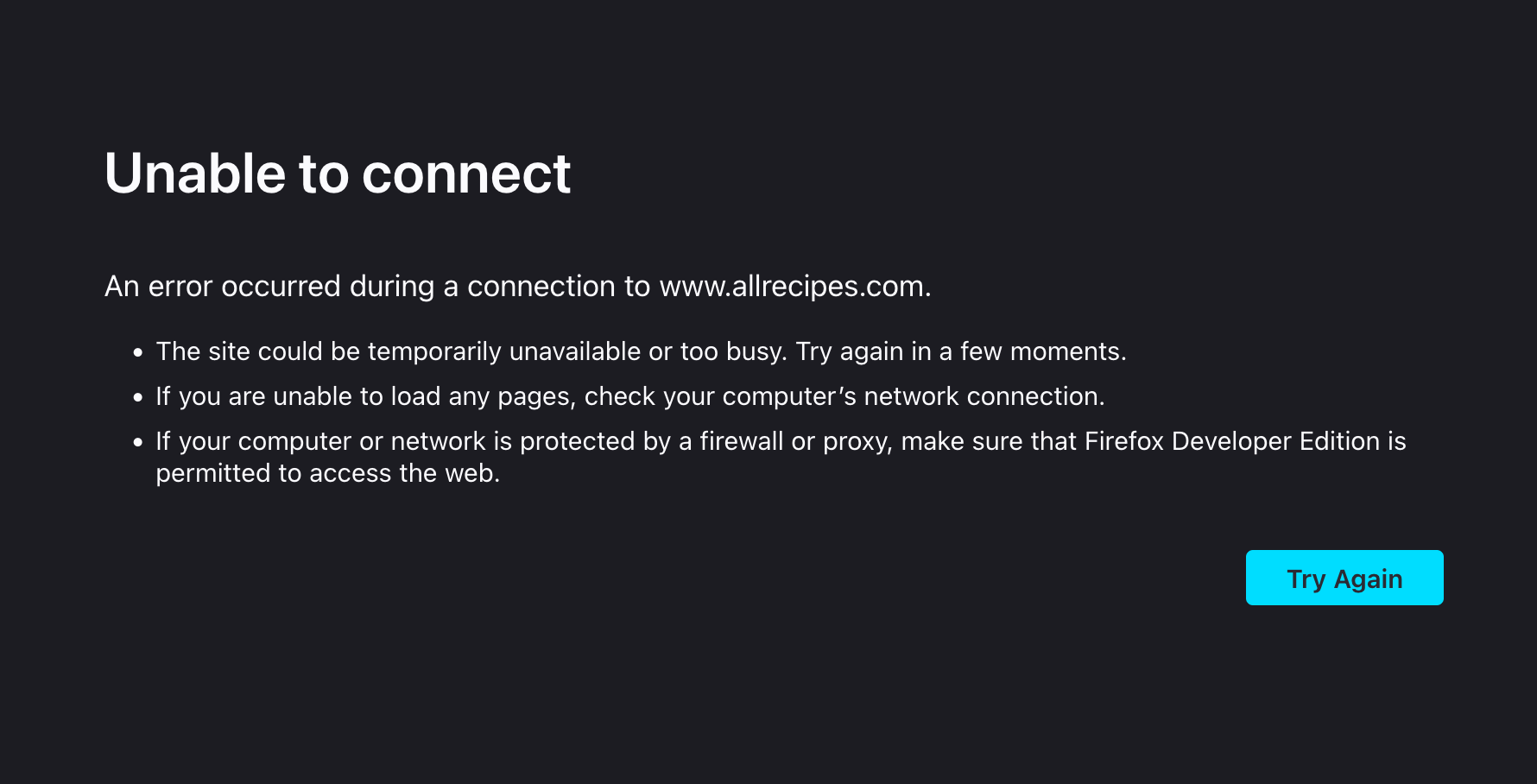
I'm encountering a very odd issue on my Macbook Pro running MacOS Sonoma 14.4. I am unable to access two sites – allrecipes.com, and seriouseats.com on my home WiFi network on the Macbook.
These sites work on other browsers (tested on Safari and Chrome), and they also work on my iPhone.
Oddly, when I went to work and tried to access these sites via WiFi using Firefox, I was able to.
I am unsure what the problem is – the ability to access these sites on Safari, Chrome, and my iPhone at home suggests that it's not a network issue. I haven't encountered this issue with any other sites.
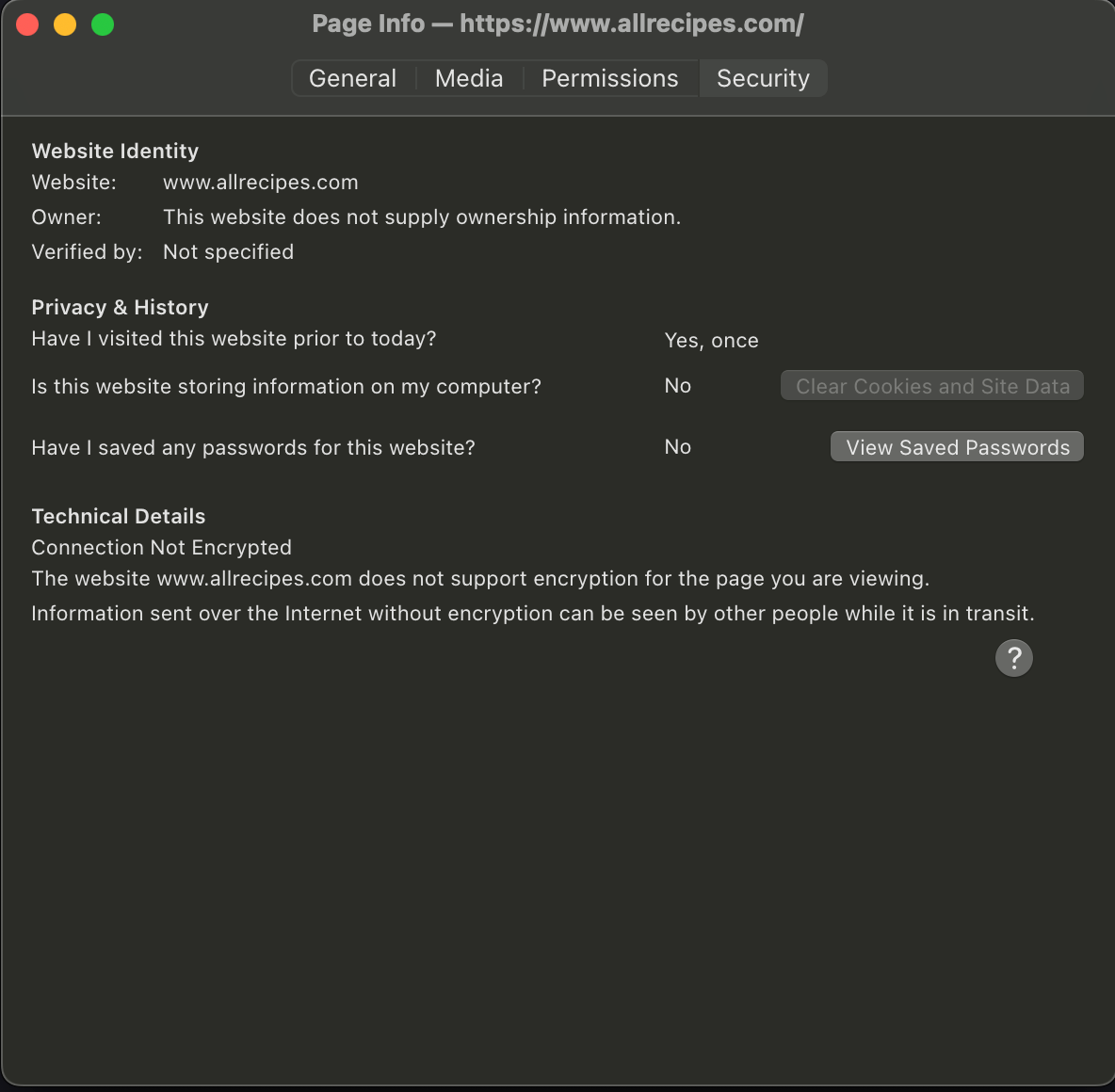
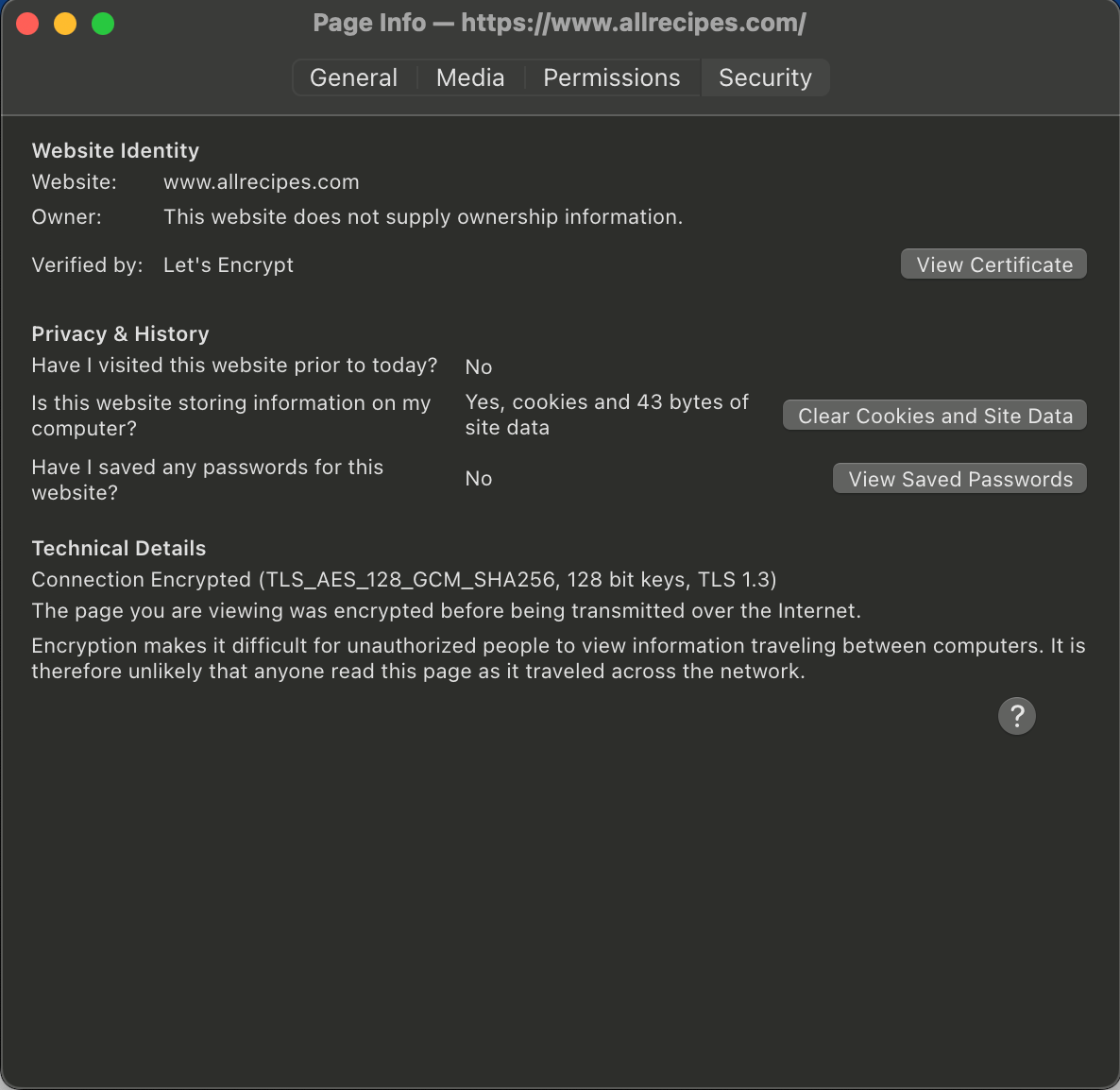
I am attaching three screenshots 1) The error message that I'm seeing for allrecipes when I attempt to access the site 2) The security tab which shows that the connection is unencrypted for allrecipes (home network) 3) The security tab showing that the connection is encrypted for alrecipes (work network)
Thanks
Ausgewählte Lösung
Try changing DNS over HTTPS (DoH) to "Off" or "Max Protection" and in Connection Settings change "Use system proxy settings" to "No proxy".
Does it still happen in Troubleshoot Mode?
Diese Antwort im Kontext lesen 👍 2Alle Antworten (2)
Ausgewählte Lösung
Try changing DNS over HTTPS (DoH) to "Off" or "Max Protection" and in Connection Settings change "Use system proxy settings" to "No proxy".
Does it still happen in Troubleshoot Mode?
zeroknight said
Try changing DNS over HTTPS (DoH) to "Off" or "Max Protection" and in Connection Settings change "Use system proxy settings" to "No proxy". Does it still happen in Troubleshoot Mode?
I already had "no proxy" selected in Connection Settings. The issue was still happening in Troubleshoot Mode, but I have great news!
Seriouseats was initially working after some playing around with the settings you suggested. I had Cloudflare selected as the provider for "Max Protection" for DNS over HTTPS, but allrecipes wasn't working. I changed the provider to CIRA Canadian Shield, and allrecipes is now working!
Why would this have solved the issue?