


YouTube not working properly on Firefox
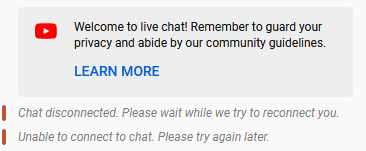
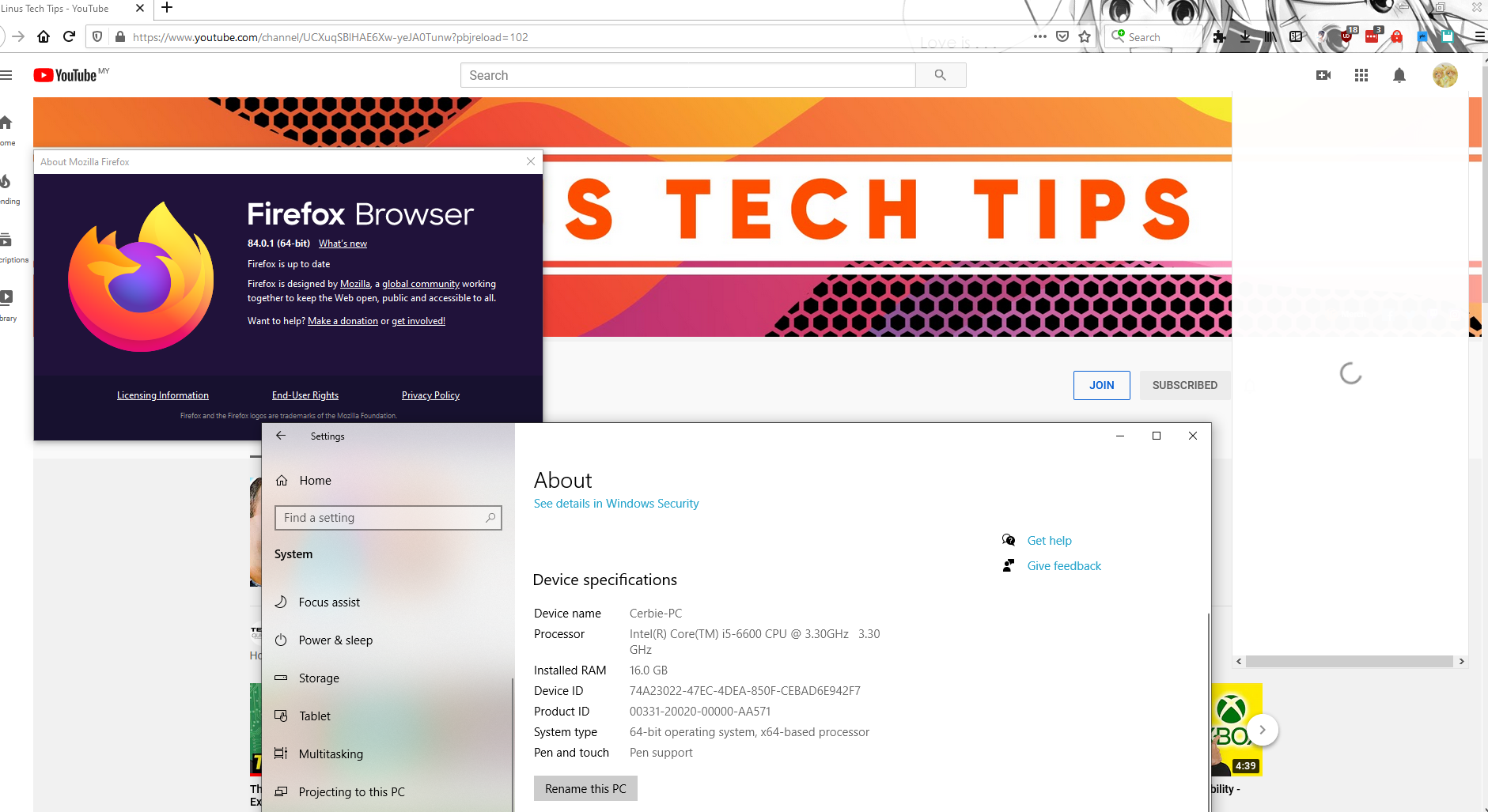
Been having this issue for the last few weeks where Firefox just won't load YouTube properly. In particular, livestreams won't play, chat always show as "disconnected from chat" and I can't even access the profile menu (clicking on my profile pic on the top left just shows a loading icon forever).
Tried the following without any luck: 1. Safemode 2. Clearing all cache 3. Refresh firefox (When I first did a refresh, it started working again, then I went to sleep and the next morning the same problem is back again)
Any help would be much appreciated.

Ausgewählte Lösung
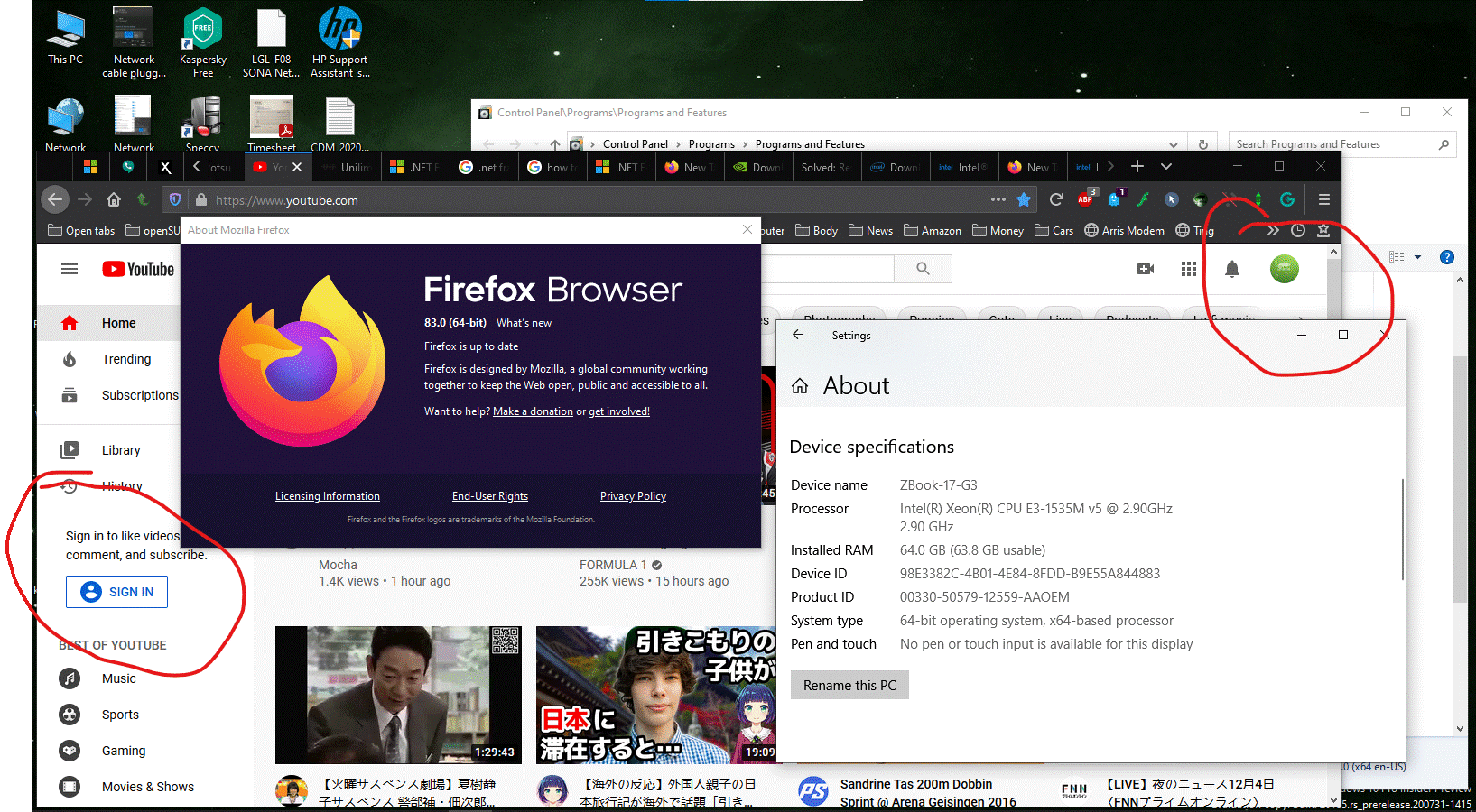
This is known issue for us Kaspersky software users. What are you running? Can you also post screenshot showing the entire browser with issue? Here is a shot of the issue I was having, but after upgrading my software the issue is gone.
Diese Antwort im Kontext lesen 👍 2Alle Antworten (7)

Ausgewählte Lösung
This is known issue for us Kaspersky software users. What are you running? Can you also post screenshot showing the entire browser with issue? Here is a shot of the issue I was having, but after upgrading my software the issue is gone.
I'm using Kaspersky, and when I exit the program, YouTube actually started working properly again!
Is there any way to fix the issue or do I have to find a new antivirus?
I was using Kaspersky Free and then switched to Kaspersky Cloud Free and no longer had the previous issue, but it started another issue on YouTube. The issue now is that there is lag when you type and backspace on most sites.
They said "The Kaspersky/Firefox bug you’re referring to is fixed by patch(b)".
Other users updated KIS 2021 to version 21.2.16.590 and YouTube sign is working correctly again.
I will look into that, thank you!!
Thank you for shopping Firefox Support. ;-))

This whole time I thought it was a browser version issue! You're definitely right that this is all because of Kaspersky Free v21.1.15.500. I exited the anti-virus and suddenly YouTube started functioning properly again! According to this thread below (which is in Russian), upgrading to v21.2.16 supposedly fixes the issue. I just installed and about to reboot... Here goes nothin...
https://community.kaspersky.com/kaspersky-anti-virus-20/kaspersky-anti-virus-i-youtube-moved-11488
Feb. 8 update: Everything has worked like a champ ever since upgrading Kaspersky to v21.2.16. That older version definitely was the problem!
Geändert am von saint0wen