


I lost all my bookmarks once I updated the Morzilla today. My account is in sync, but doesnt seem to have my bookmarks.

I lost all my bookmarks once I updated the Morzilla today. My account is in sync, but doesnt seem to have my bookmarks.
Ausgewählte Lösung
I uninstalled and reinstalled the browser. It works now. Thanks for your help.
Diese Antwort im Kontext lesen 👍 0Alle Antworten (4)
Do you still have compressed .jsonlz4 backups in the bookmarkbackups folder?
- Bookmarks -> Show All Bookmarks -> Import & Backup -> Restore
Do you have an "Old Firefox Data" folder on the desktop in case the Refresh feature in Firefox has been used and a new profile has been created?
You can check for problems with the places.sqlite database (bookmarks and history) in the Firefox profile folder.
See also:
Thanks. I tried that as well. No luck. I tried to load the load backup file of bookmarks. Didnt work. I have attached the screenshot.
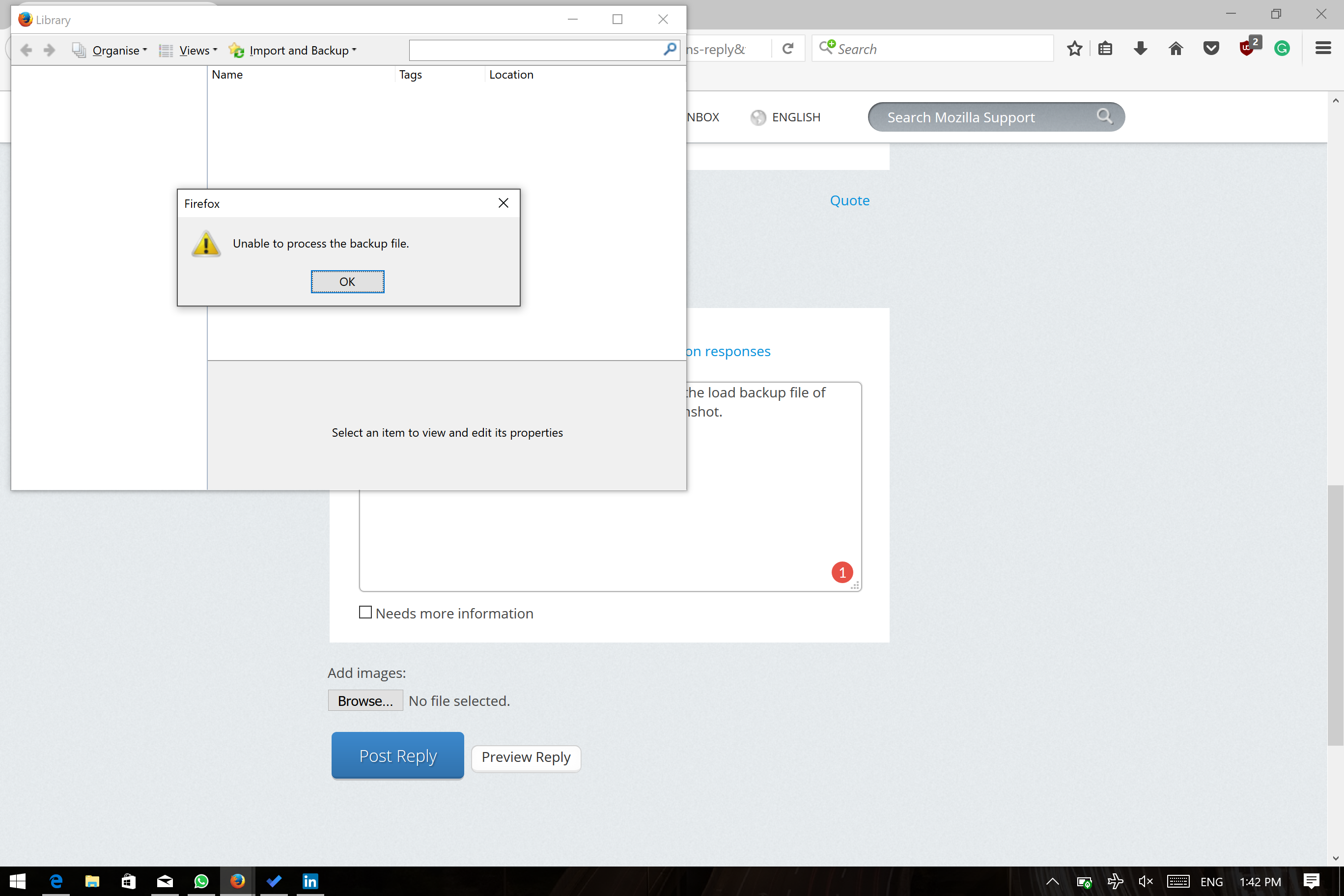
If the Places Maintenance extension can't repair the places.sqlite database then remove all places.sqlite file(s) in the Firefox profile folder to make Firefox rebuild the places.sqlite database from the most recent JSON backup in the bookmarkbackups folder.
- keep a backup copy of places.sqlite in case a new places.sqlite database has to be created
- http://kb.mozillazine.org/Unable_to_process_the_backup_file_-_Firefox
You can use the button on the "Help -> Troubleshooting Information" (about:support) page to go to the current Firefox profile folder or use the about:profiles page.
- Help -> Troubleshooting Information -> Profile Directory:
Windows: Show Folder; Linux: Open Directory; Mac: Show in Finder - http://kb.mozillazine.org/Profile_folder_-_Firefox
Ausgewählte Lösung
I uninstalled and reinstalled the browser. It works now. Thanks for your help.