


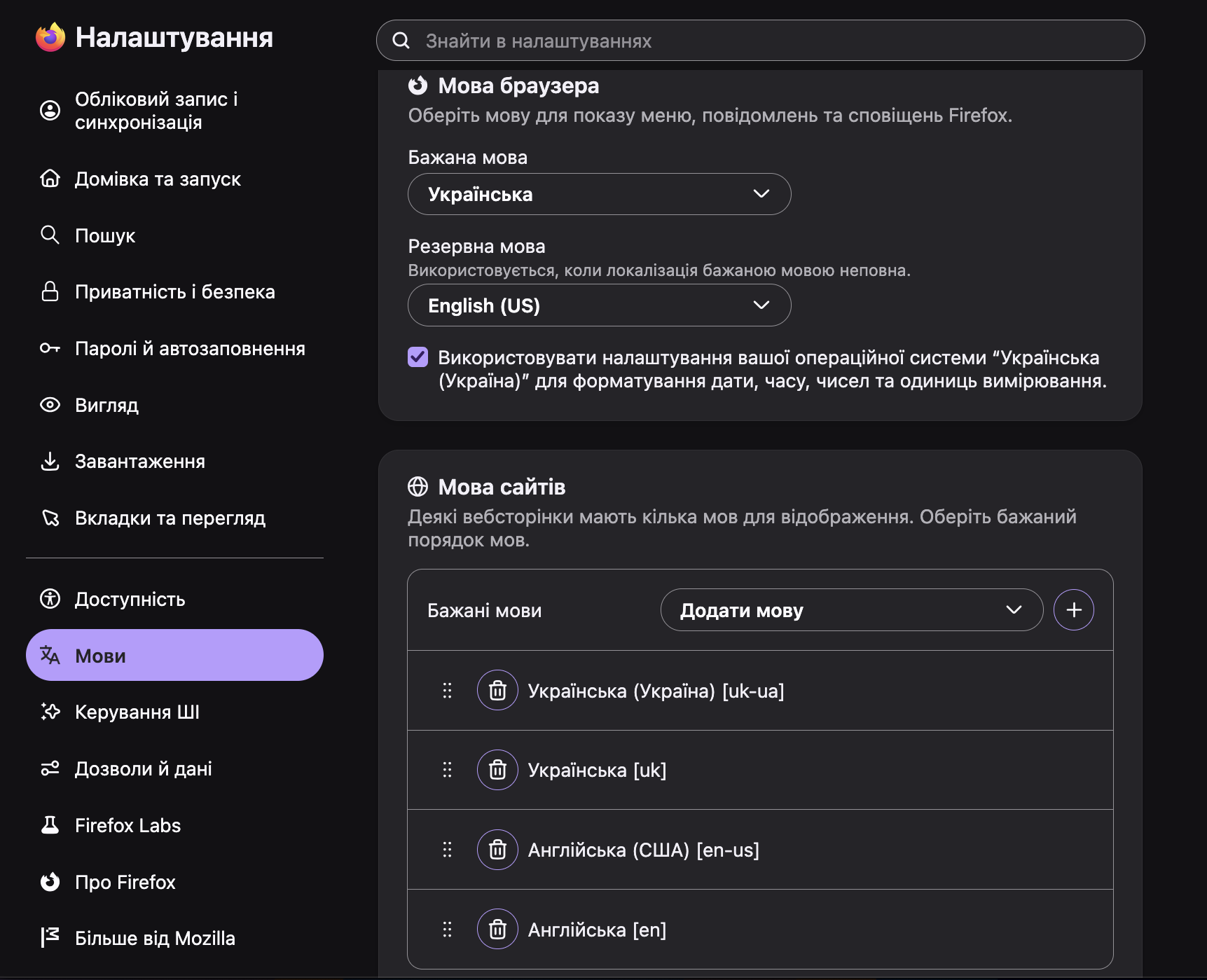
Firefox What's New page opens in Russian after every browser update despite Ukrainian interface language
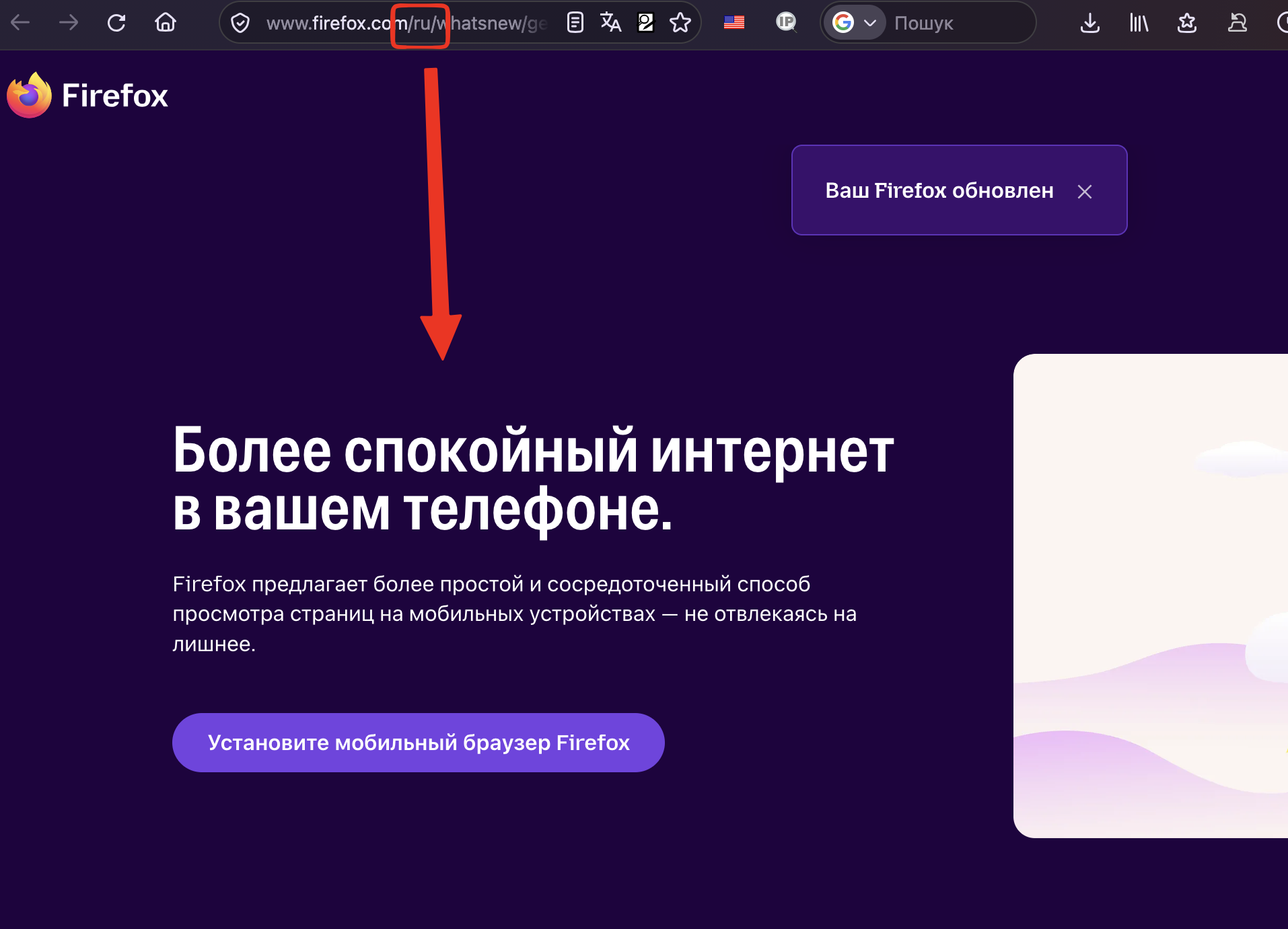
I am using Firefox on macOS with Ukrainian selected as the browser interface language. However, after every Firefox update, the automatically opened What's New page is displayed in Russian. The URL contains the Russian locale: https://www.firefox.com/ru/whatsnew/general/
Expected behavior: The What's New page should automatically use the browser's selected interface language (Ukrainian), or at least respect the user's language preferences.
Actual behavior: The What's New page consistently opens in Russian, despite Ukrainian being selected as the preferred browser language.
This happens after every browser update.
Steps to reproduce: - Set Firefox interface language to Ukrainian. - Update Firefox to a newer version. - Restart the browser. - Observe the automatically opened What's New page.
Environment: - Operating system: macOS - Browser: Firefox 160.0 - Browser interface language: Ukrainian - What's New page language: Russian https://www.firefox.com/ru/whatsnew/general/?oldversion=159.0.1&utm_medium=firefox-desktop&utm_source=update&utm_campaign=160&ver

Valgt løsning
Yes!
The "default" is the app installer which was initially used — potentially autodetected from the system it was originally downloaded from etc. — so the quickest fix is to re–download the correct localized build right away: firefox.com/download/all/desktop-release/osx/uk
Just drag the new app bundle over the original one to overwrite it, and the default should now be uk. 🙌
💙💛
Alle svar (4)
This is bizarre — I've been looking into this repeatedly and the only possibility is for some reason the default (built–in) installation localization is being propagated to the template instead of the currently active langpack.
If you go to about:support, what is your "Default Locale" down in the Localization section?
jbr said
This is bizarre — I've been looking into this repeatedly and the only possibility is for some reason the default (built–in) installation localization is being propagated to the template instead of the currently active langpack. If you go to about:support, what is your "Default Locale" down in the Localization section?
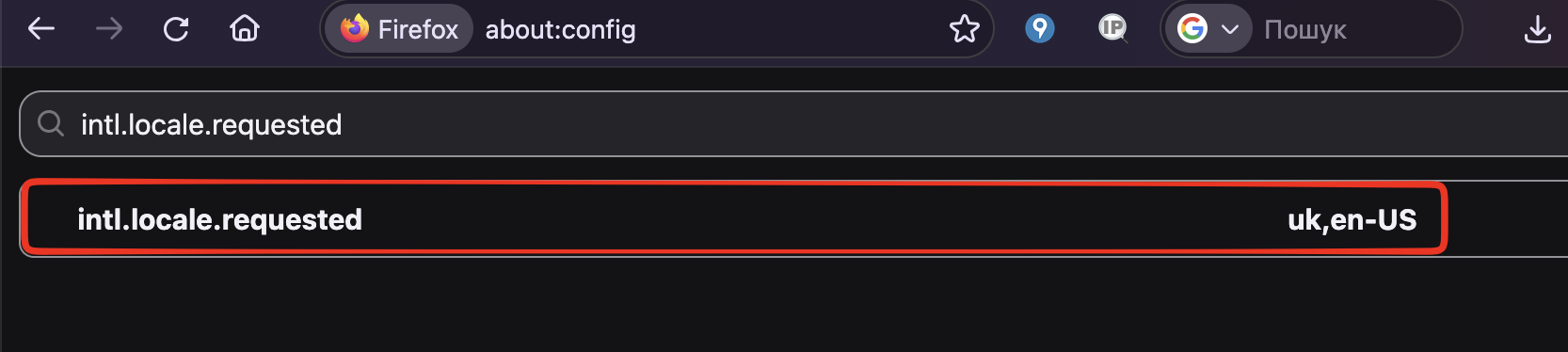
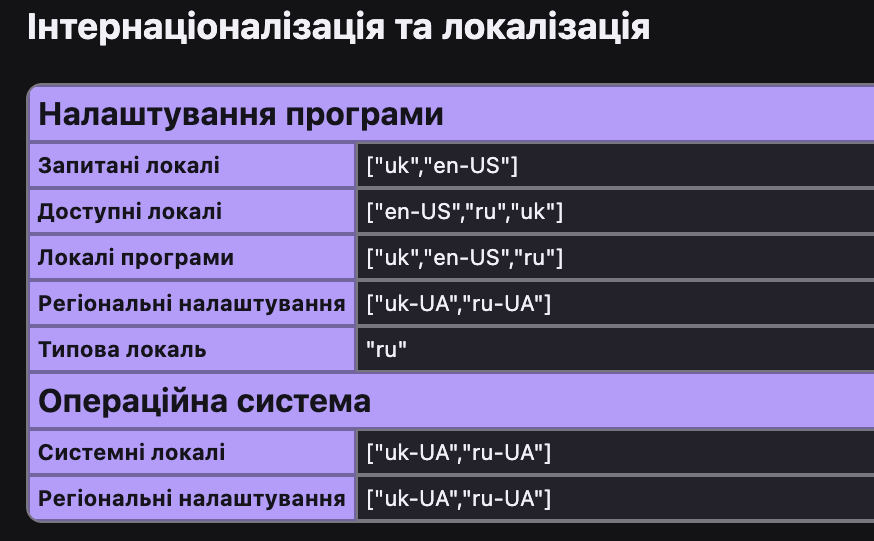
Thanks for looking into this! Here is the information from my about:support page: Default Locale: ru Application Locales: ["uk","en-US","ru"] Requested Locales: ["uk","en-US"] Available Locales: ["en-US","ru","uk"]
As you can see, the active browser language is Ukrainian (uk), but the Default Locale is Russian (ru). This might explain why the What's New page is consistently opened in Russian after every Firefox update.
Замість останнього речення:
Is there a way to fix this so that Firefox uses Ukrainian as the default locale instead of Russian?
Valgt løsning
Yes!
The "default" is the app installer which was initially used — potentially autodetected from the system it was originally downloaded from etc. — so the quickest fix is to re–download the correct localized build right away: firefox.com/download/all/desktop-release/osx/uk
Just drag the new app bundle over the original one to overwrite it, and the default should now be uk. 🙌
💙💛
jbr said
Yes! The "default" is the app installer which was initially used — potentially autodetected from the system it was originally downloaded from etc. — so the quickest fix is to re–download the correct localized build right away: firefox.com/download/all/desktop-release/osx/uk Just drag the new app bundle over the original one to overwrite it, and the default should now be uk. 🙌 💙💛
Thx a lot! :-} With respect from Ukraine. 🇺🇦 🇨🇿
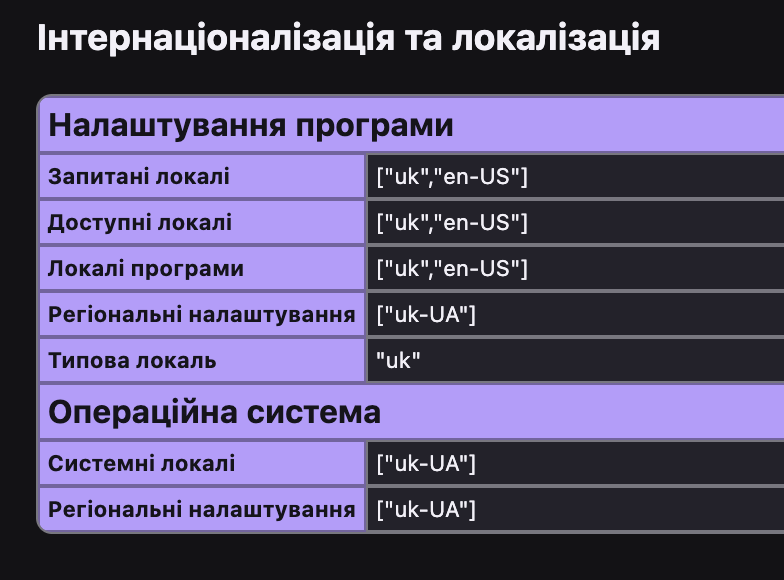
Ændret af TAIFUN den