


Website Not open in Firefox
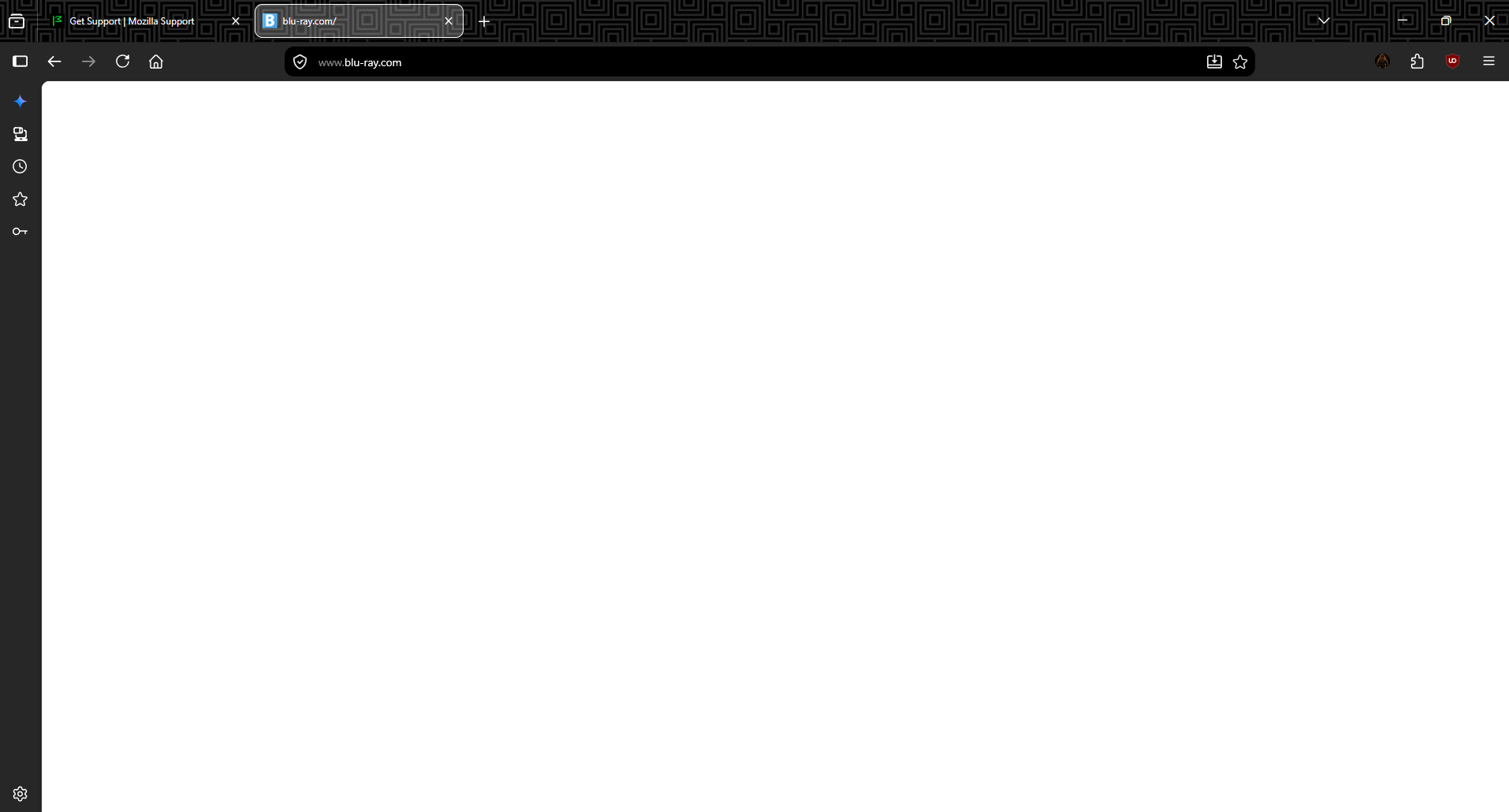
www.blu-ray.com not opening. i tried all ways like uninstall, re-install but still it's not opening. but in chrome and ms edge it's working properly. i tried troubleshoot mode, clear data but still it's not working. it's happening in these few days ago
Alle svar (5)
Opens on my Win11 with Fx 153.0.1
amoun said
Opens on my Win11 with Fx 153.0.1
I have this version too. I have ublock extension but i remove this for if website maybe work but still it's not opening. Maybe isp issue ??
Hi again.
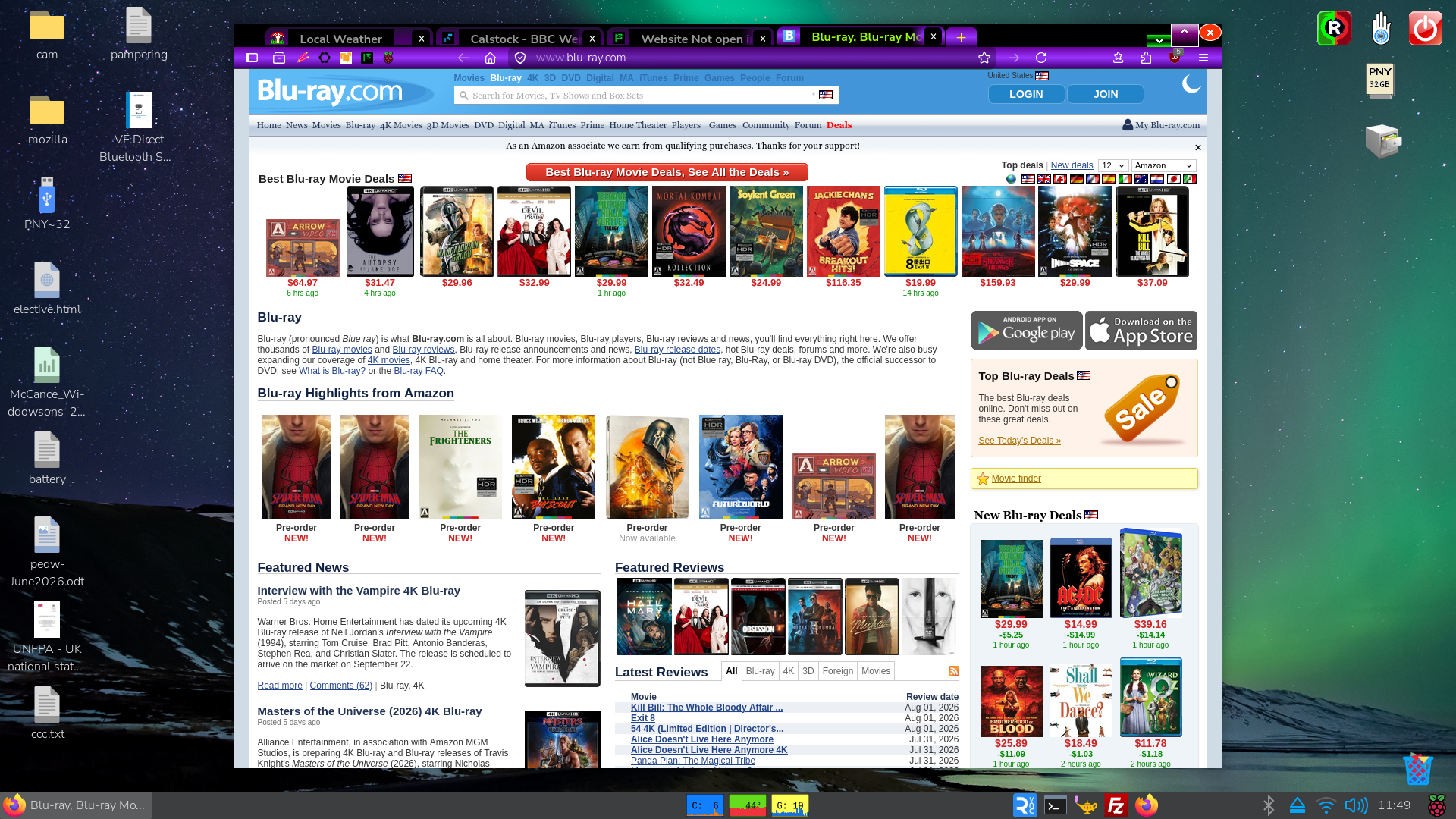
I use uBlock origin on all my devices. Now using a Raspberry Pi 64bit Updated version 6.2 march 2026 and have no problem here either.
Image below is of the whole desktop I'm using currently
Then why I'm having issues ? Any idea sir ?
Here are some standard troubleshooting steps that may resolve the issue:
- Try clearing Firefox cache.
- If it does not help, try clearing cookies and data for the website you experience troubles with (warning: you will be logged out on this website).
- If it also does not help, try running Firefox in Troubleshoot Mode. If the problem doesn't persist, please follow the steps from this article to troubleshoot further.
- Please check if you have Enhanced Tracking Protection (ETP) enabled. You can do that by clicking the shield
 icon in the left part of the address bar. If ETP is enabled, try disabling it.
- If nothing from the above helps, try creating a new Firefox profile and check if the issue persists there. If it doesn't, you can start copying files from your old profile to the new one to identify which one causes the issue. See this article on what files to copy.