


Youtube freezes constantly and irreversably
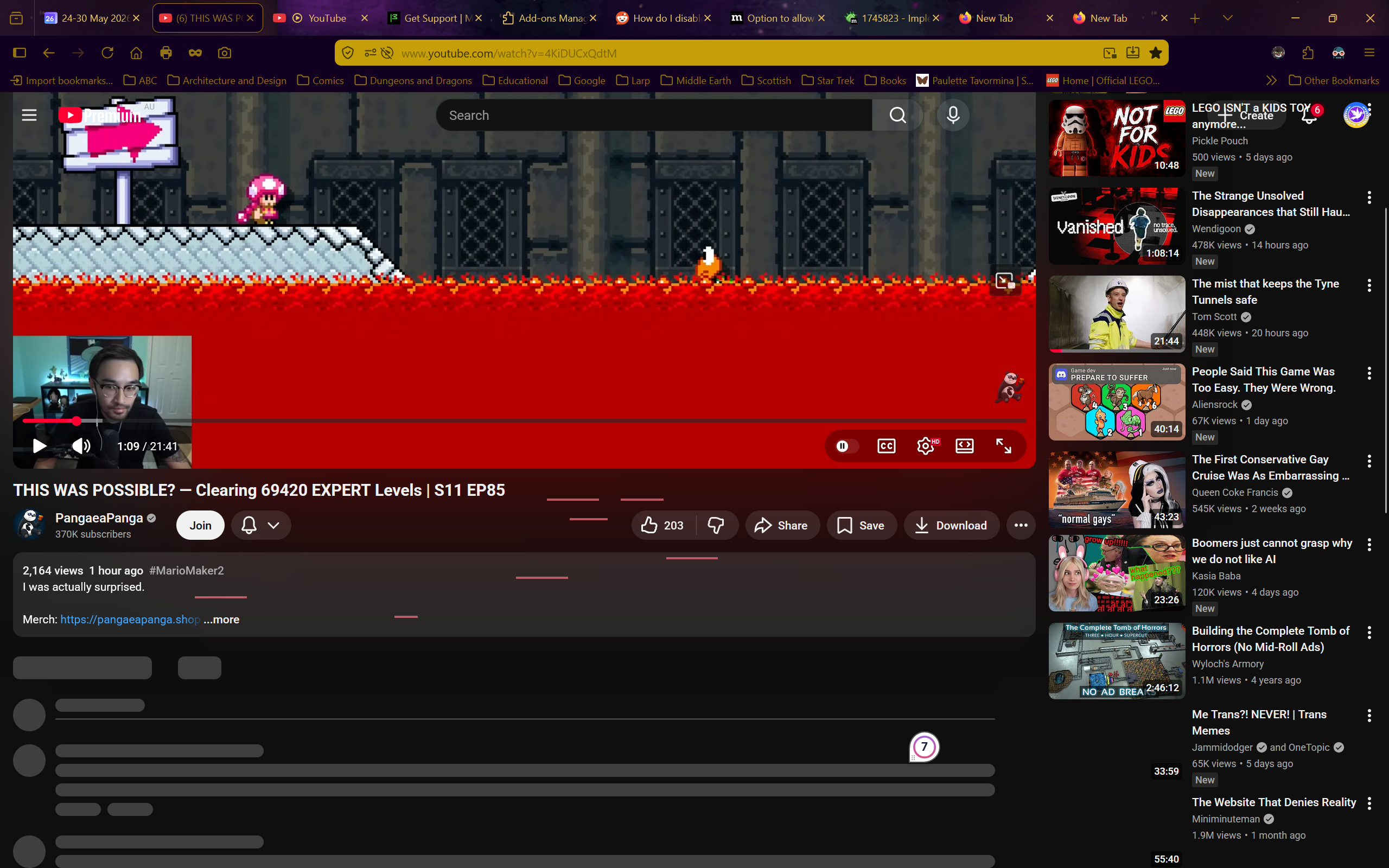
I have no idea what is happening. Whenever I try to use youtube on firefox the site just freezes. I can still scroll up and down, but nothing that wasn't already loaded loads, I can't click on anything, and nothing except scrolling does anything.
The reload, home, and even screenshot buttons don't work in these frozen youtube tabs. The only way to do anything is to open a new tab and close the frozen youtube one.
Youtube is completely unusable because of this.
I turned off every single addon, I restarted firefox, I restarted the entire computer, I tried in a private tab. It still freezes every time.
I don't have a VPN, I do not have the problem on any other website (even other media-players), and I don't have a clue what is happening.
I do have youtube premium.
Any help would be appreciated. I need to watch stuff for my studies but I just can't
Operating system: Windows 11

Alle svar (31)
To add more information, I have a video of this although I can't upload it here. Also, frozen youtube tabs NEVER unfreeze.
Ændret af Starfleet Personnel 9256316 Leiutenant Commander Everdene den
You can try downloading https://nightly.mozilla.org/ just to see it has any impact. (You'll have no profile, no addons etc. there, so it's like a clean start — its profile is isolated from your current release one)
In case there's an appliance or a security solution interfering along the line, you can also try disabling some protocols (e.g. disabling QUIC in about:config for testing purposes) to see if there's any change.
I'm off to bed and will try the suggested action in the morning. I will say that I forgot to mention that I even uninstalled and then reinstalled firefox and not even that fixed the issue.
Reinstalling the app makes no impact to user data when done correctly, as to not cause any profile loss on reinstall — so that is not a way to try a "clean slate".
Trying a release version in a minimized setup is actually described in Use Troubleshoot Mode in Firefox — the former "Safe Mode" — that's a recommended step if you haven't tried yet.
I haven't tried this yet, but it seems to be spreading... The page wouldn't load until I copied the address into another new tab
Ændret af Starfleet Personnel 9256316 Leiutenant Commander Everdene den
Hm, the problem seems to be gone in troubleshooter mode. However, I did already test and find it was not any addon causing the issue, so I have no idea what to do to fix it in non-troubleshooter mode. Is there a way to reset Firefox while keeping bookmarks and addons and such? I tested and the addons are not the problem (I have been using them for a long time with no problem)
Ændret af Starfleet Personnel 9256316 Leiutenant Commander Everdene den
Yeah, I have been running it all day in troubleshoot mode with no problem. Now I just need help finding out how to reset my regular browser while preserving bookmarks, passwords, addons, and so on, as those are provably not the problem
Okay then you might want to tinker with performance settings, and getting your graphics drivers up to date. Check the steps in:
right after the troubleshooter section — there's exactly this "The problem does not occur in Troubleshoot Mode" what's next to try one by one.
There's more broadly this:
- Upgrade your graphics drivers to use hardware acceleration and WebGL
- Firefox's performance settings
- also if you're so inclined you can see the resource demands and performance in Task Manager - see whether tabs or extensions are slowing down Firefox
You can also investigate using e.g. https://profiler.firefox.com/ and then reaching out to the various perf or media channels to follow up if you're seeing something off and it's not tracked yet in bugzilla.
So, there is no way to just reset it to match the troubleshooter mode? I haven't ever changed any performance settings or anything and I really don't trust myself to touch them. I have no idea what settings to change and it would be so much easier if I can just reset all settings to match the troubleshoot mode The most settings I have changed is just the home page, turning off ai, and setting DuckDuckGo as my default browser.
Ændret af Starfleet Personnel 9256316 Leiutenant Commander Everdene den
No, if you want to find the culprit, you'd need to follow the steps individually.
My personal guess? If creating a separate clean profile (which will be without addons, site history, permission or service workers, and free of any caches etc.) still reproduces the issue I'd go straight to disabling hardware acceleration in settings, as instructed in the articles above.
From all of the links and resources above, it's basically just this step: https://support.mozilla.org/en-US/kb/troubleshoot-extensions-themes-to-fix-problems#w_the-problem-does-not-occur-in-troubleshoot-mode — with images included.
(The only thing you'd want to remember is that you're making this change. Because in the future the performance might change unfavorably, and you'd get better results using defaults, than your optout settings — so it's good to come back to that setting to revisit it over time, in case your OS/SW support improves for the benefit of the feature using the recommender optimizations again…)
The problem is seemingly not present in a new profile.
Also, I just realised that hardware acceleration has been off this whole time because I was watching netflix with a friend over a video call
Ændret af Starfleet Personnel 9256316 Leiutenant Commander Everdene den
Bizarrely, I can't replicate the issue in my normal profile despite having it constantly for the last few days...
Without even changing anything, the problem seems to have just... disappeared? At least for now
Going into troubleshooter mode and back also does some tricks, so if there was something off even with your main config, chances are this dancing back and forth could have mitigated some of that.
Give it at least a day or two, as a lot of YouTube performance issues even when not present in new profiles seem to start occurring within a day or two again, presumably attributed to the variants and experiments being pushed by Alphabet again to the experience after the user is signed in and performs some usual activity again… so YMMV.
Ok, I will keep an eye out for the next few days
Yeah, you were right. It came back. I'll run firefox in troubleshoot mode until I have time to fix this after my deadlines are met
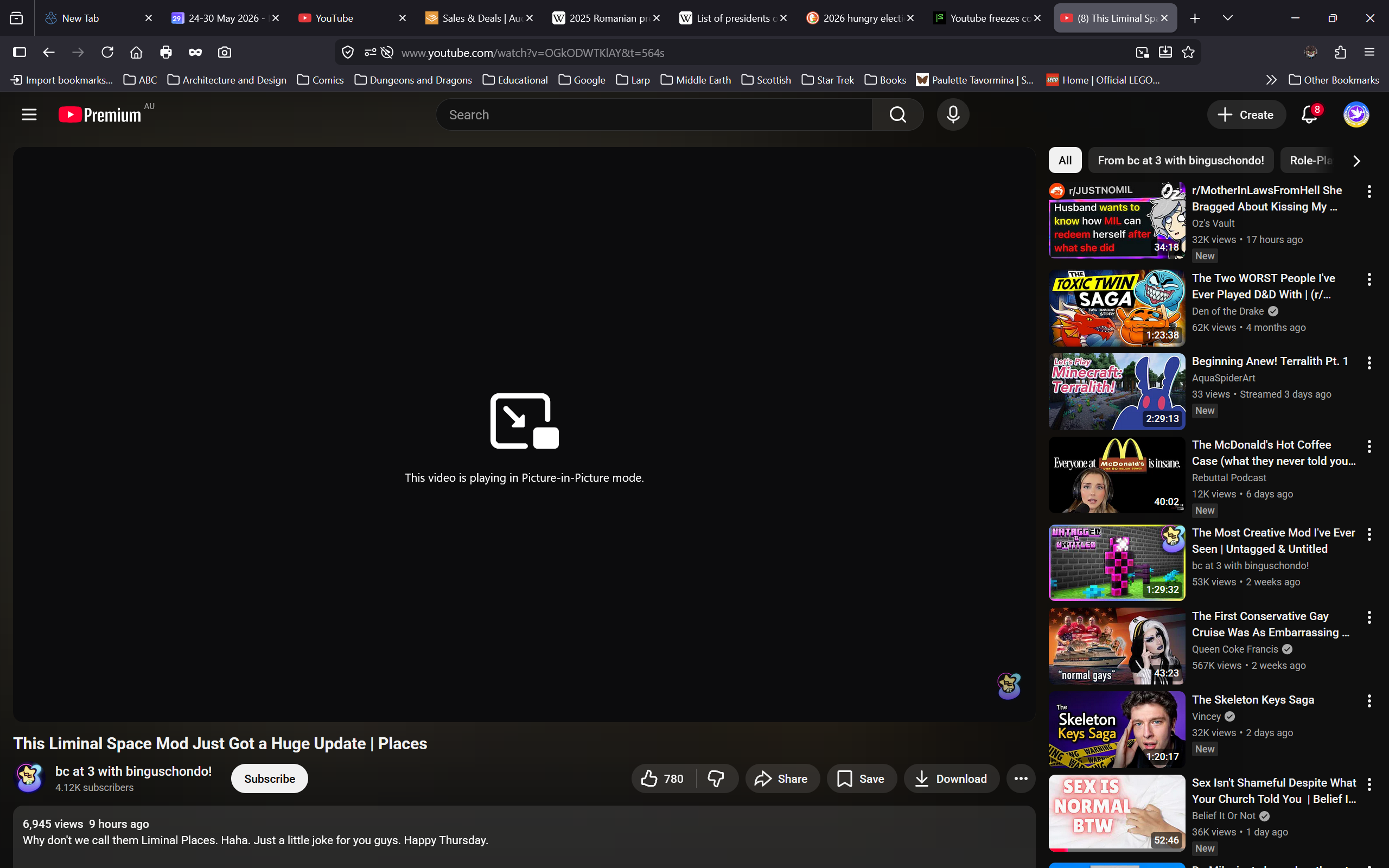
Hey, actually, I just encountered the problem in troubleshoot mode, so it turns out it is an issue with firefox and not just with my settings. It froze while it was in picture-in-picture mode, therefore getting stuck on the pip thing even when I closed the picture in picture
Ændret af Starfleet Personnel 9256316 Leiutenant Commander Everdene den
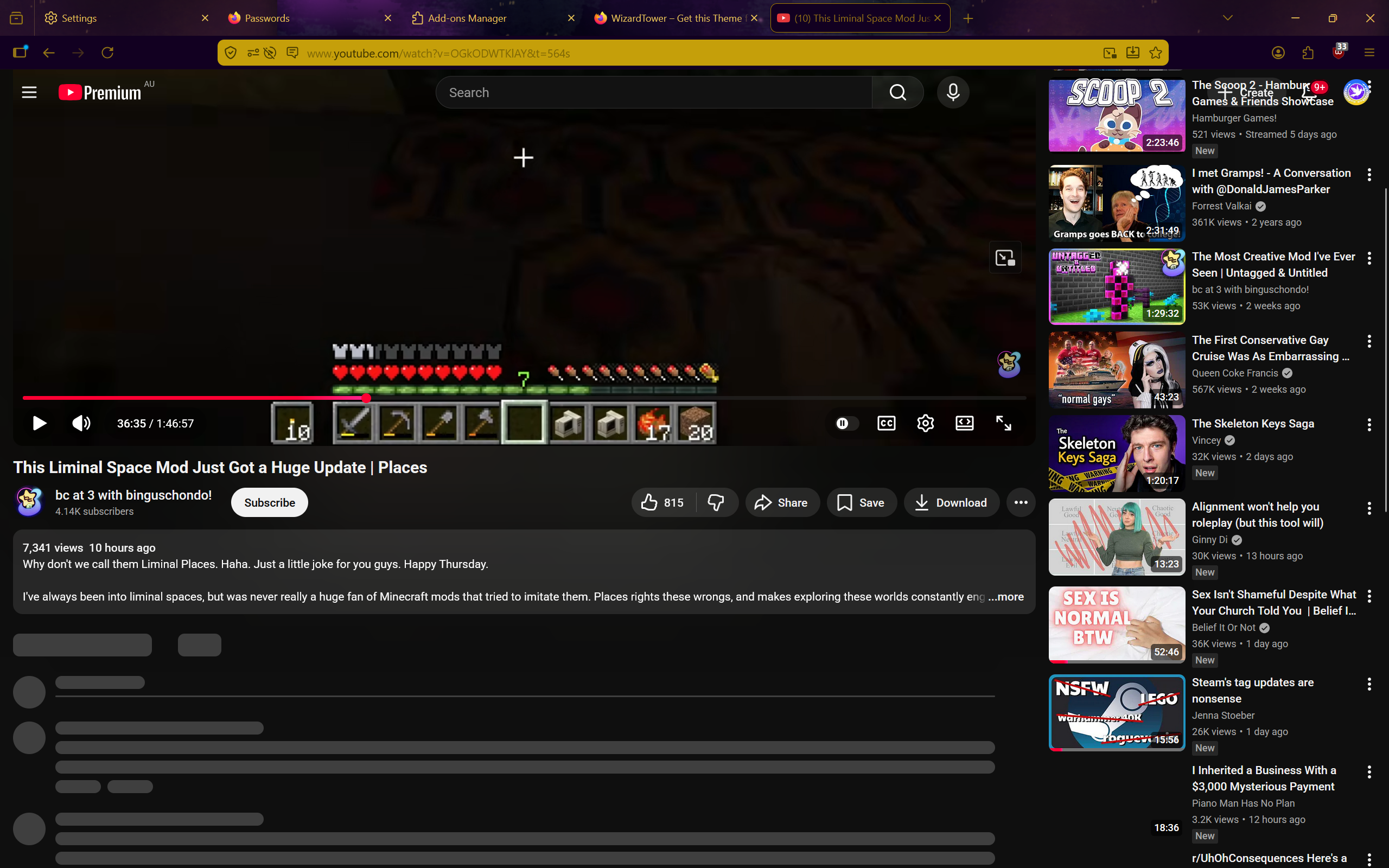
I just created a new profile and it happened in a clean profile as well (yes it is a new profile despite the same theme. I first installed the theme after the problem started. The only addon was UBlock)
I don't have an answer for YouTube premium. Normally I'd say use Private Browsing and don't log into your account — as that is more prone to Google pushing random UI experiments that then do these kinda quirks, but with a login they're in control of the experience, so you might be just unlucky and they're testing some new change on your profile:/