


I cannot highlight and right click on "Print" using the Mozilla browser for some reason? How do I print an article?

When using other browsers I can highlight an article or portion of an article and then right click and have access to the "Print" function or "Copy" function. I've tried that several times with Mozilla but don't get that option upon right clicking my mouse. How do I print or copy an article?
When using other browsers I can highlight an article or portion of an article and then right click and have access to the "Print" function or "Copy" function. I've tried that several times with Mozilla but don't get that option upon right clicking my mouse. How do I print or copy an article?
Alle svar (2)
Hi.
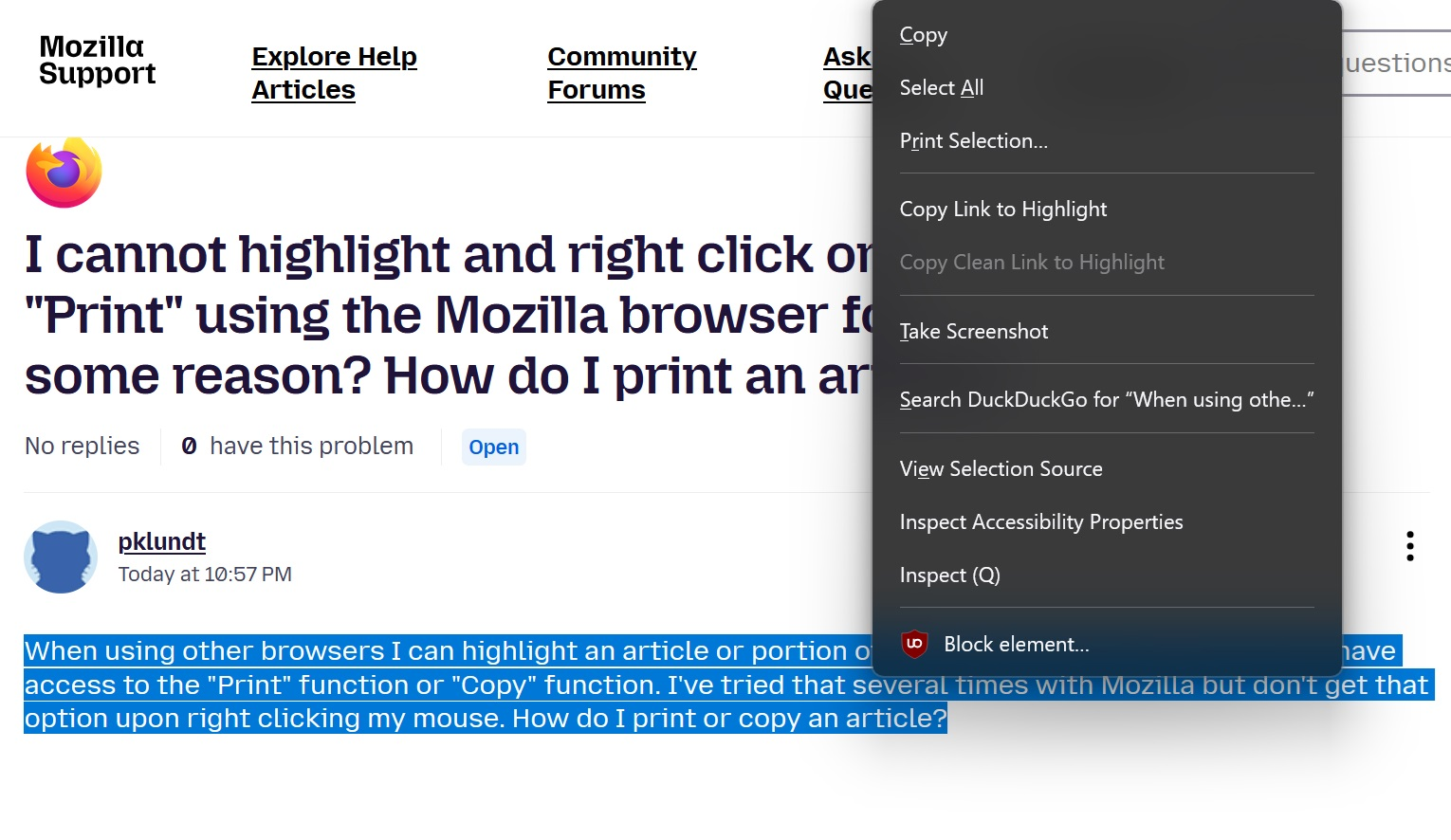
Using Win 11 and Fx 150.0.3 and all is fine here, so something up with your setup if the same versions I imagine.
See attached image.
And yes when I click on { Print Selection ] I get the preview ready to print
Ændret af amoun den