


CANNOT FIND TURN ON VPN?

I have received emails to use the free vpn but cannot find in browser where to turn it on? Thanks TheSurfGuru
Valgt løsning
You'll need an extension to set a new tab to a custom URL, such as recommended New Tab Override. It's an intended limitation added back then for security reasons.
Læs dette svar i sammenhæng 👍 0Alle svar (9)
Hi,
The Firefox built-in VPN is offered in stages to users in the US, UK, Germany and France (starting with Firefox version 149), and in Canada starting with Firefox version 150. It may not be available to you yet, even if you’re in one of these locales, as the staged rollout takes time to reach everyone.
If the built-in VPN is available, you would see a VPN icon in the top-right corner of the toolbar, which opens a prompt to turn on the VPN. You would also need to sign in to a Mozilla account. For more information, see the Use built-in VPN in Firefox article.
If you wish, you can post your feedback about the Firefox built-in VPN to the Mozilla Connect thread.
Hello and Thx Paul for fast reply. I did get the "turn on" icon and when I clicked the box an untimely Firefox update to Ver 150 I believe installed or I clicked install and I did not see the icon after that. I looked to see if I disabled but cannot find anywhere? Thanks for being there Guru
Hi,
Do you mean the "Turn it on" button on this page? If so, it was displayed to everyone, and it doesn't mean that you should have had access (confusing, I know...)
Hello, And... Thank you for reply, No, Unfortunately not that one on that page you linked to. it was in the top far right corner originally in the browser. Personally I think it should have been rolled out to All as a big piece of eye candy that had a big VPN - ON/OFF Icon but that is just me and again Thank You for Your reply Guru
Hmm, if you right-click the toolbar and select Customize toolbar..., will you see the VPN icon among others on the page that opens?
Hello, No, I am sorry I cannot see it. Sorry but will ad a screenshot if it helps. Thanks for looking though Guru
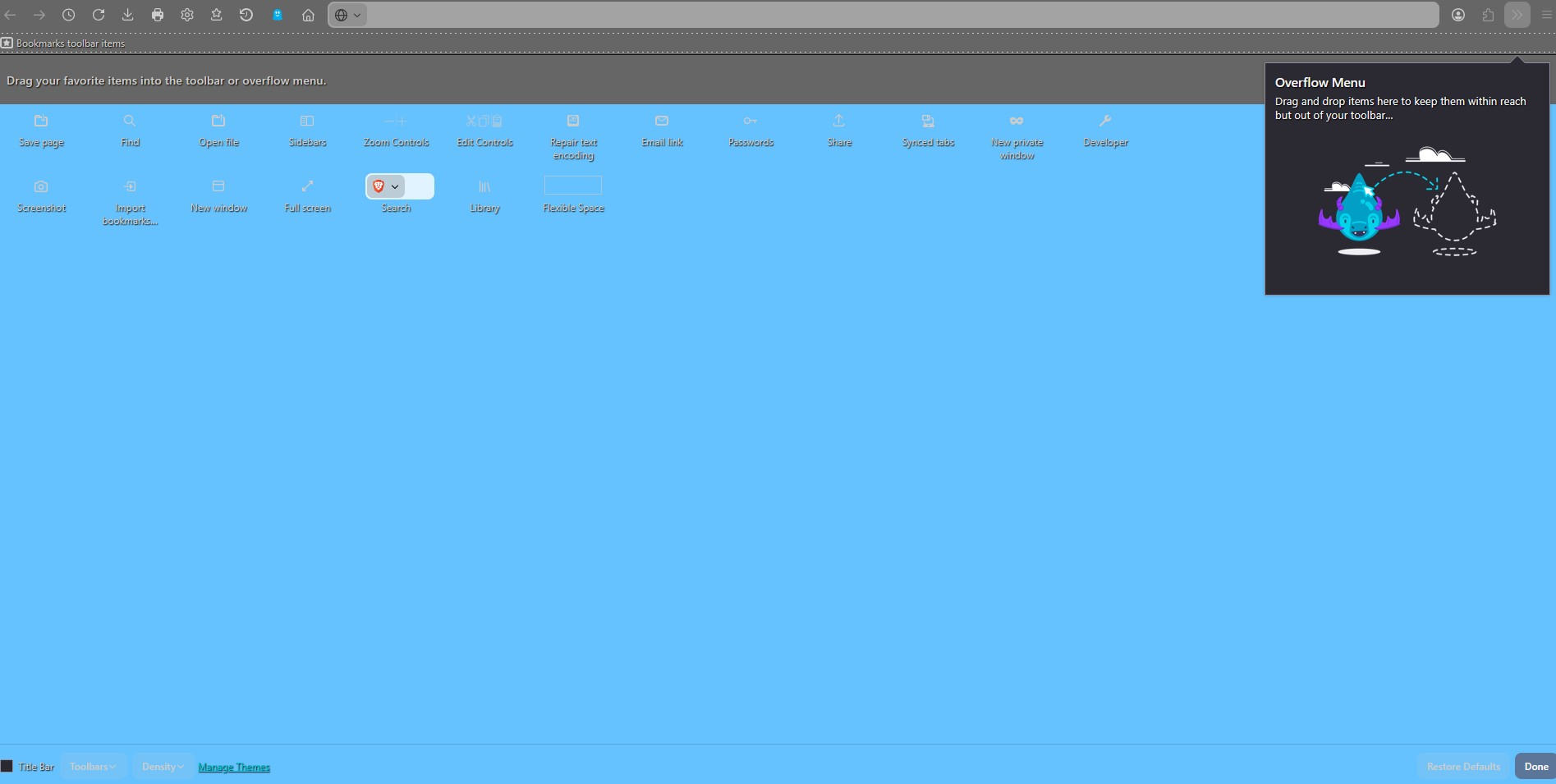
It's indeed not there... If you go to the about:studies page, are there any VPN-related active studies?
Ændret af Denys den
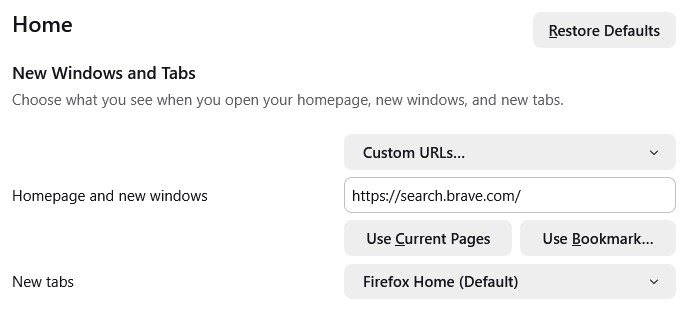
Hello and Thank you for all replies to all who answered 👍 I did search for anything close in VPN articles but only found 1 about software interfering with VPN and even checked if I may have something similar but no sadly. I have used Firefox and promote it with friends for 10Years now i am guessing now ......I am also searching on another small problem - I want my New Tabs to open in the same page as my Homepage (Search) but it will not work only allows FF Home default or Blank - sadly Thank you to All Guru
Ændret af TheSurfGuru1 den
Valgt løsning
You'll need an extension to set a new tab to a custom URL, such as recommended New Tab Override. It's an intended limitation added back then for security reasons.