


Folders out of order

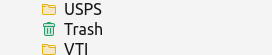
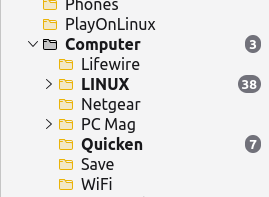
- Linux ver 140.7.1esr (64 bit) my folders are now out of alphabetic order among other things Trash us now under 'T' instead of grouped near the sent folder and my Computer folder has a mind of it's own. It's not under C even after I changed the name. It is just stuck. Wha? tnx
Alle svar (3)

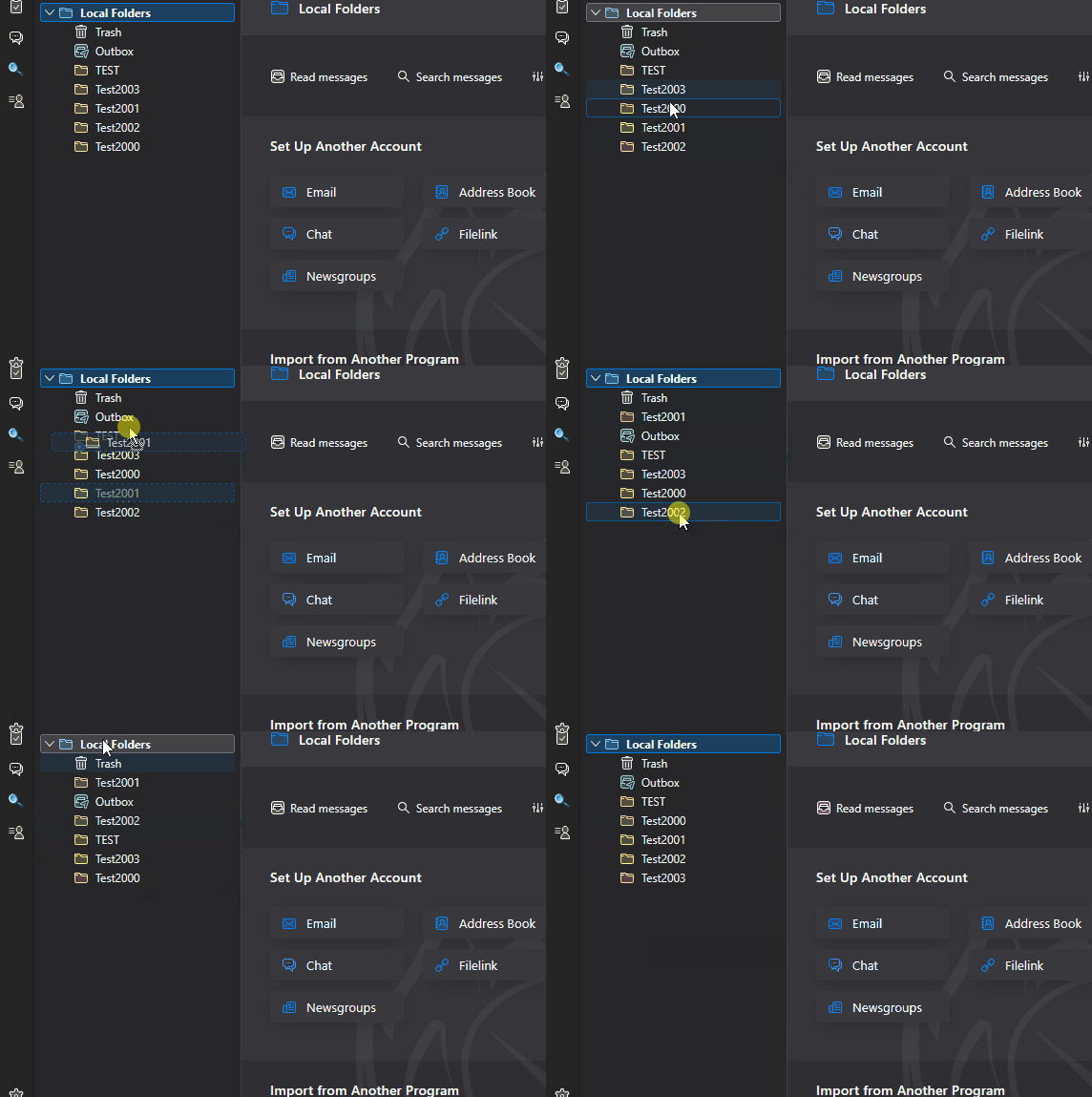
You can drag-and-drop folders within an account's hierarchy to whatever order you want. But be careful! - it's a delicate operation and it's easy to accidentally drop a folder into another folder rather than between them.
As of Thunderbird version 149 there's a new option to "Reset Folder Order" which will automatically rearrange them in alphabetical order.

I am running that version and a quick look for rest folder order is not found in settings. Can you help further?
If it's there, the option is found in the right-click context menu of the account name in the Folders List. See the attached animation. I no longer have version 149 installed, but the option is definitely there in version 150.x.
Ændret af Lin den