


How do I add a outlook account.

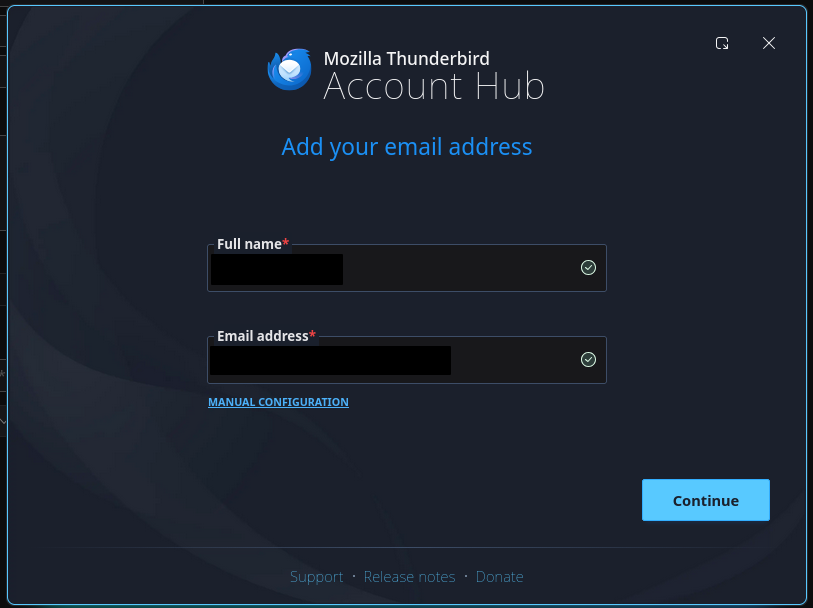
I have been trying to add my Outlook account for about 30 minutes now. Normally, I would use the beloved legacy account creator, but that doesn't exist anymore.
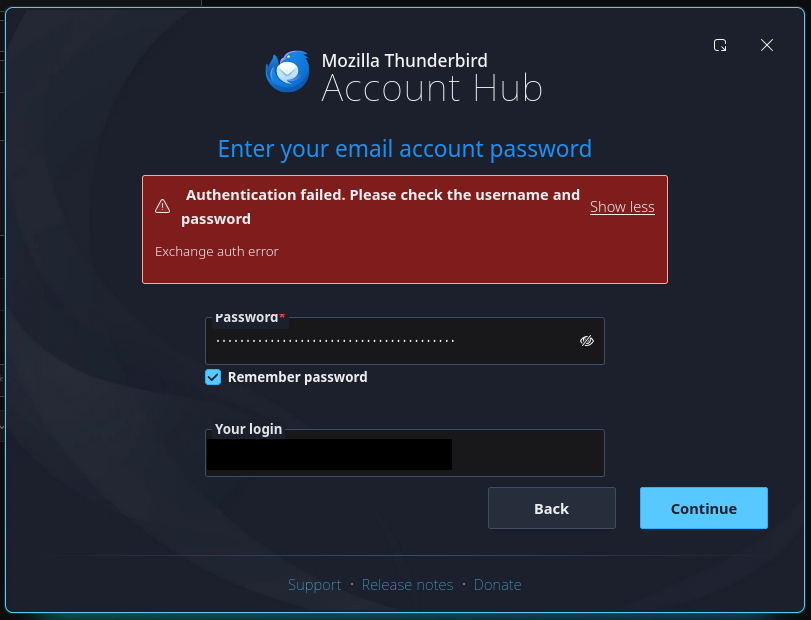
But no matter what I do, I can't log in to my account. And I am pretty damn sure I got my login correct since I managed to log in to the website and all other devices with it.
And the error message is also seriously amiguous. I just need someone to help me through this..
Ændret af Ralkey den
Alle svar (3)
Valgt løsning
Suggestion:
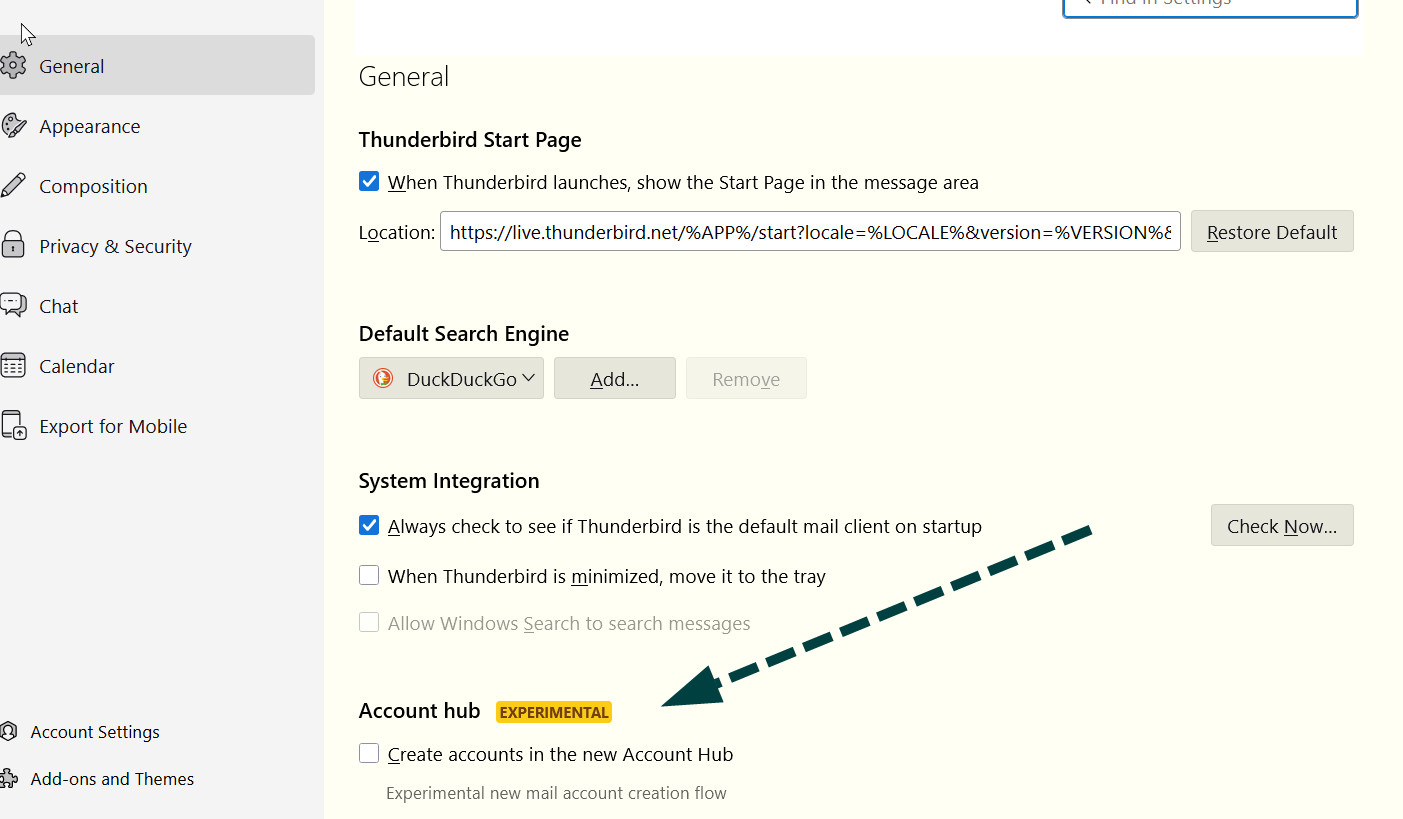
- click settings and UNtick the account hub if it is ticked (see attached screenshot)
- on setup screen, do NOT enter password. Wait for the prompt for it. Let me know how it goes.
david said
Suggestion:
- click settings and UNtick the account hub if it is ticked (see attached screenshot)
- on setup screen, do NOT enter password. Wait for the prompt for it. Let me know how it goes.
I find it weird how that worked perfectly, since I do have password protection on the account.
Well, after setting up the account, before the password, the account cannot be used until Outlook confirms the password. I'm pleased you were able to complete the setup quickly.