Can't save drafts

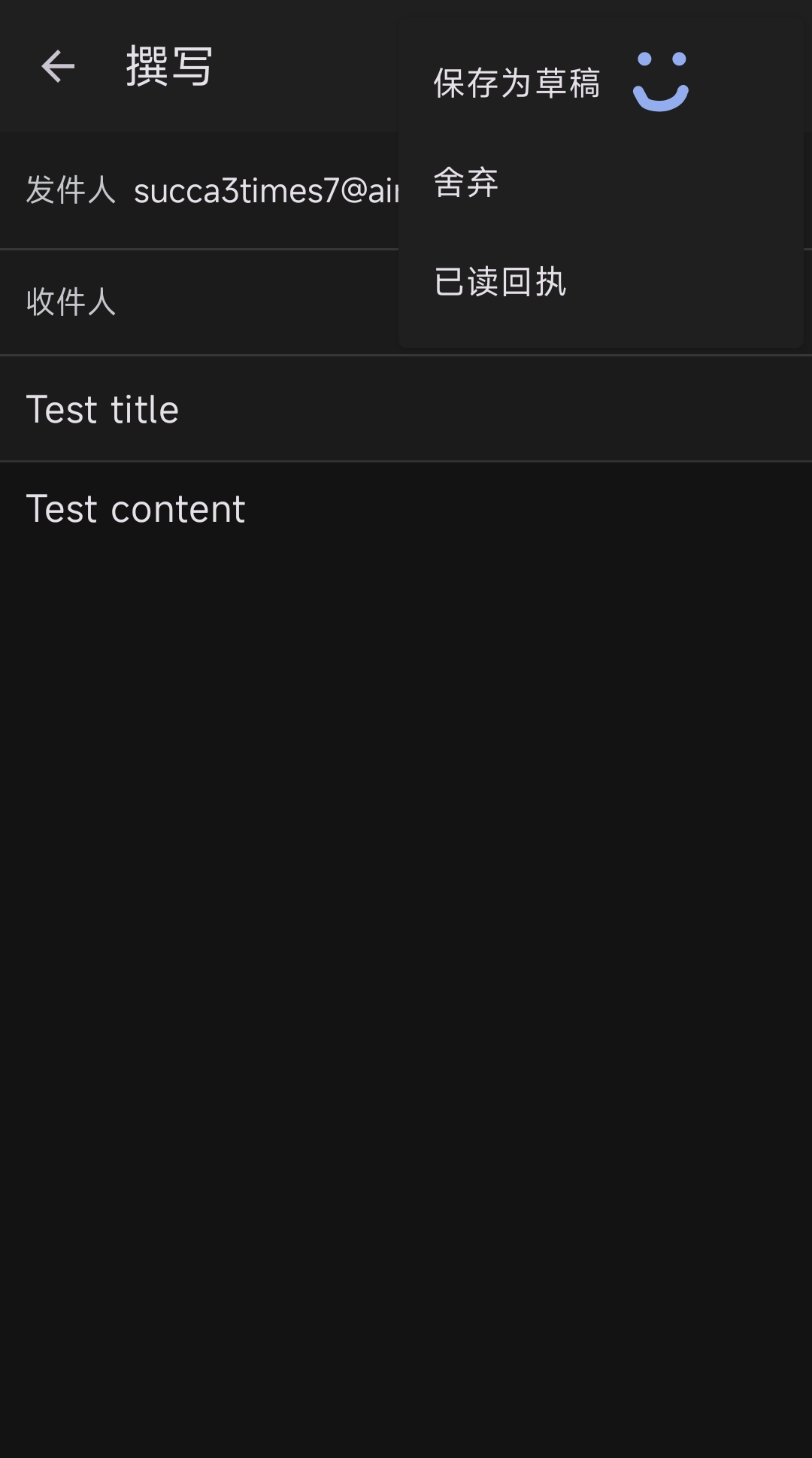
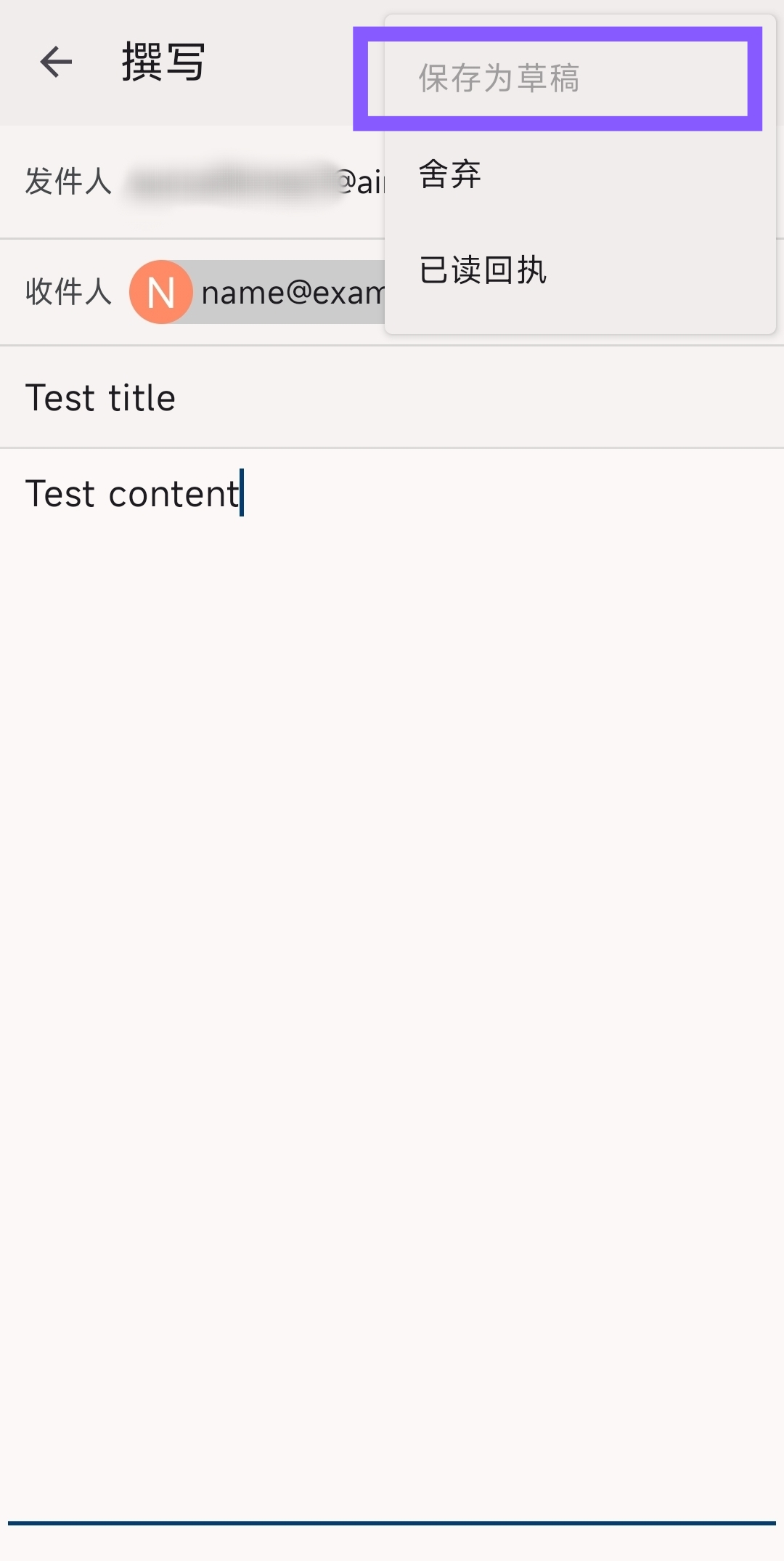
I'm using a cock[dot]li email and have pretty much accepted the default settings. I can't save drafts; that option is simply disabled.

Valgt løsning
Thanks for confirming Imap is used.
You advise automatic(none) is assigned to the draft folder under settings > account > folders. If 'Draft' is unavailable for selection in the drop down folder list, can you login to your providers webmail settings. There's two options you can check / try.
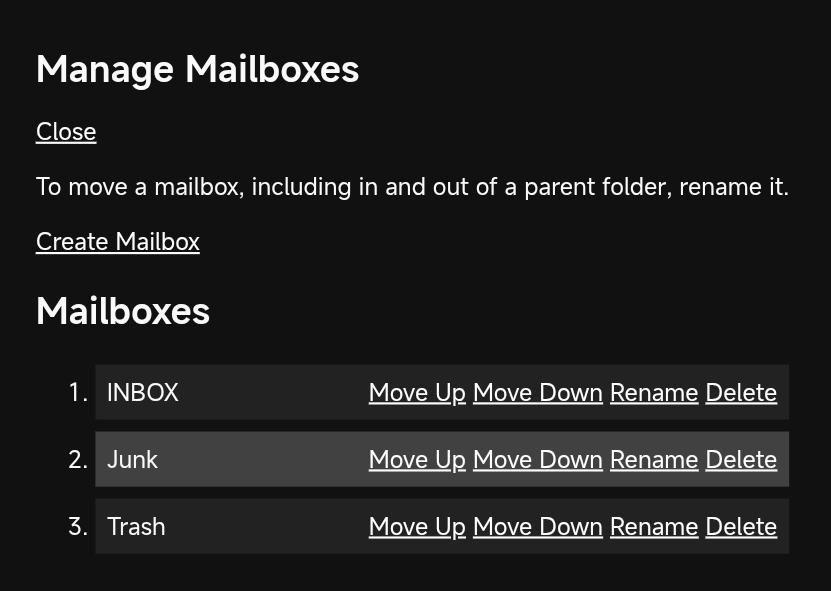
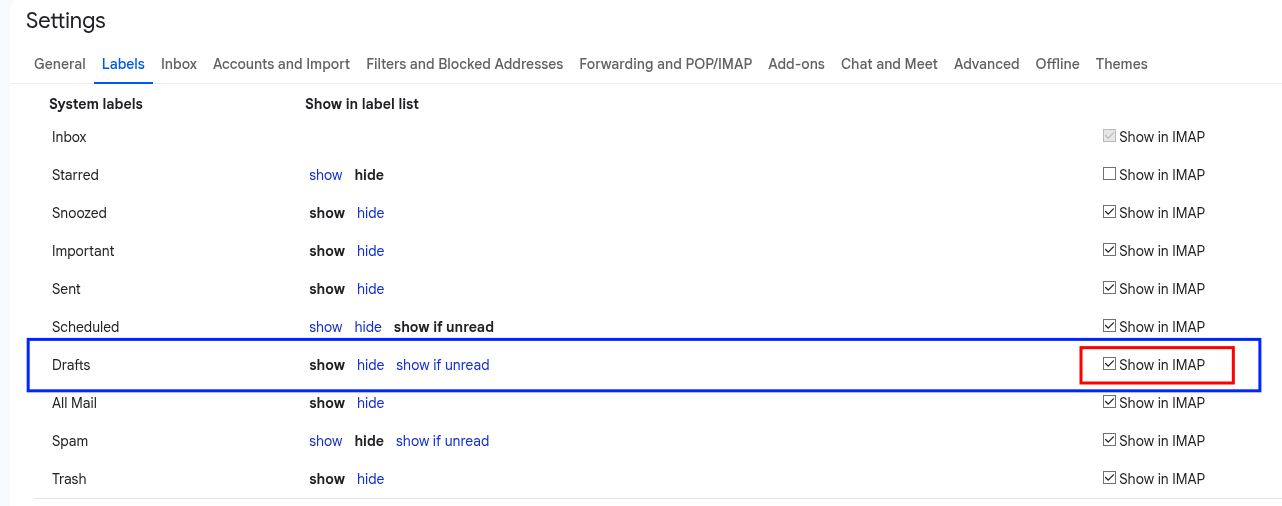
1. Some providers have a setting allowing you to enable and disable which folders are available via imap. If cock.li provides the option, you should enable for the draft folder. I've attached a screen shot from gmail as example.
2. If your webmail doesn't have a 'Draft' special folder, try creating a folder or label named 'draft' and enable it to show in imap.
Once completed, refresh the Thunderbird folder list ...
- Open Thunderbird for Android
- Open the account list
- tap your cock.li account
- tap 'manage folders' (bottom of list)
- tap 'refresh folders'
3. Navigate to settings > account > folders > draft folder and select the 'Draft' folder.
Alle svar (6)
Are you using an imap or pop3 connection to the server?
For imap, you can check your draft folder is correctly assigned. Navigate to settings > account > folders You should see "Draft Folder" = automatic (Drafts)
Platform34 说
Are you using an imap or pop3 connection to the server?
Can you give me a screenshot where I can find this?
Platform34 说
For imap, you can check your draft folder is correctly assigned. Navigate to settings > account > folders You should see "Draft Folder" = automatic (Drafts)
The "automatic" option says "(None)"
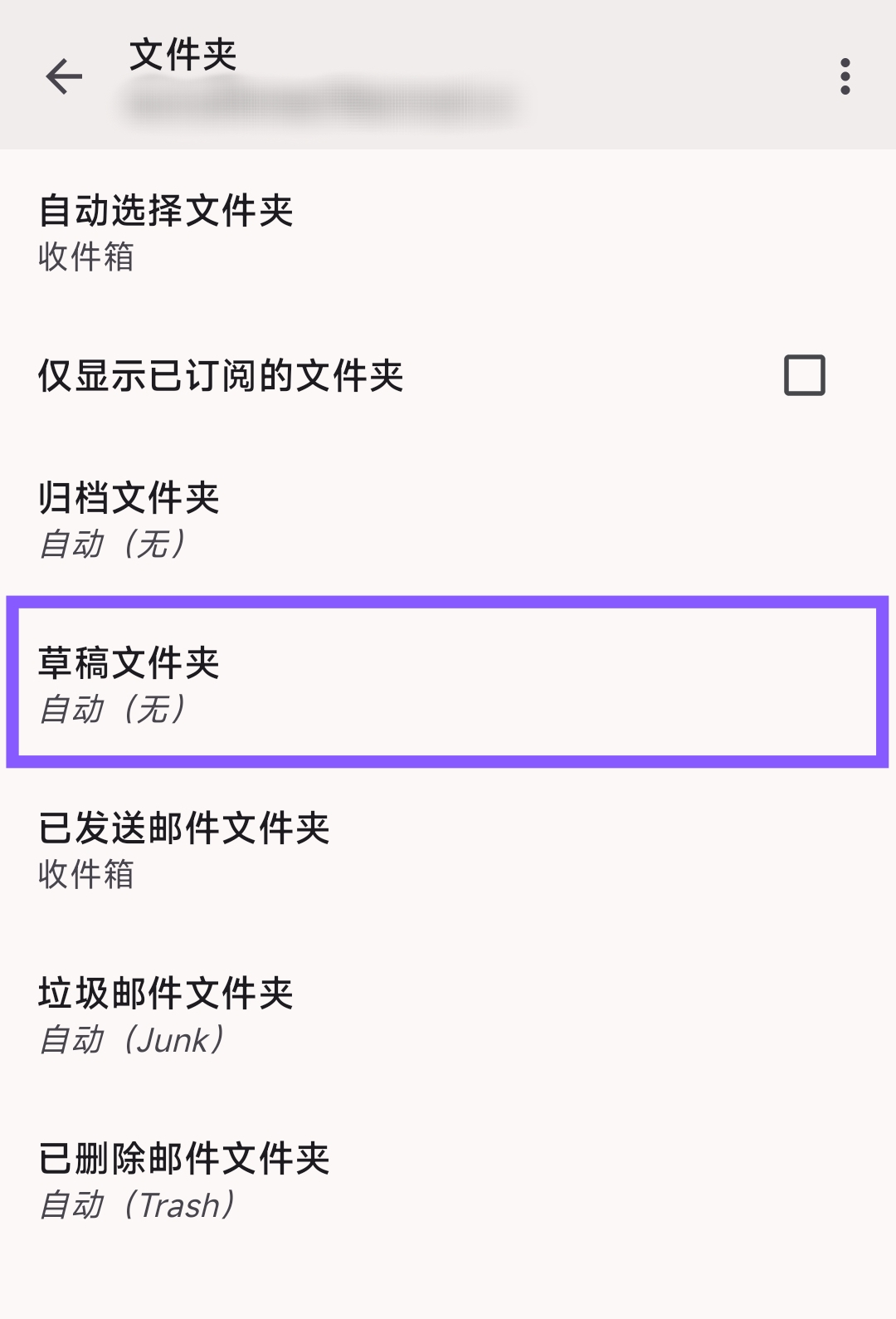
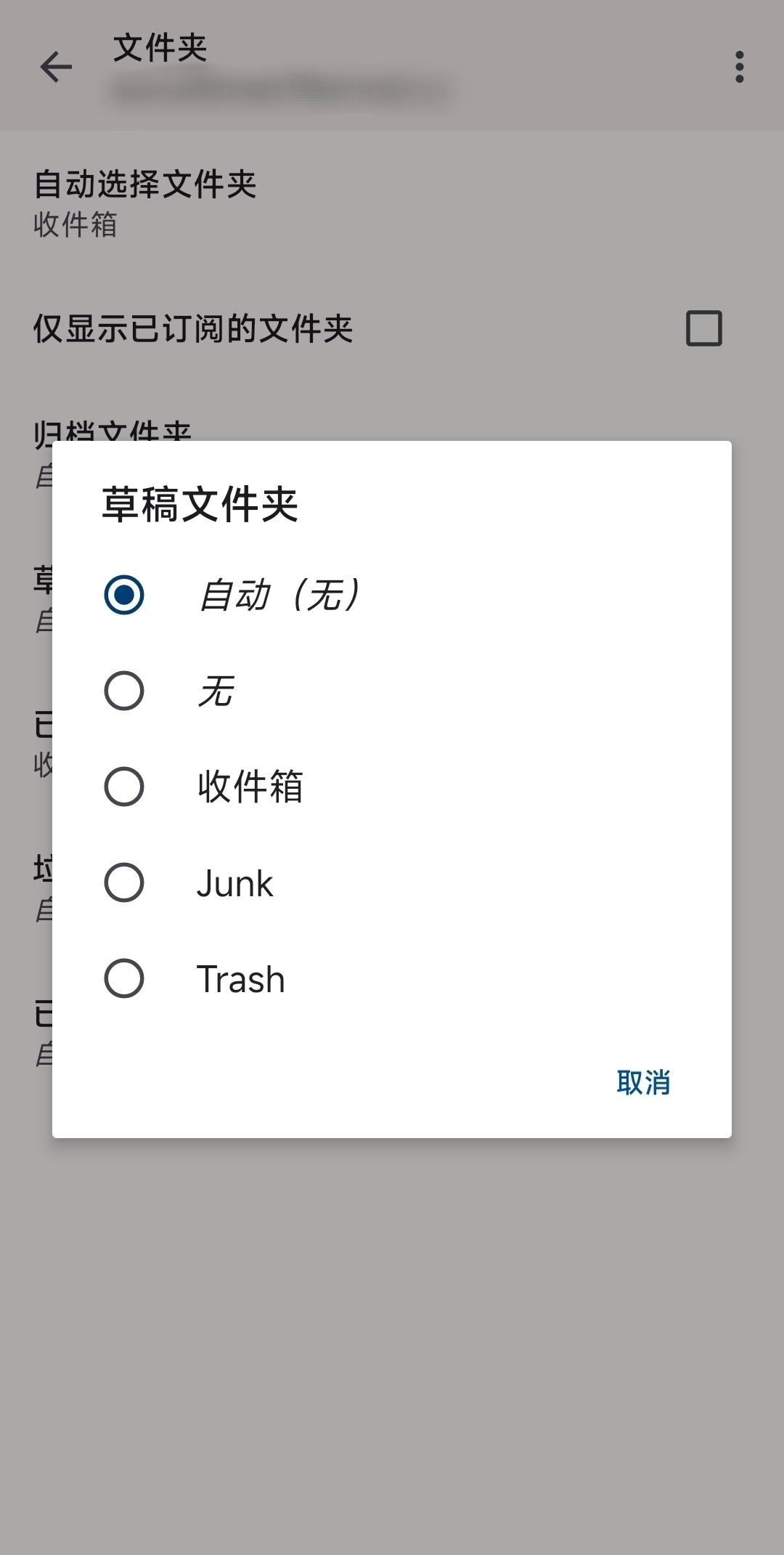
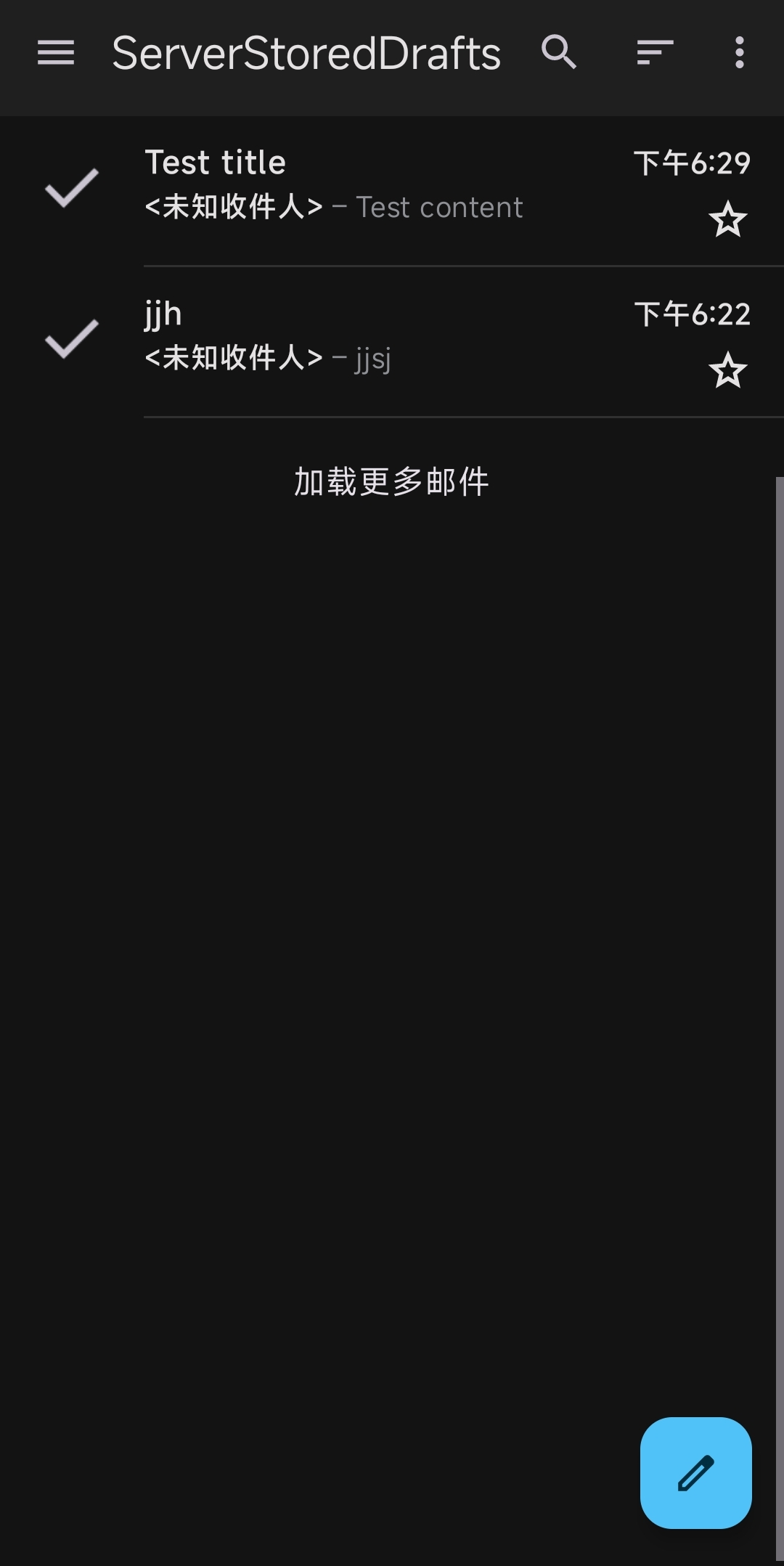
Screen shots attached.
To confirm Imap or pop, navigate to settings > account > fetching mail > incoming server. Port 993 = imap, port 995 = pop3
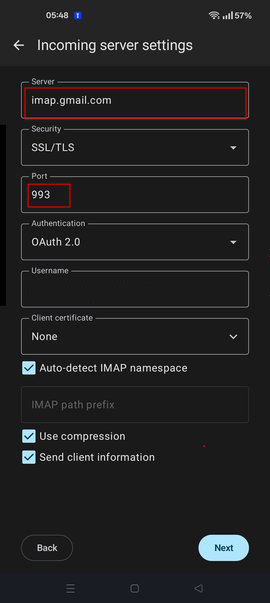
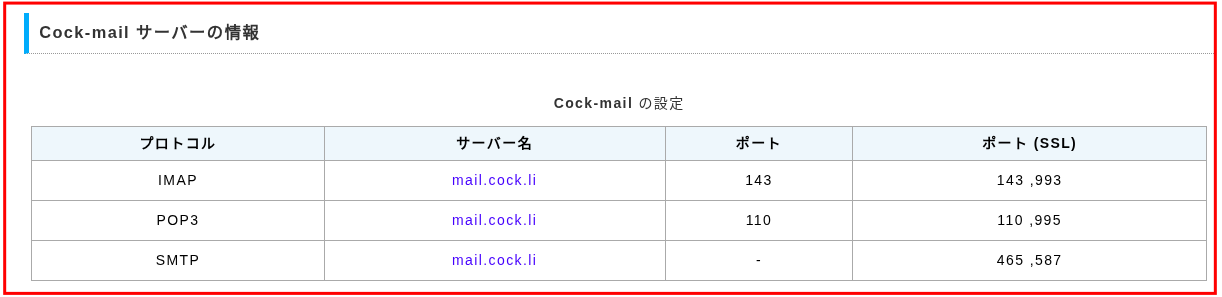
I'm using IMAP it seems
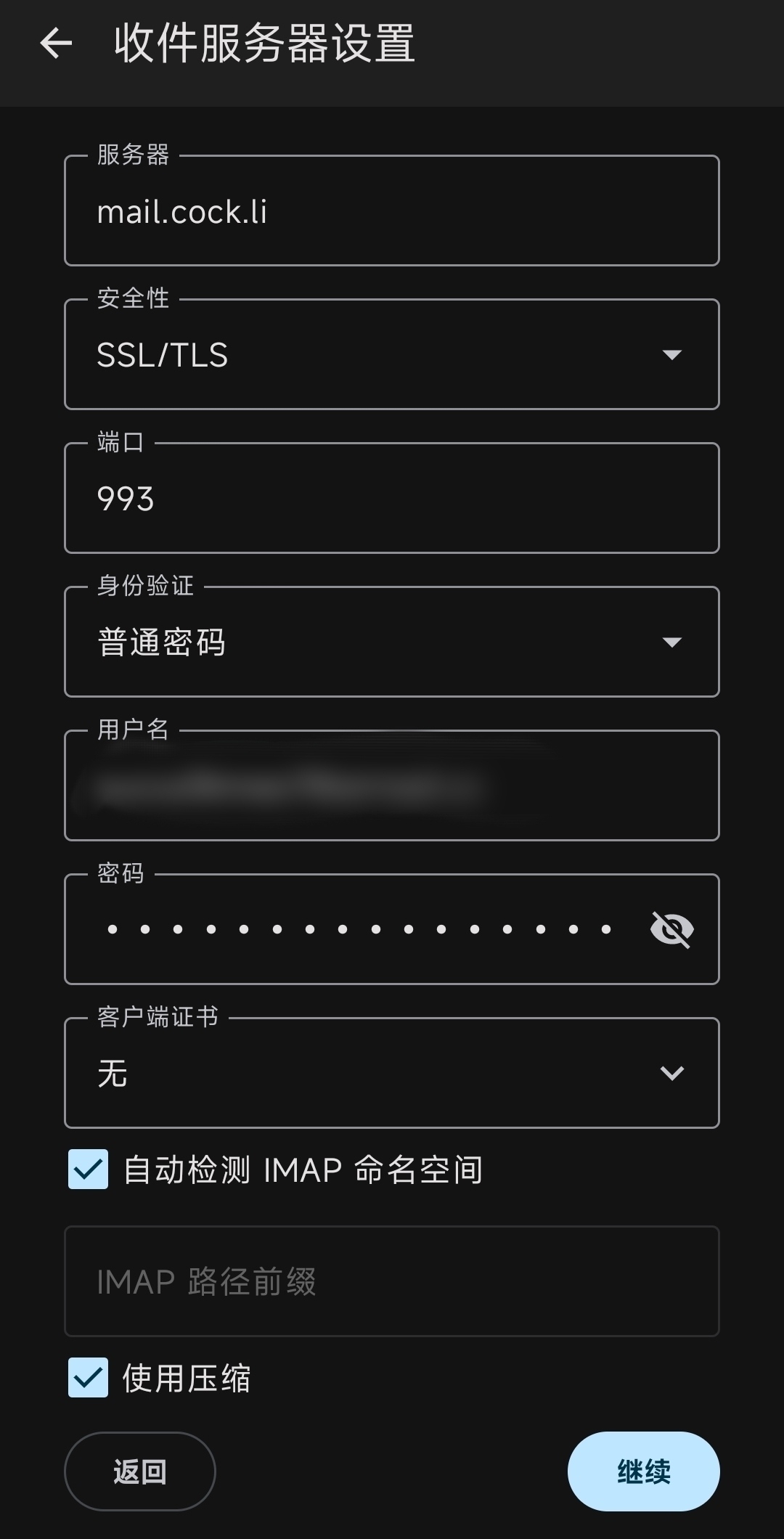
Valgt løsning
Thanks for confirming Imap is used.
You advise automatic(none) is assigned to the draft folder under settings > account > folders. If 'Draft' is unavailable for selection in the drop down folder list, can you login to your providers webmail settings. There's two options you can check / try.
1. Some providers have a setting allowing you to enable and disable which folders are available via imap. If cock.li provides the option, you should enable for the draft folder. I've attached a screen shot from gmail as example.
2. If your webmail doesn't have a 'Draft' special folder, try creating a folder or label named 'draft' and enable it to show in imap.
Once completed, refresh the Thunderbird folder list ...
- Open Thunderbird for Android
- Open the account list
- tap your cock.li account
- tap 'manage folders' (bottom of list)
- tap 'refresh folders'
3. Navigate to settings > account > folders > draft folder and select the 'Draft' folder.
Thanks for your help! I logged into cock.li's webmail and added the folders and it worked!