


Join us to show up for other Firefox users 🦊. Earn fun badges and Mozilla swag vouchers! Find out more: https://mzl.la/askafox150

Windows 10 reached EOS (end of support) on October 14, 2025. If you are on Windows 10, see this article.

Søg i Support

Avoid support scams. We will never ask you to call or text a phone number or share personal information. Please report suspicious activity using the “Report Abuse” option.

Læs mere

二维码图片被不显示/The two-dimensional code picture is not displayed

  • 3 svar
  • 0 har dette problem
  • 90 visninger
  • Seneste svar af TyDraniu
  • Åben

如图片所示,需要用二维码登录、分享的网站,二维码全部无法正常显示!

As shown in the picture, you need to use a two-dimensional code to log in and share the website, the two-dimensional code can not be displayed normally!
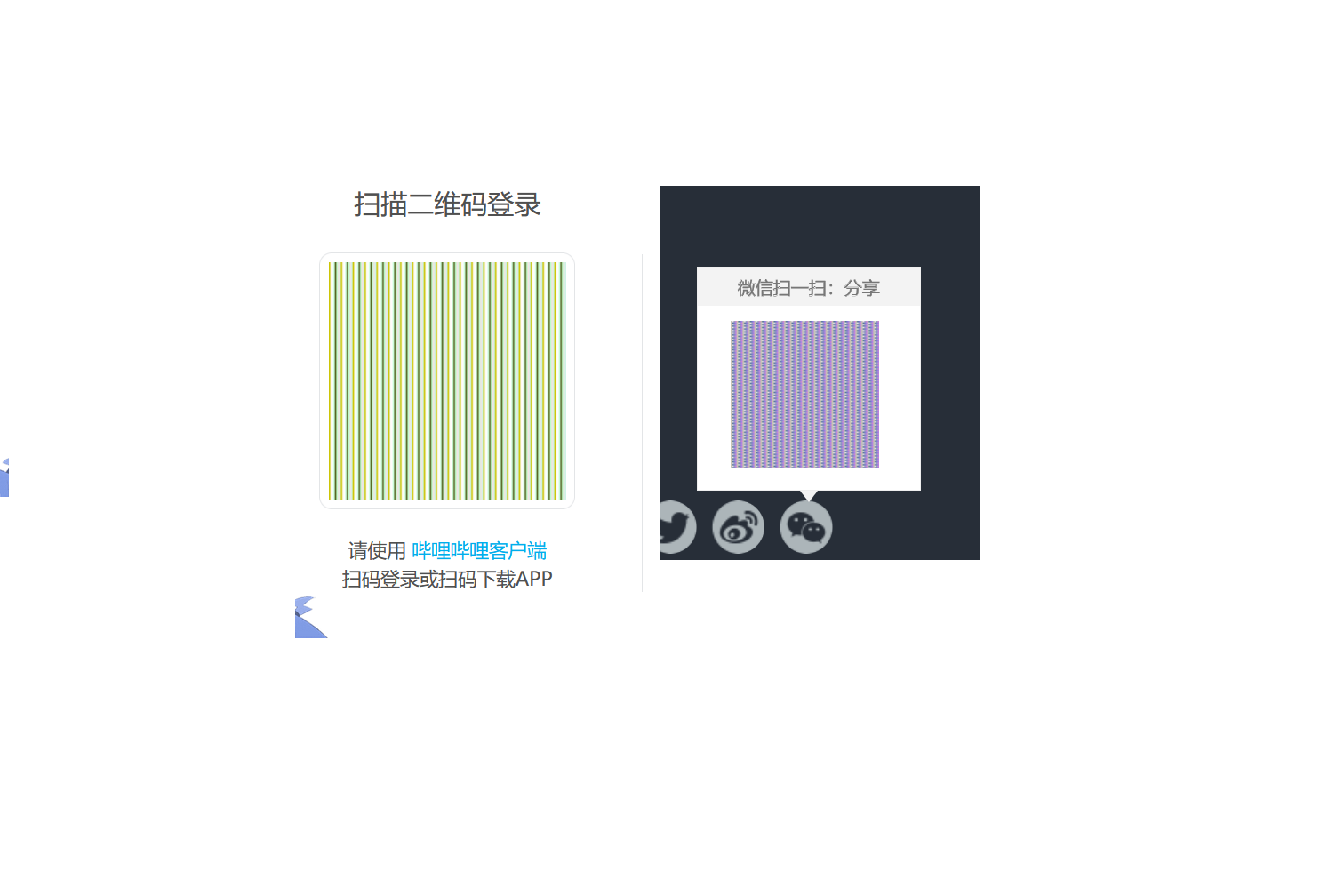
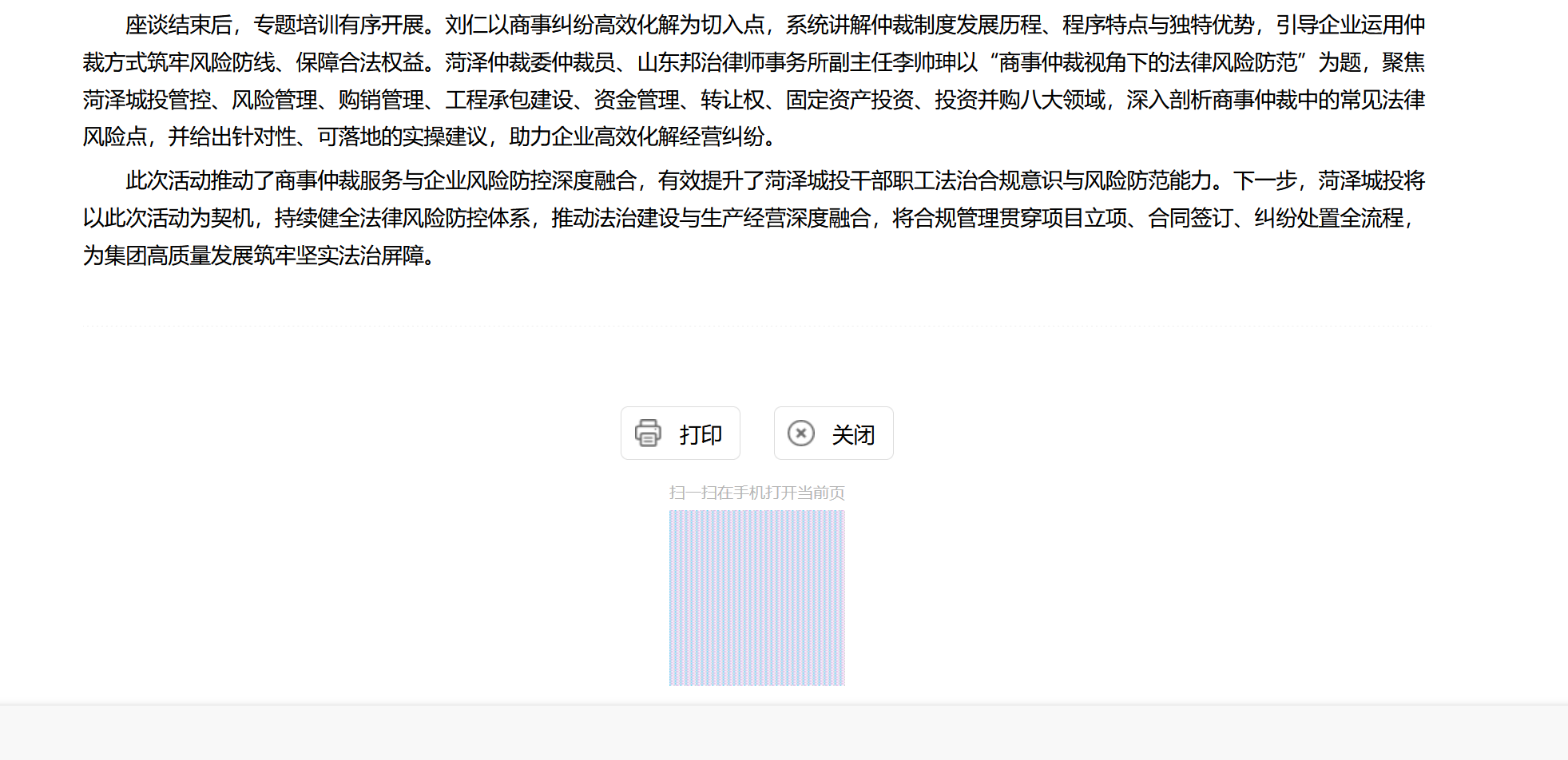
如图片所示,需要用二维码登录、分享的网站,二维码全部无法正常显示! As shown in the picture, you need to use a two-dimensional code to log in and share the website, the two-dimensional code can not be displayed normally!

Vedhæftede skærmbilleder

Alle svar (3)

Do you have privacy.resistFingerprinting enabled in about:config?

like this

my firefox version is 140.9.1esr(64-bit )

Go to about:config and switch privacy.resistFingerprinting to false.

Stil et spørgsmål

Du skal logge ind på din konto for at svare på et indlæg. Start et nyt spørgsmål, hvis du ikke har en konto endnu.