


Message Filters Broken

Hello Team,
Perhaps you can help?
I have used "T Bird" for years, lately I've loaded it on another pc to access my mail and all the filters don't work, no log being written and no folders being filtered! Windows 10,Thunderbird 147.0.2
Any pointers?
Alle svar (4)
The filter for an account is in a file named msgfilterrules.dat. The file is simple text and can be viewed/edited in Notepad. To get there,
- click help>troubleshootinginformation
- scroll to 'profile folder' and click 'open folder'
- you are now in the profile. EXIT thunderbird
- IMAP accounts are in imapmail folder and POP accounts in Mail folder
- open the file and view. It may be that there are different folders, different spelling for account, etc., that makes the filters not working. With careful editing you may be able to fix it.
david said
The filter for an account is in a file named msgfilterrules.dat. The file is simple text and can be viewed/edited in Notepad. To get there,
- click help>troubleshootinginformation
- scroll to 'profile folder' and click 'open folder'
- you are now in the profile. EXIT thunderbird
- IMAP accounts are in imapmail folder and POP accounts in Mail folder
- open the file and view. It may be that there are different folders, different spelling for account, etc., that makes the filters not working. With careful editing you may be able to fix it.
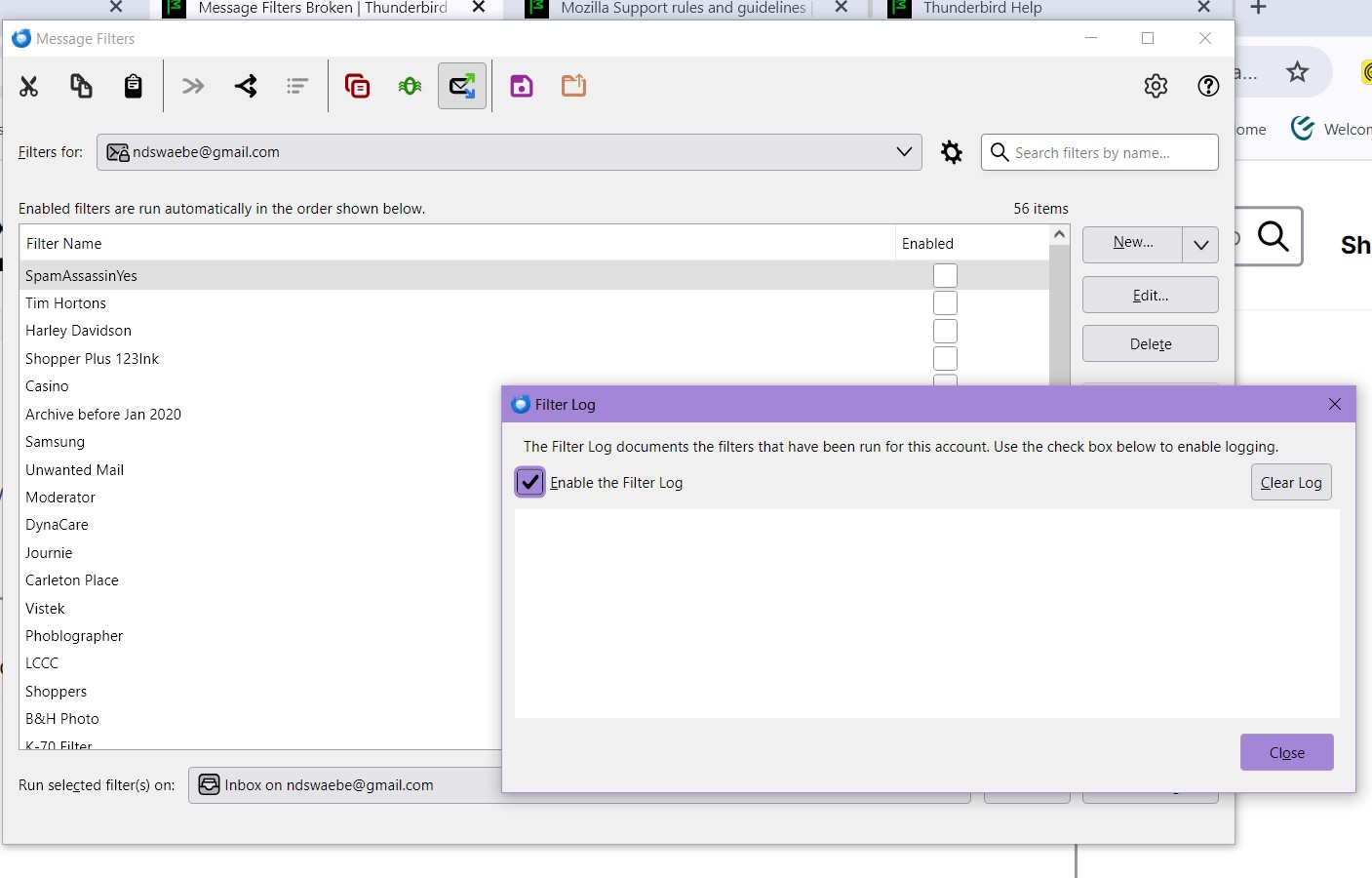
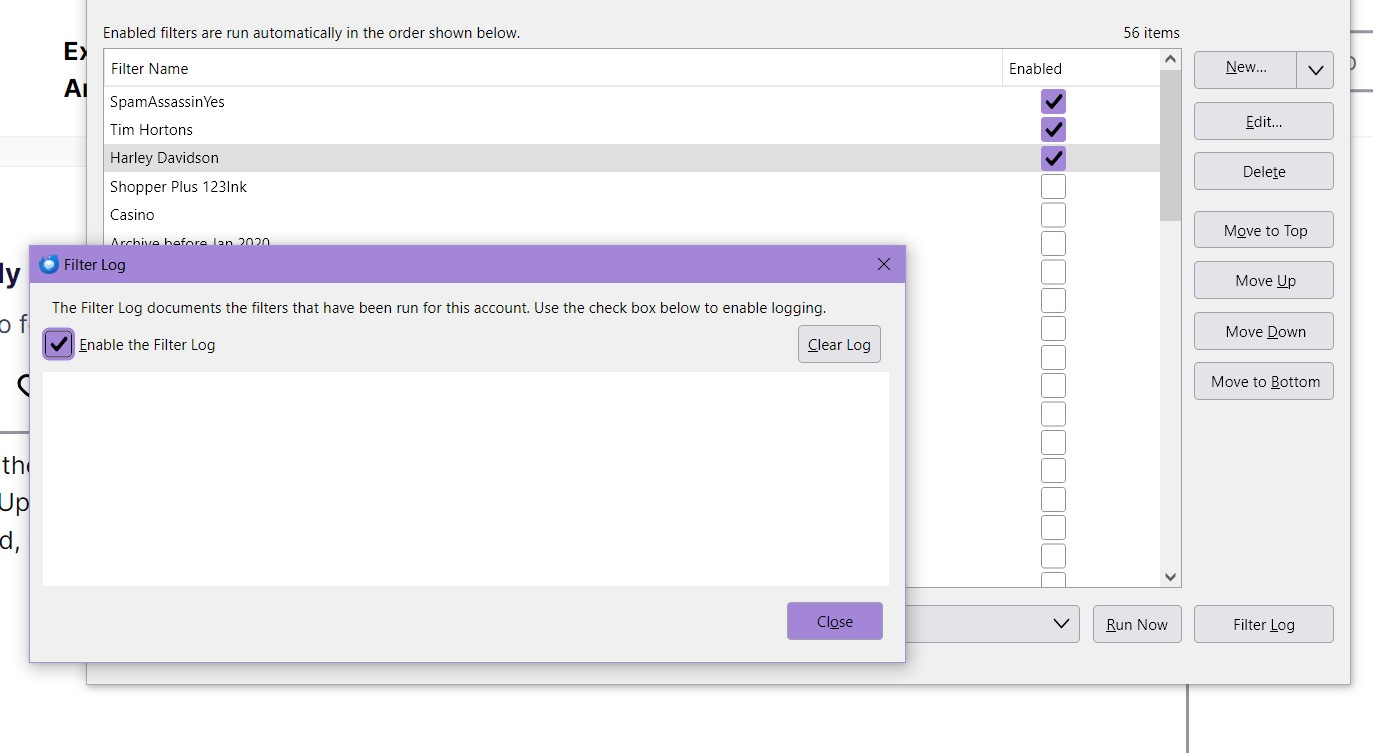
Thanks for the try David! But no go, Updated to the latest version 148.0 (64bit) Windows 10 but filters seem to be a waste of time with Thunderbird, can't find a resolve. See screen shots
You moved the Thunderbird profile from a Windows 10 system to another Windows 10? Using what steps?
Wayne Mery said
You moved the Thunderbird profile from a Windows 10 system to another Windows 10? Using what steps?
Fresh load of "TBird" 147, didn't actually copy profile, just set up a new profile and new filters. Just found out the original PC filters are not working either since January I believe.