


forgotten password

I need to reset my password, which I've forgotten, so cannot access my emails - does anybody know how to do this on Thunderbird?
I need to reset my password, which I've forgotten, so cannot access my emails - does anybody know how to do this on Thunderbird?
Alle svar (2)

You cannot do this from within Thunderbird. You must do this with your email provider. You can then either edit your password in Thunderbird to reflect your newly acquired password, or delete the old password in Thunderbird, after which you should be prompted to enter and save the new one.
Keep in mind that your password may be stored twice - once for the outgoing (IMAP or POP3) server, and once for the outgoing (SMTP) server.
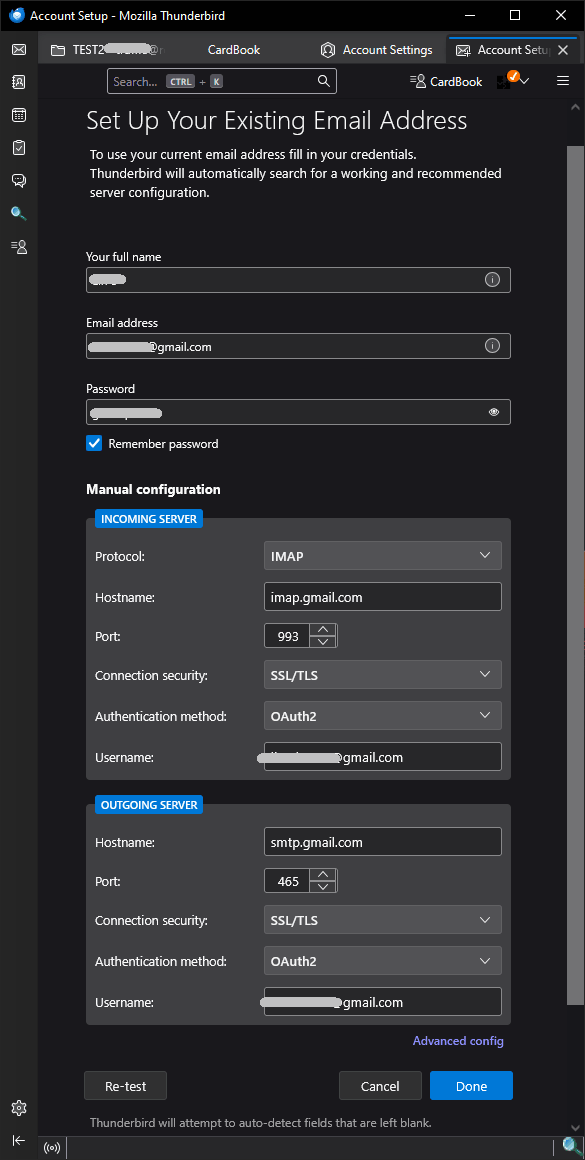
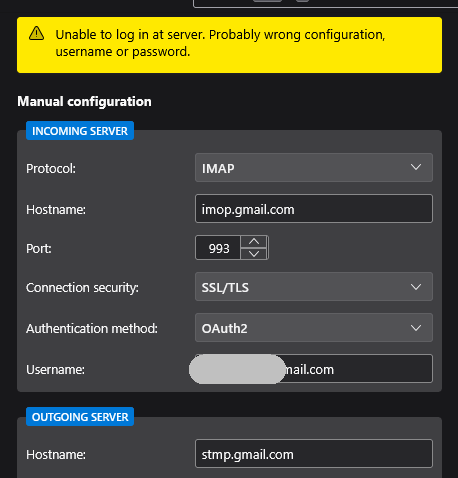
Similar topic regarding password issue and logon: https://support.mozilla.org/en-US/questions/1566573