outgoing email not working

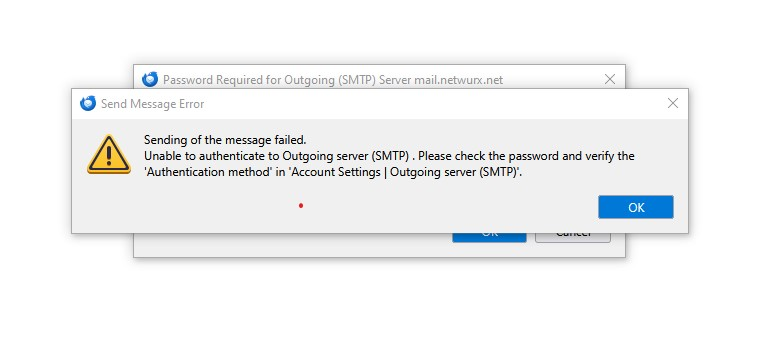
Unable to authenticate to Outgoing server (SMTP) . Please check the password and verify the 'Authentication method' in 'Account Settings | Outgoing server (SMTP)'.
Unable to authenticate to Outgoing server (SMTP) . Please check the password and verify the 'Authentication method' in 'Account Settings | Outgoing server (SMTP)'.
Alle svar (3)
It may help if you post a screenshot of the SMTP server settings pane. then, someone here may be knowledgeable on that server setting and can advise. thank you

See the attached message. This problem started a few days ago. I have not added software, updated Thunderbird or changed anything. can receive email, but not send anything. Thanks for any suggestions...