


Løst
Unknown mail service detected during Thunderbird installation

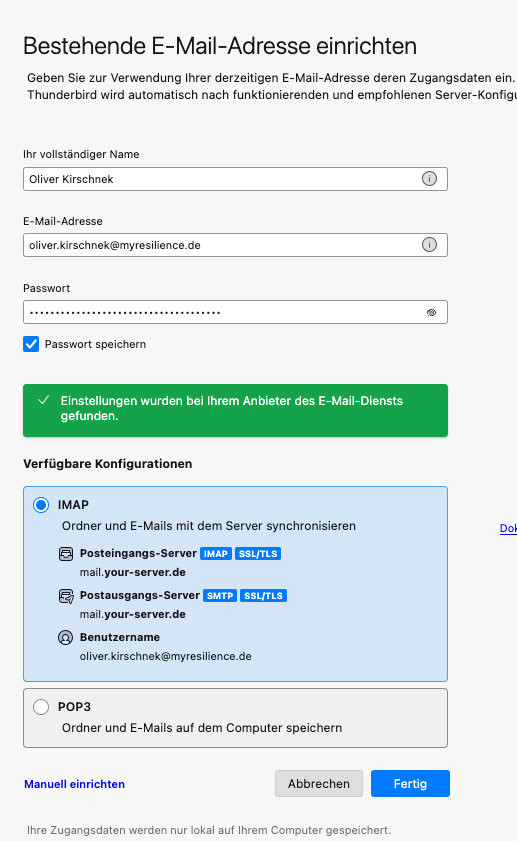
During the installation of Thunderbird I have received the following message:
"The follwing settings were found at your email provider:
This is NOT my current email provider!!
What does this mean??
During the installation of Thunderbird I have received the following message:
"The follwing settings were found at your email provider:
mail.your-server.de“
This is NOT my current email provider!!
What does this mean??
Alle svar (2)

May be the TB new account wizard (or the new Account Hub) got it wrong. If you're a myResilience employee you likely know the correct email server settings, so you can use the manual account setup.
Valgt løsning
That domain appears to be hosted by Google, so click on manual config. and try these settings:
imap.gmail.com, 993, SSL/TLS, OAuth2, email address
smtp.gmail.com, 465, SSL/TLS, OAuth2, email address