How do I turn off "Fixup URLs"?
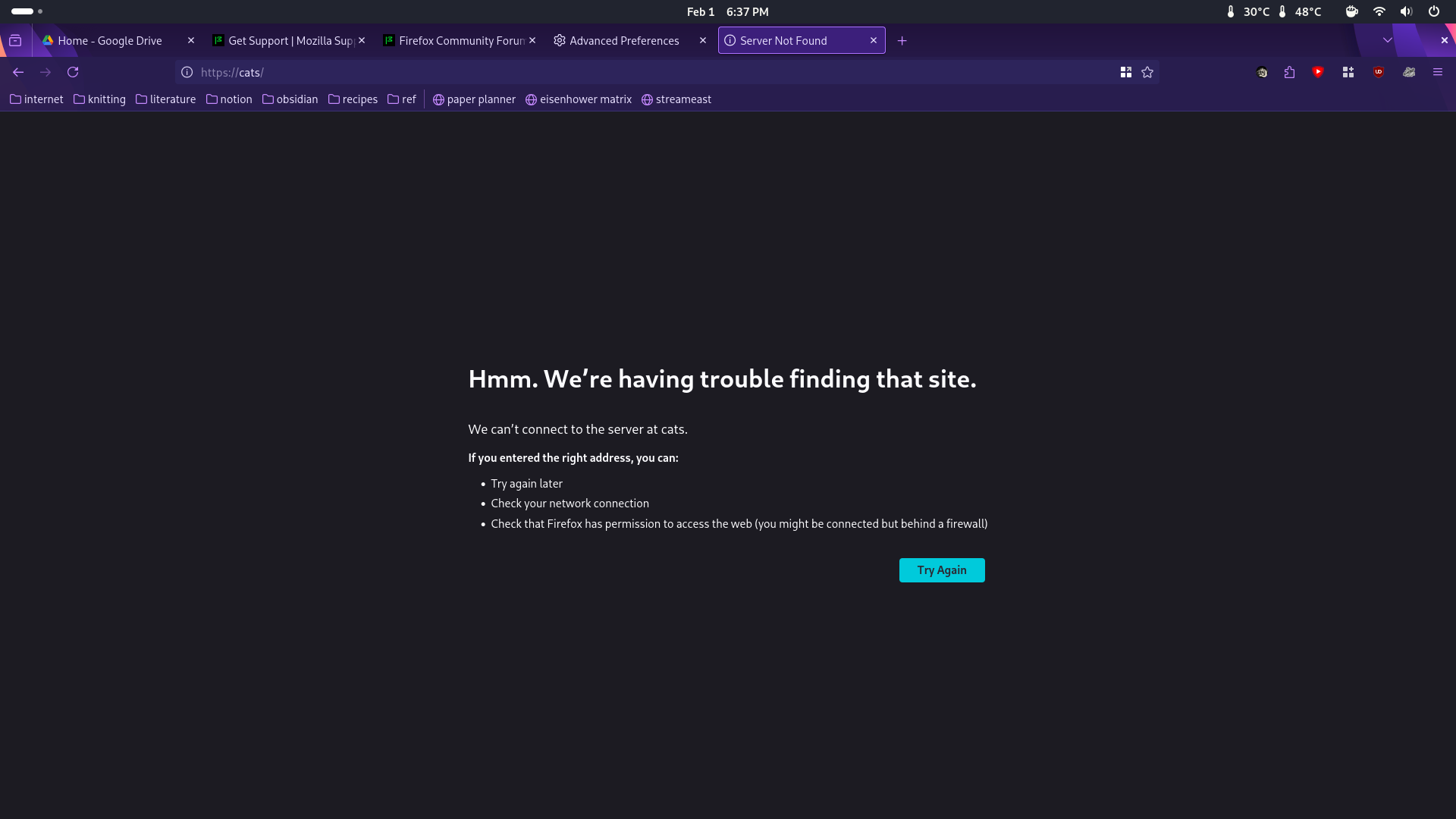
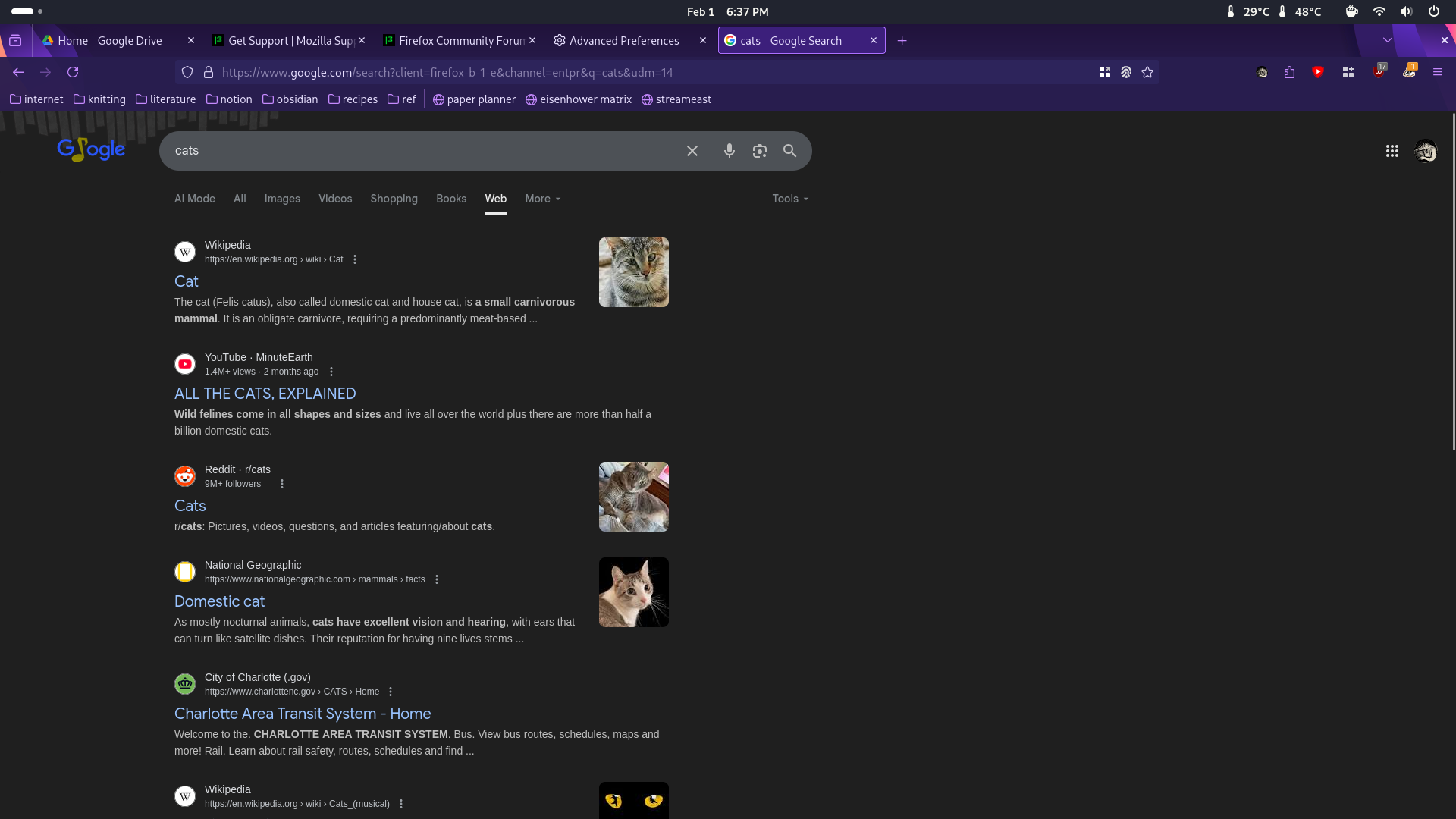
Hi! I recently had to reinstall Firefox. Logged into the same Mozilla account I've been using for several years, with pretty much the same config files I've been using since I switched to Linux, and suddenly--for the first time in at least a year--Firefox has (again) started trying to "fix" searches I put into the address bar that aren't prefaced with a search engine. How do I turn this off? (For example, if I go to the address bar and type in "cats" I get directed to a page like the first attached screenshot. If I type in "@google cats" I get directed to the second attached screenshot...)
I'm pretty sure I've disabled everything in prefs.js that relates to that. Um. Feature? But clearly I haven't been able to disable it yet! So.
Hi! I recently had to reinstall Firefox. Logged into the same Mozilla account I've been using for several years, with pretty much the same config files I've been using since I switched to Linux, and suddenly--for the first time in at least a year--Firefox has (again) started trying to "fix" searches I put into the address bar that aren't prefaced with a search engine. How do I turn this off? (For example, if I go to the address bar and type in "cats" I get directed to a page like the first attached screenshot. If I type in "@google cats" I get directed to the second attached screenshot...)
I'm pretty sure I've disabled everything in prefs.js that relates to that. Um. Feature? But clearly I haven't been able to disable it yet! So.