Windows 10 reached EOS (end of support) on October 14, 2025. For more information, see this article.

Søg i Support

Avoid support scams. We will never ask you to call or text a phone number or share personal information. Please report suspicious activity using the “Report Abuse” option.

Læs mere

password manager shaded

more options

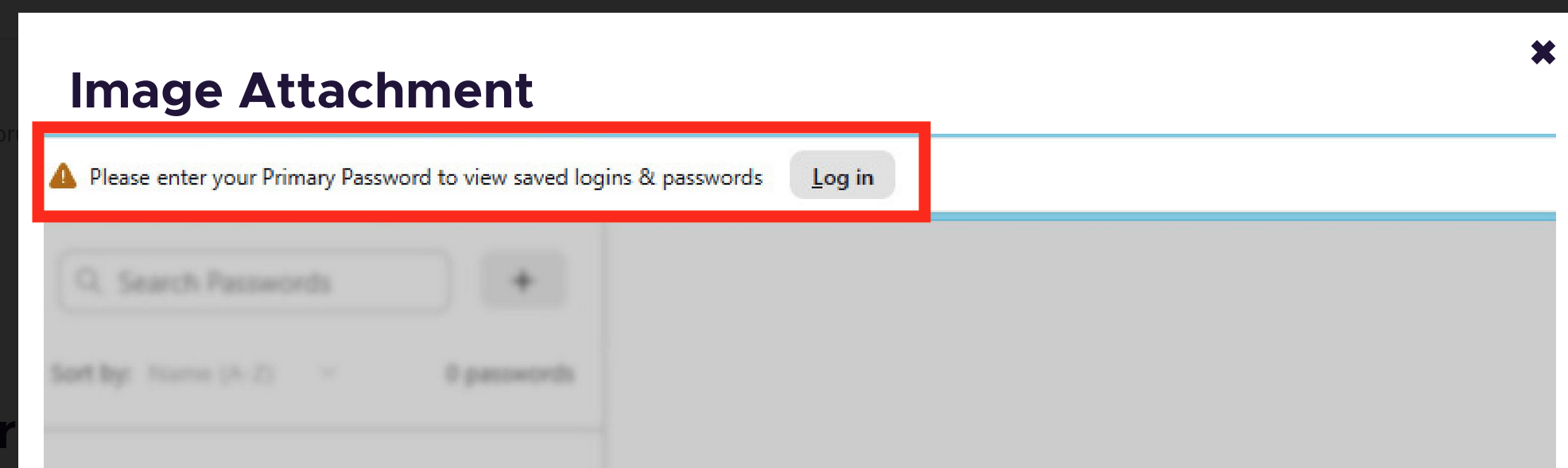
Win 11 Pro, Firefox Browser-Developer, 147.0b9, 64bit Problem recently occurred. Example it was working fine this morning and after turning the computer off and restarting later in the day this happens. The image below shows faded access to the password manager. Link that appear do not work: Log in at the header and link in password support highlight in the visible text portion. Thanks in advance for your help
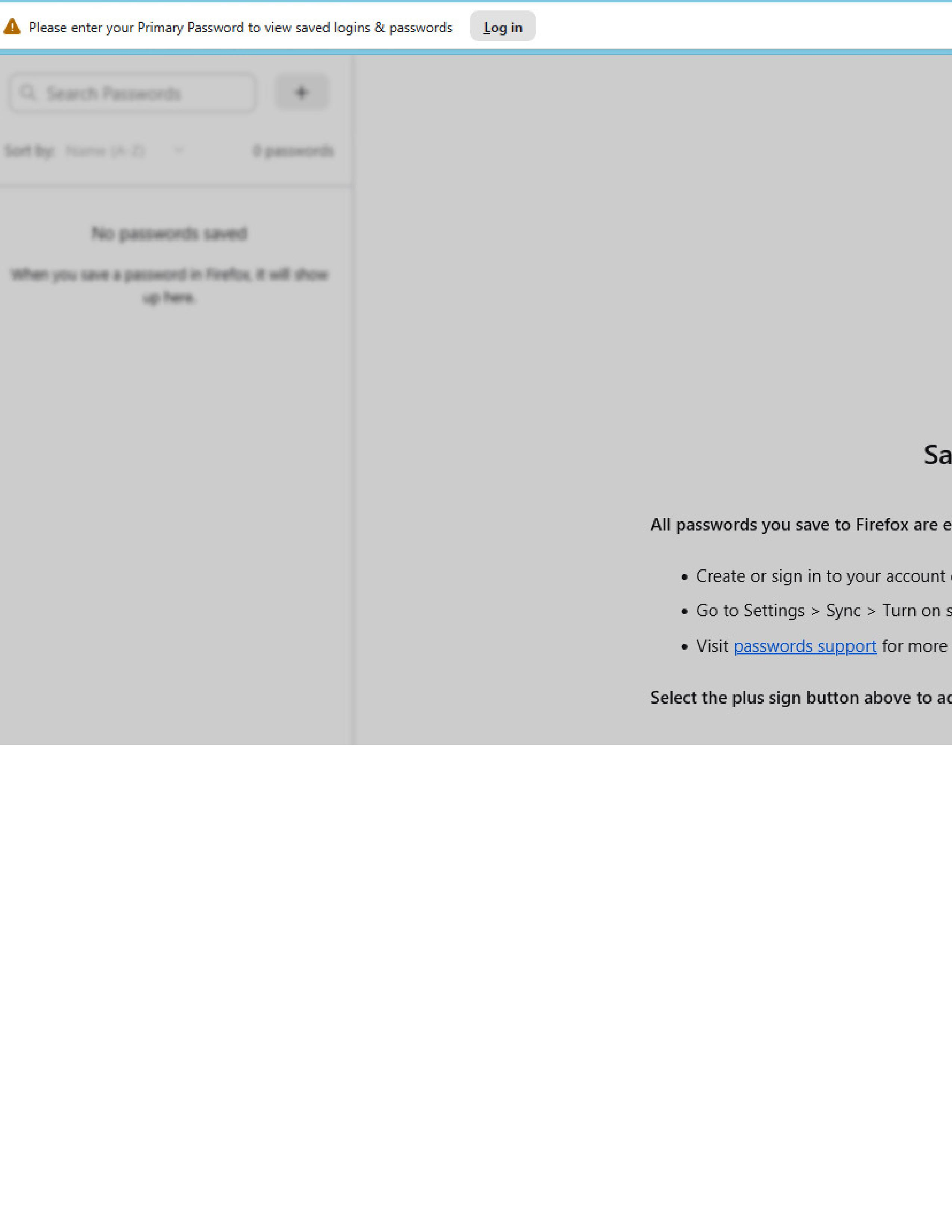
Win 11 Pro, Firefox Browser-Developer, 147.0b9, 64bit Problem recently occurred. Example it was working fine this morning and after turning the computer off and restarting later in the day this happens. The image below shows faded access to the password manager. Link that appear do not work: Log in at the header and link in password support highlight in the visible text portion. Thanks in advance for your help
Vedhæftede skærmbilleder

Alle svar (1)

more options

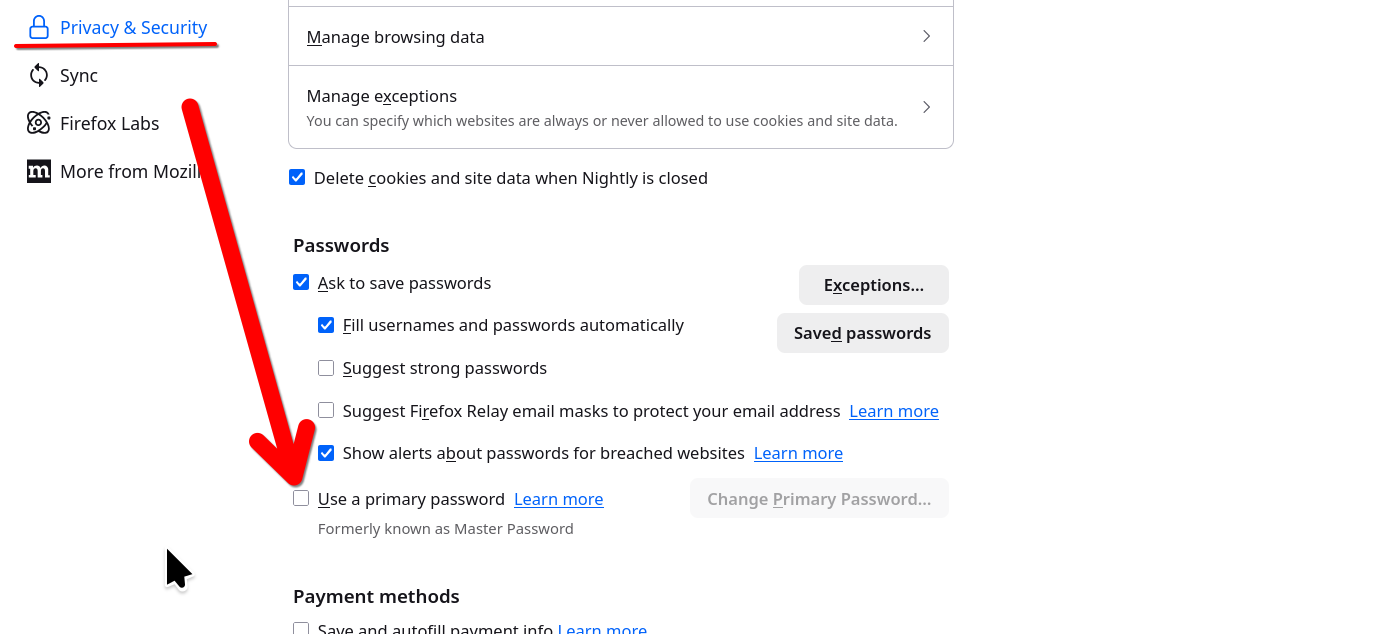
That is because you are using the Primary password option. It's showing at the top of your screenshot and asking you to login... It's telling you to put in your primary password in order to see your passwords. I played with that 1 time and will never use it again.

https://support.mozilla.org/1/firefox/149.0a1/Linux/en-US/primary-password-stored-logins
Ændret af jonzn4SUSE den

Stil et spørgsmål

Du skal logge ind på din konto for at svare på et indlæg. Start et nyt spørgsmål, hvis du ikke har en konto endnu.