


Thunderbird 50% version don't work

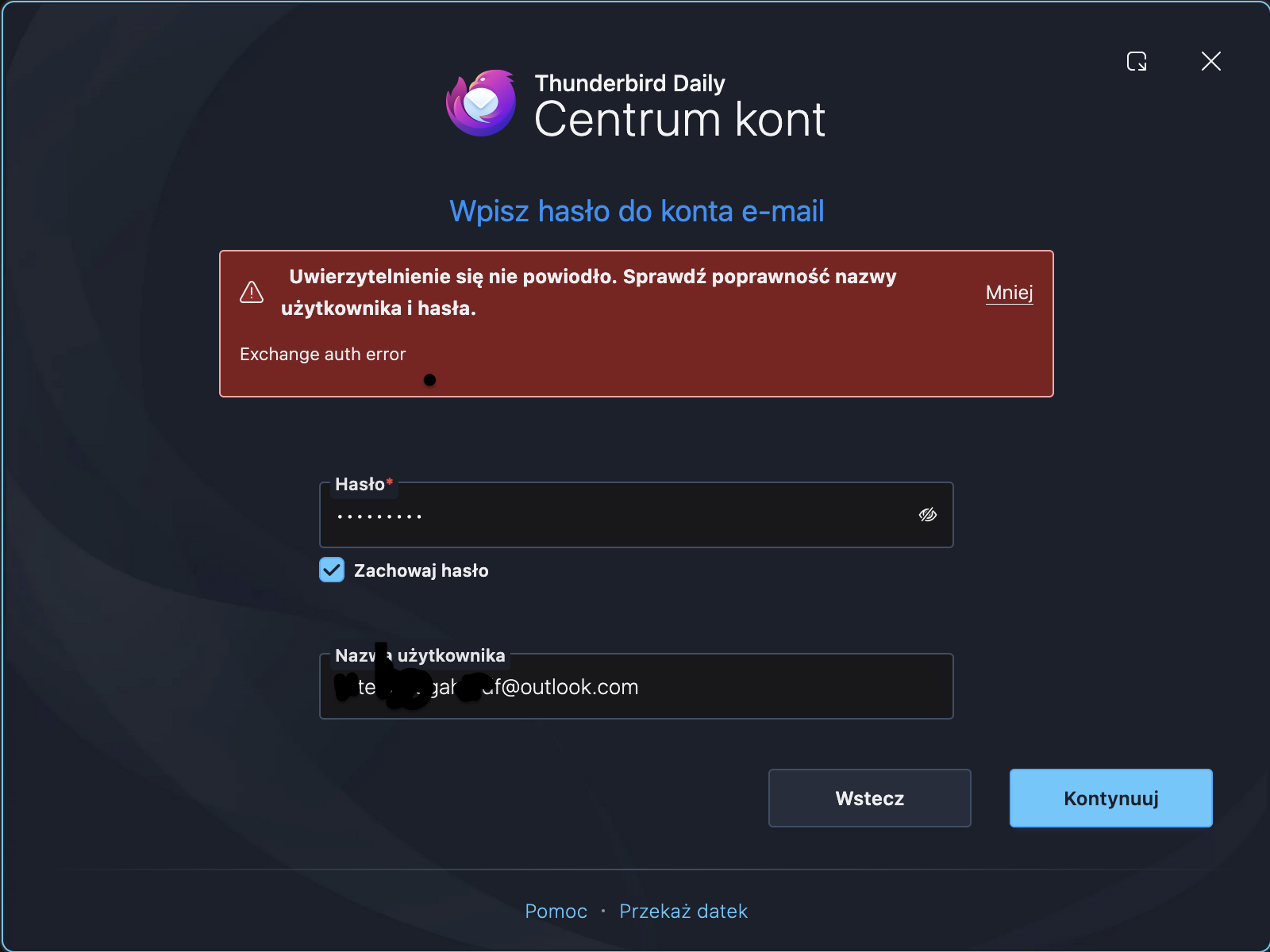
I used to use the basic version of Thunderbird on a daily basis, but after a while it became buggy and didn't work properly. I've been using Thunderbird beta for 3 months now. I had to take a break from work because I need to add multiple Outlook emails to Thunderbird online for one thing. I've been doing the same thing for three days now, adding emails to receive notifications about shipments ready for pickup. After adding 2 to 5 accounts, a message pops up saying that my data is incorrect, but it is 100% correct. When I try again, an exchange error pops up, and when I check through my regular browser, I can log in and check my mailbox normally, but it does not connect to Thunderbird beta or Thunderbird daily. And so, for 3 days, I added 2 to 5 accounts correctly, and then finally, no account wants to be added. I checked that Thunderbird has no limit, I saw about 300 accounts per day, but the accounts I'm doing are a ridiculous limit and I have some problem with the application, and before I used it the same way I do now and had no problems. Thunderbird Daily works just as badly, no works from 2 to 5 accounts, then an error pops up. What's going on with this???!?!
Alle svar (2)
Authentication failed. Please check that your username and password are correct. exchange auth error...

I cannot solve these problems. Here are some starting points.
Beta and daily releases have the most problems. Use esr or monthly. https://support.mozilla.org/en-US/kb/thunderbird-beta https://support.mozilla.org/en-US/kb/thunderbird-daily https://support.mozilla.org/en-US/kb/choosing-thunderbird-release-channel
Account problems can be solved one at a time by ensuring that incoming and outgoing server settings are what the servers require. People sometimes think that all the information is correct, but they fail to use oauth when they should or fail to use an app-specific password when one is required.
Information about Exchange accounts and Thunderbird is here: https://support.mozilla.org/en-US/kb/thunderbird-and-exchange
Ændret af Rick den