


Windows 10 will reach EOS (end of support) on October 14, 2025. For more information, see this article.

Søg i Support

Avoid support scams. We will never ask you to call or text a phone number or share personal information. Please report suspicious activity using the “Report Abuse” option.

Læs mere

lates update crashes the view of pages on my nas

  • 4 svar
  • 0 har dette problem
  • 43 visninger
  • Seneste svar af c2cpa

more options

Two QNAP NAS displayed readable web pages this morning. Early afternoon I updated Firefox with a reset and the admin pages on both servers are unusable. How can I roll back Firefox or recover the earlier version?
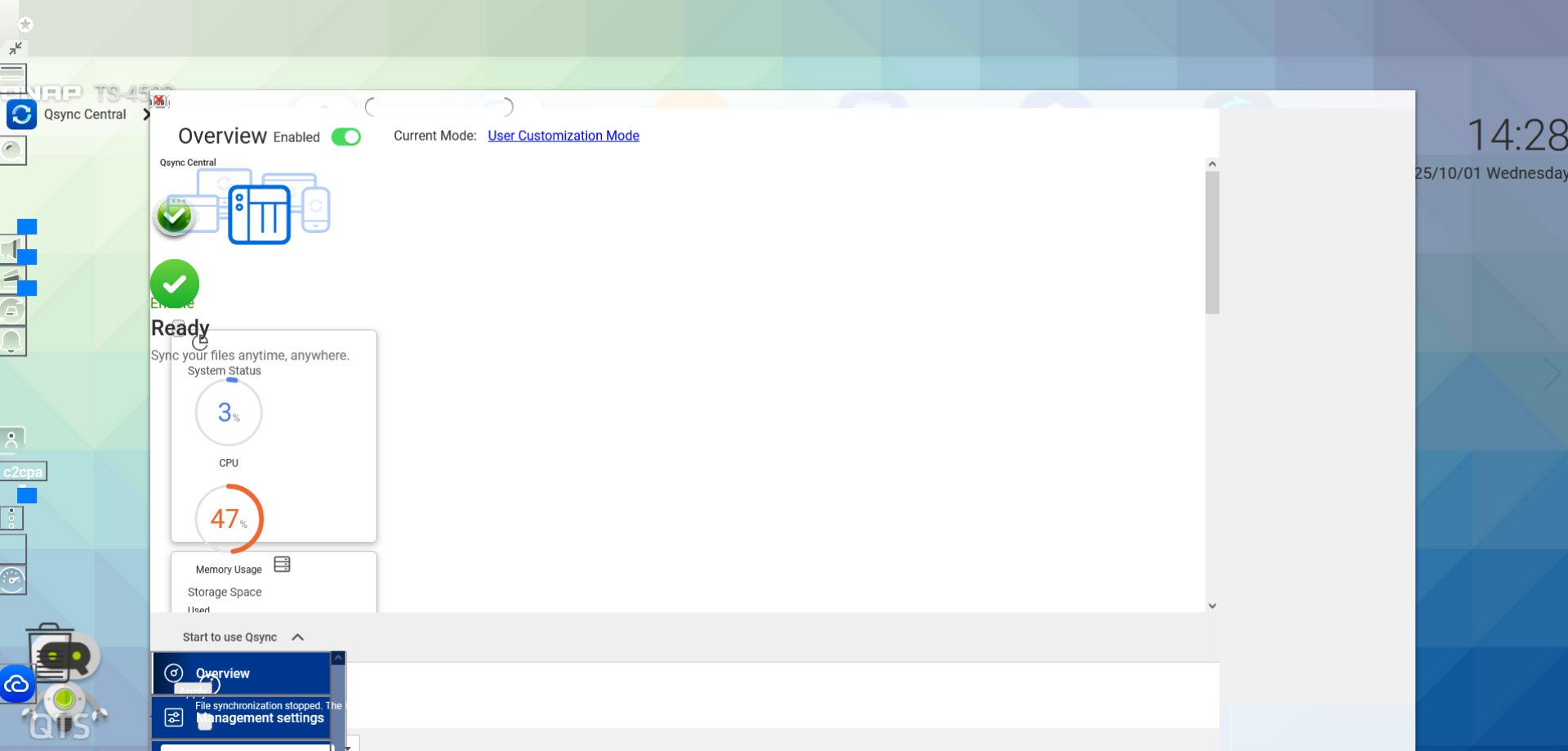
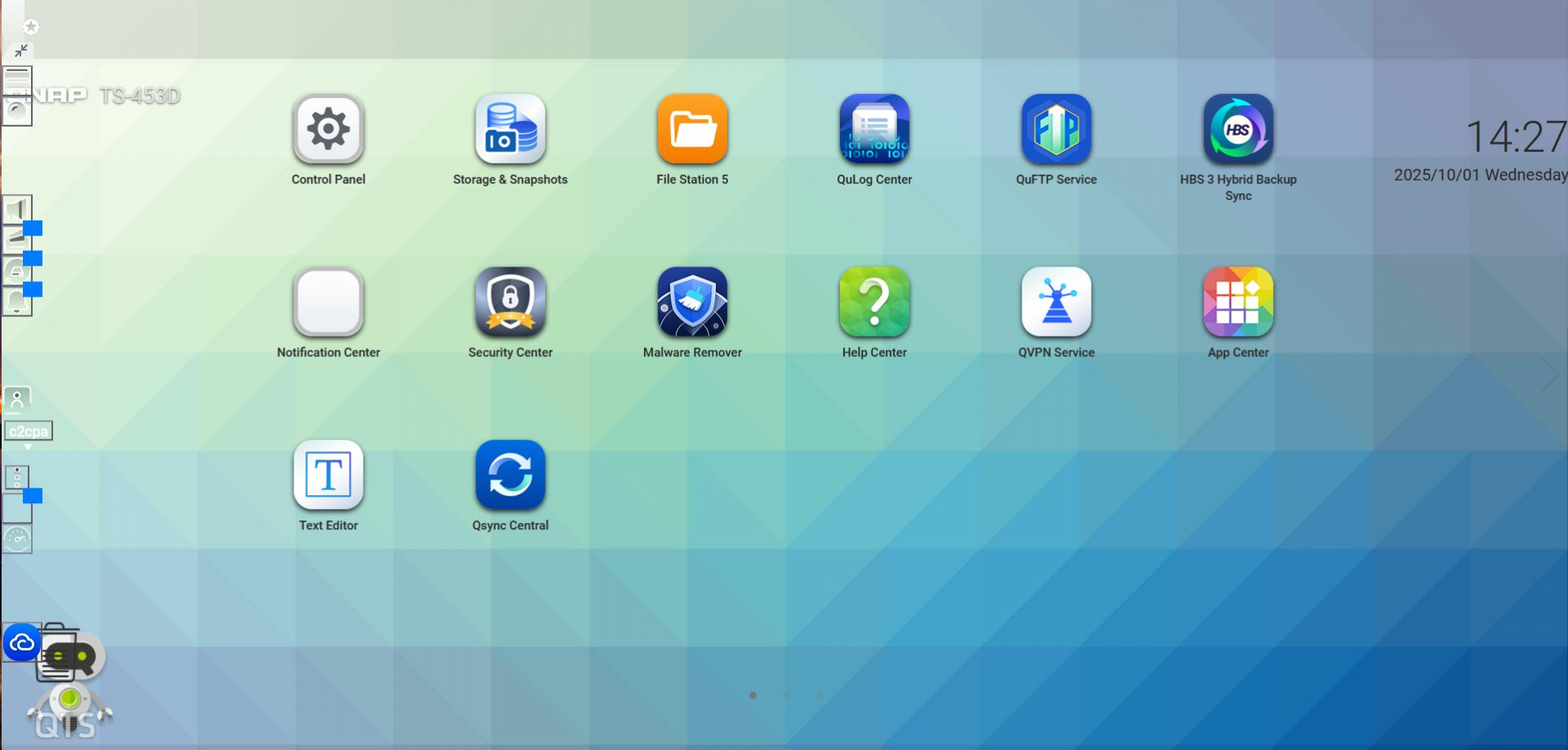
Two QNAP NAS displayed readable web pages this morning. Early afternoon I updated Firefox with a reset and the admin pages on both servers are unusable. How can I roll back Firefox or recover the earlier version?
Vedhæftede skærmbilleder

Valgt løsning

Could you describe the "reset" part? Was that a Firefox Refresh, or something else?

It looks like some critical style sheets either are not loading or are applying differently after the update. Did you get any error messages loading the page, such as secure connection errors?

I don't see anything in the 143.0.3 update that would modify how pages lay out, but there was a change described as "Reduced long delays when loading certain websites while connected to networks that block UDP connections." (https://www.firefox.com/firefox/143.0.3/releasenotes/). If your NAS loads only local resources, I don't think that change would be relevant. You can see what resources are loading using part of the developer tools:

  • Open the Network Monitor using Ctl+Shift+E
  • Reload the page bypassing the cache, either: Shift+click the Reload button on the toolbar or press Ctrl+Shift+R

Do you notice anything in red? Any requests with a turtle or that go to a different site?

Læs dette svar i sammenhæng 👍 1

Alle svar (4)

more options

Valgt løsning

Could you describe the "reset" part? Was that a Firefox Refresh, or something else?

It looks like some critical style sheets either are not loading or are applying differently after the update. Did you get any error messages loading the page, such as secure connection errors?

I don't see anything in the 143.0.3 update that would modify how pages lay out, but there was a change described as "Reduced long delays when loading certain websites while connected to networks that block UDP connections." (https://www.firefox.com/firefox/143.0.3/releasenotes/). If your NAS loads only local resources, I don't think that change would be relevant. You can see what resources are loading using part of the developer tools:

  • Open the Network Monitor using Ctl+Shift+E
  • Reload the page bypassing the cache, either: Shift+click the Reload button on the toolbar or press Ctrl+Shift+R

Do you notice anything in red? Any requests with a turtle or that go to a different site?

more options

Found a link about resetting Firefox, followed the instructions, and have a clean browser and a lot of work ahead to get back to where I started. Hopefully more reading will disclose how I can reload some of what was downloaded to the archive on my desktop.

Thank you for your reply!

more options

The Refresh should have carried over bookmarks, history, and saved logins. Did that part work?

more options

BEAUTIFULLY!! As I realized once I jumped-into planning the restoration.

Stil et spørgsmål

Du skal logge ind på din konto for at svare på et indlæg. Start et nyt spørgsmål, hvis du ikke har en konto endnu.