home button

i got the new update but i have one problem. where is the home button on the toolbar? i would like to just press that like before instead of opening a new page and closing the old one
i got the new update but i have one problem. where is the home button on the toolbar? i would like to just press that like before instead of opening a new page and closing the old one
Alle svar (1)
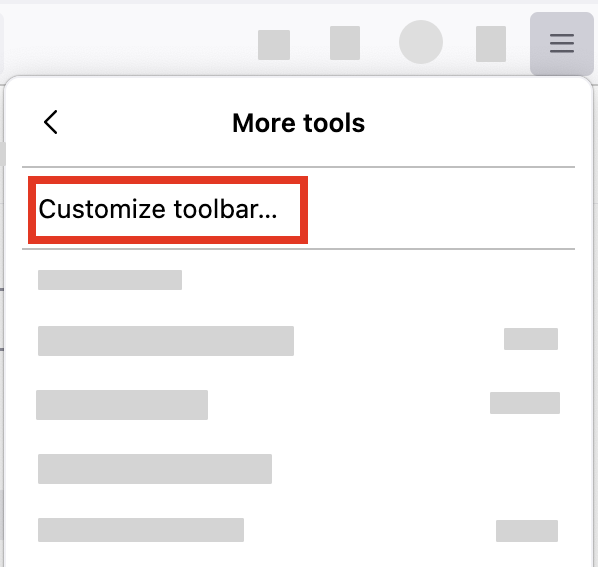
- Click the menu button
 in the top-right corner, click More tools, and choose the Customize toolbar… option.
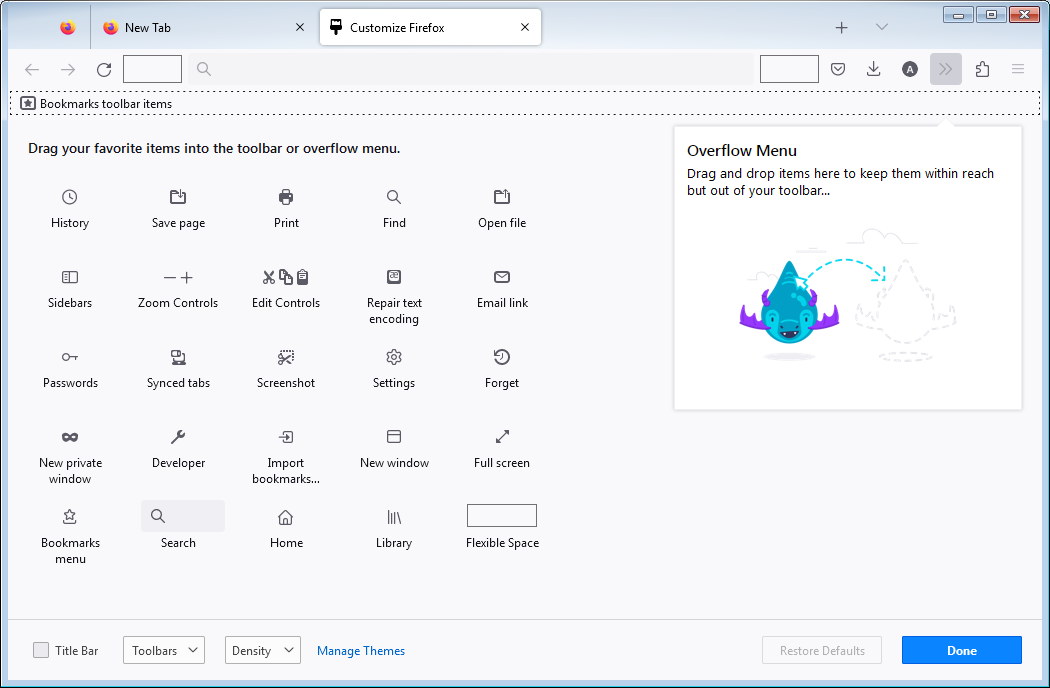
- A special tab will open that allows you to drag and drop items in or out of the toolbar. Try to find the Home button there.