


Why does Firefox slow down when opening photo-heavy sites, and how can I optimize it?
I often browse photo-heavy websites, for example, Fashionismic Fashionismic
, which has lots of hairstyle galleries. On Chrome and Edge the pages load smoothly, but on Firefox I sometimes notice lag or higher memory usage when scrolling through multiple images.
I’d like to know:
Is there any Firefox setting (like hardware acceleration, image cache, or media decoding) that can help improve performance on pages with many photos?
Would using an image optimization extension help?
Are there specific about:config tweaks recommended for users who frequently view image-rich sites?
I really like Firefox and want to keep it as my main browser, but smoother handling of photo galleries would help a lot. Any guidance would be appreciated.

Alle svar (2)

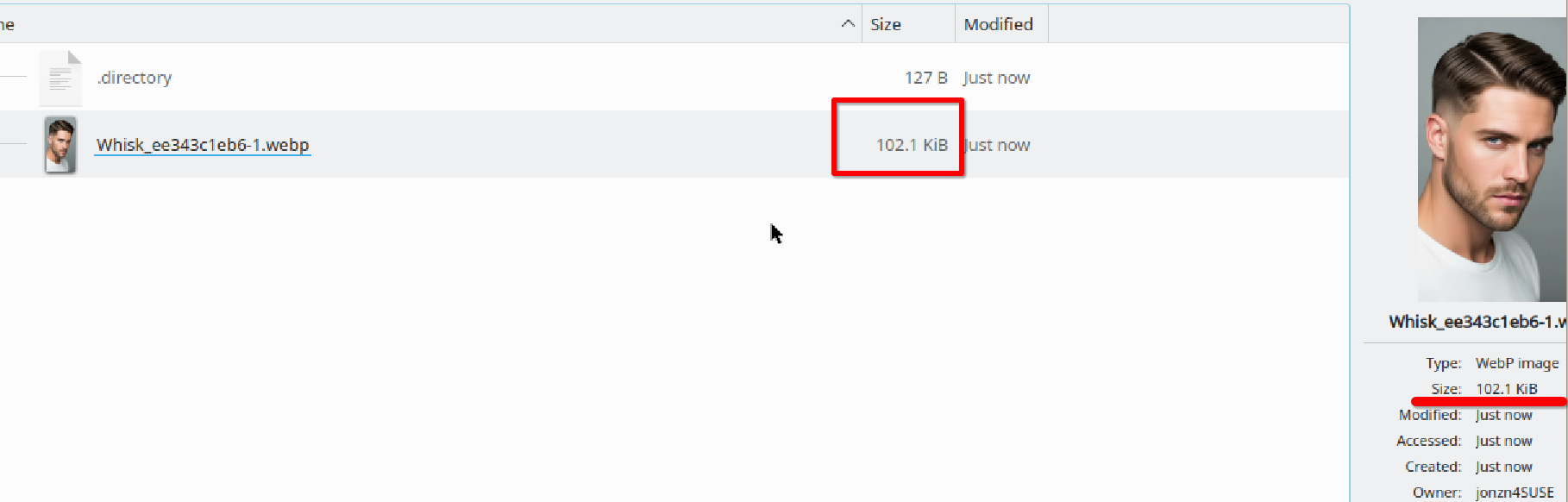
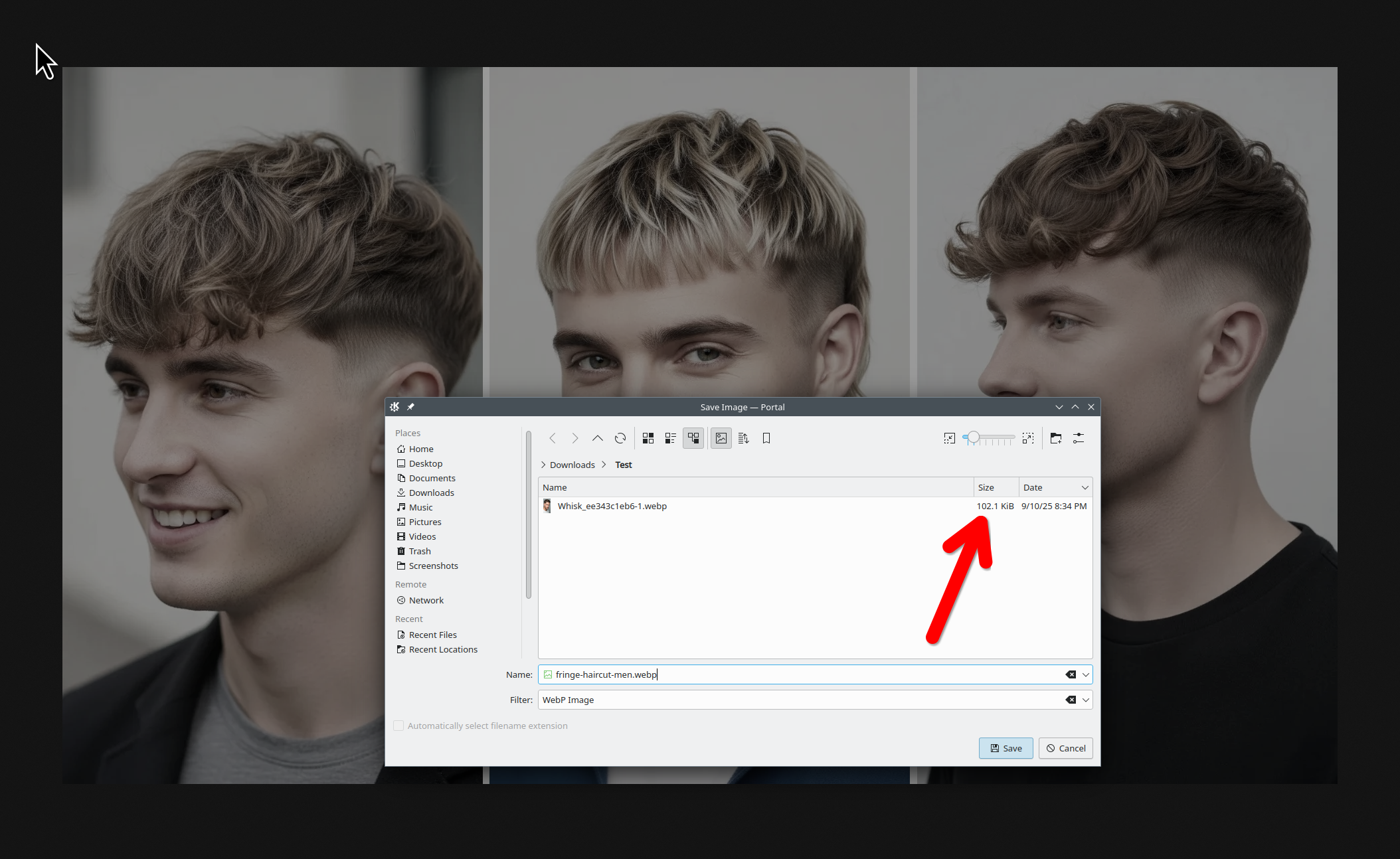
Yes, the site has images, but the images are not "heavy". They are small. see screenshots https://fashionismic.com/wp-content/uploads/2025/09/fringe-haircut-men.webp

Do you have the same issue with Firefox in Troubleshoot Mode? https://support.mozilla.org/en-US/kb/diagnose-firefox-issues-using-troubleshoot-mode#w_how-to-start-firefox-in-4troubleshoot-modesf5safe-modesf
Windows home or pro and what security software are you running besides MS Defender?
Post a screenshot of the task manager performance tab so we can see the specs of your computer. Are you plugged in or using wifi?
Also, what version of Firefox?