


Windows 10 reached EOS (end of support) on October 14, 2025. For more information, see this article.

Søg i Support

Avoid support scams. We will never ask you to call or text a phone number or share personal information. Please report suspicious activity using the “Report Abuse” option.

Læs mere

Nonsensical instructions trying to sync phone to desktop!?

  • 1 svar
  • 0 har dette problem
  • 124 visninger
  • Seneste svar af Paul

more options

Am i the only one that finds these instructions totally hopeless when syncing my desktop to phone?.. So i tap on the 3 dots / Menu in Firefox on mobile, but after that there is NO Sync & Save Data to tap on anywhere in Firefox mobile after hitting the menu dots??.. and i mean ANYWHERE in the menu, or settings or account (of course there is the ususl Syncronise Now option in the account.

So just where is this Sync & Save Data i would lobe to know, nevermind how am i supposed to pair my devices when theres no clear way to access this and the associated QR code?

Totally frustrating, I've never understood these instructions with no outcome possible.
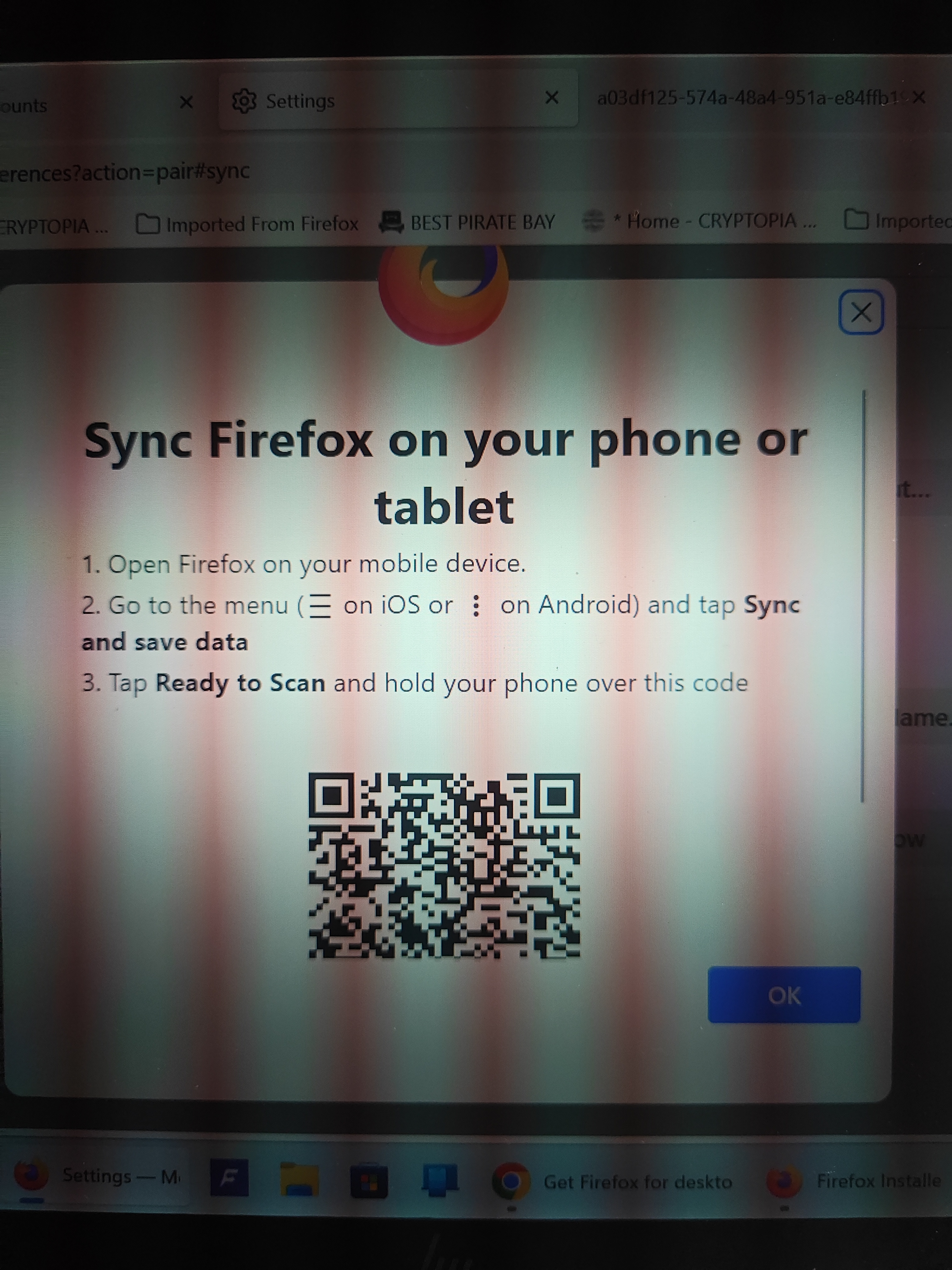
Am i the only one that finds these instructions totally hopeless when syncing my desktop to phone?.. So i tap on the 3 dots / Menu in Firefox on mobile, but after that there is NO Sync & Save Data to tap on anywhere in Firefox mobile after hitting the menu dots??.. and i mean ANYWHERE in the menu, or settings or account (of course there is the ususl Syncronise Now option in the account. So just where is this Sync & Save Data i would lobe to know, nevermind how am i supposed to pair my devices when theres no clear way to access this and the associated QR code? Totally frustrating, I've never understood these instructions with no outcome possible.
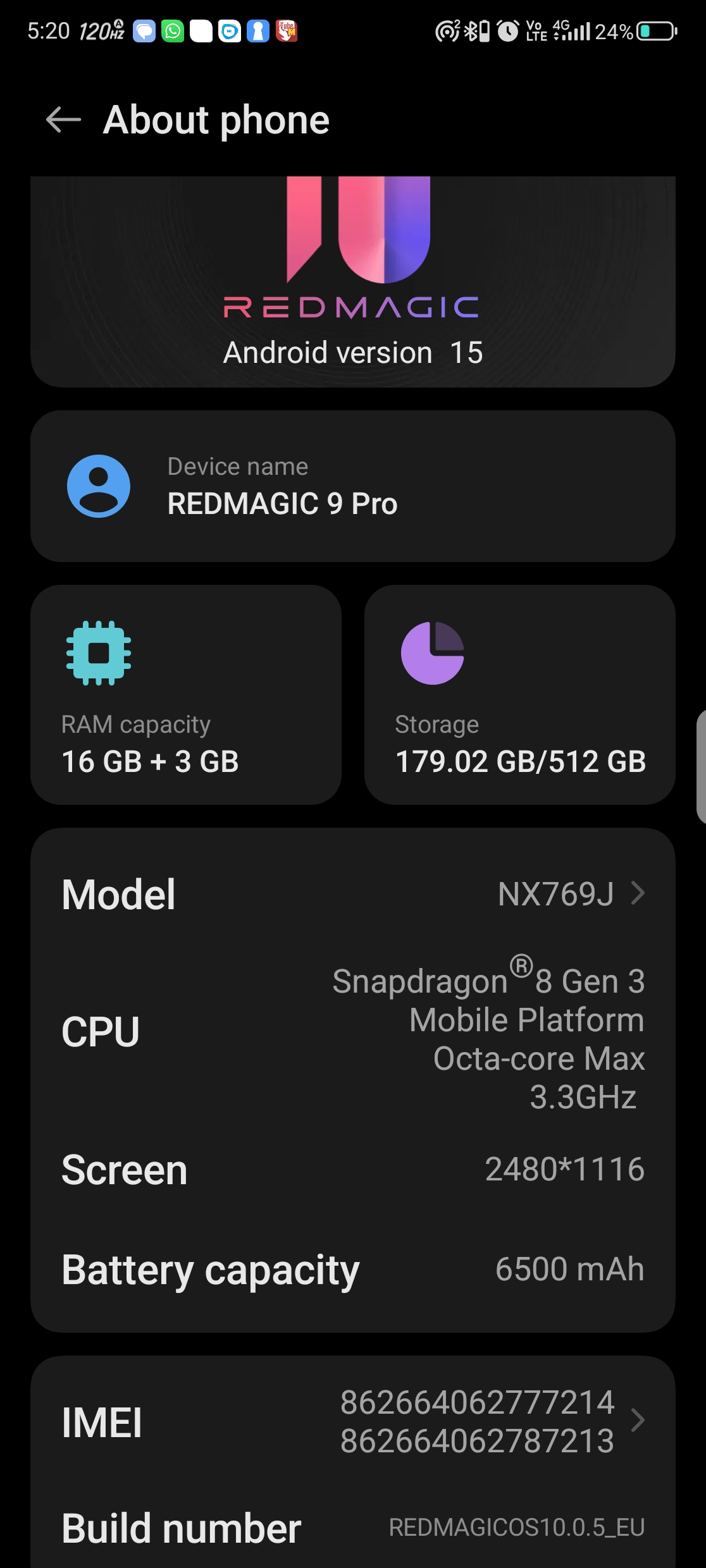
Vedhæftede skærmbilleder

Alle svar (1)

more options

Hi

Do you see your user name or email address in the Firefox for Android menu? If so, select this to access the Firefox Sync settings.

I hope that this helps.

Stil et spørgsmål

Du skal logge ind på din konto for at svare på et indlæg. Start et nyt spørgsmål, hvis du ikke har en konto endnu.