

Denne tråd blev arkiveret.
Stil et nyt spørgsmål, hvis du har brug for hjælp.

Arkiveret
Changed Local Folder location, lost all access to initial location

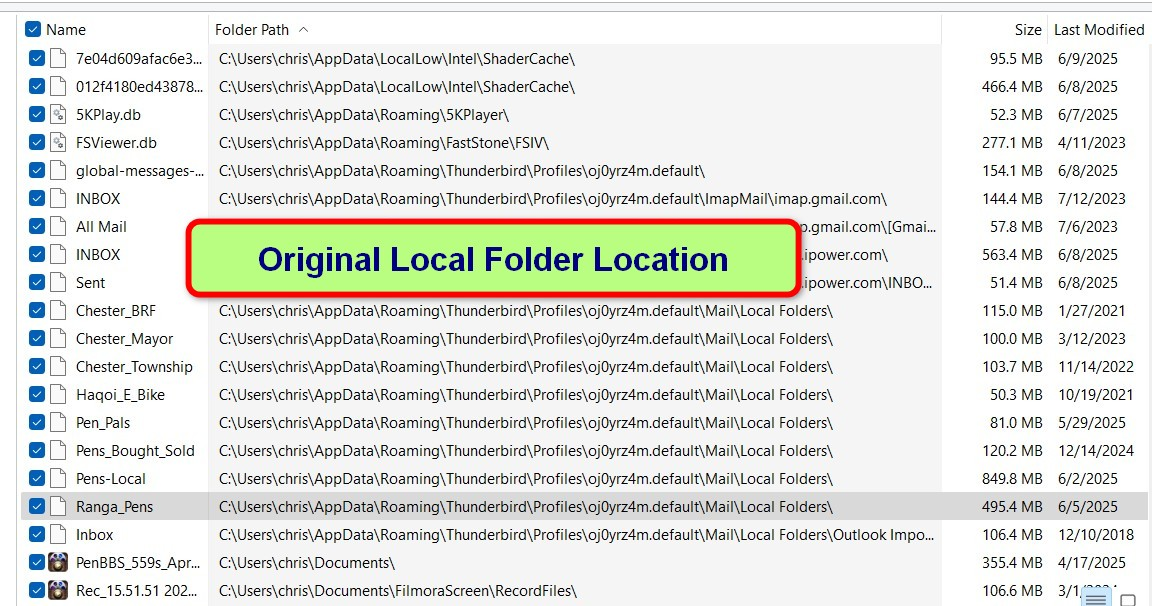
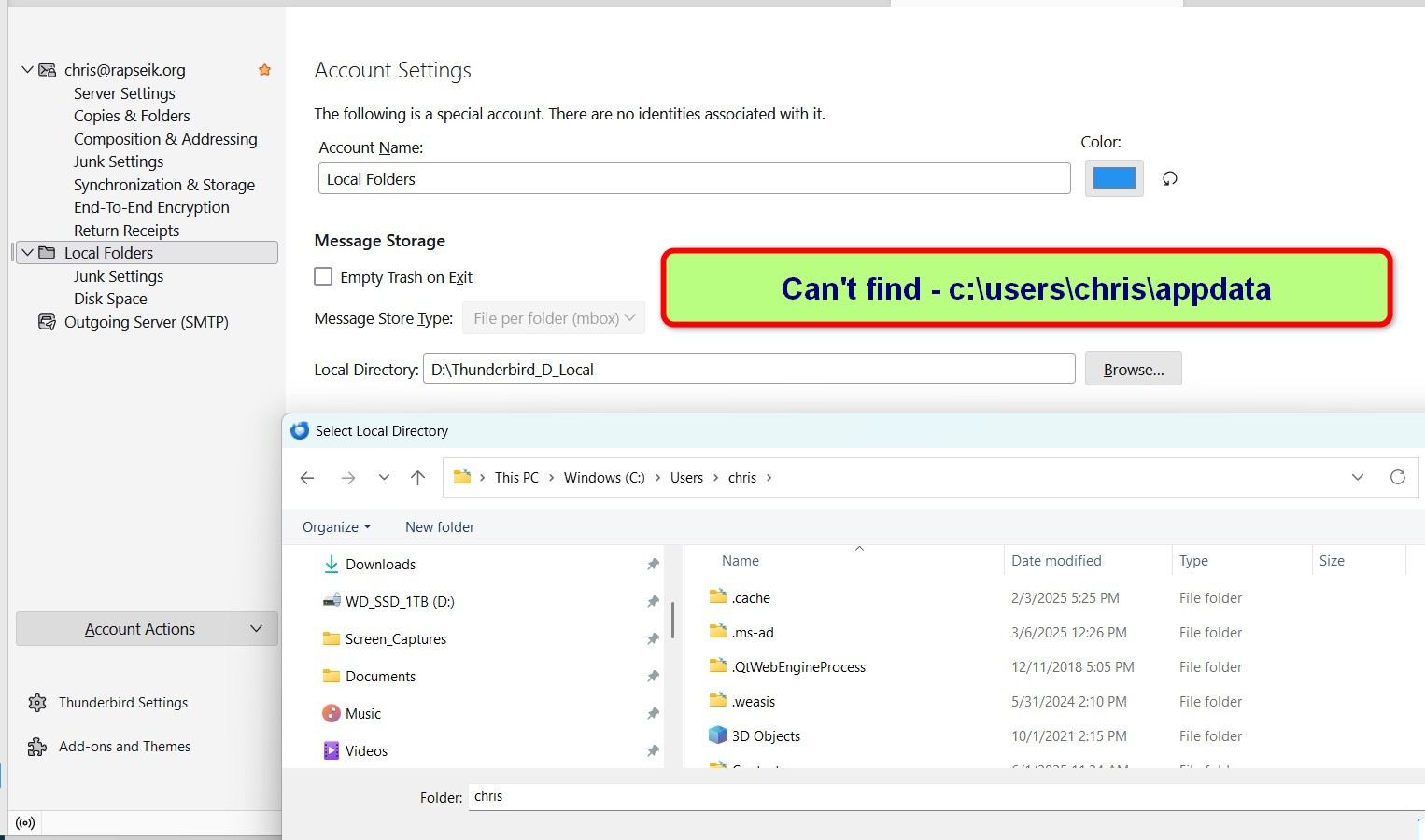
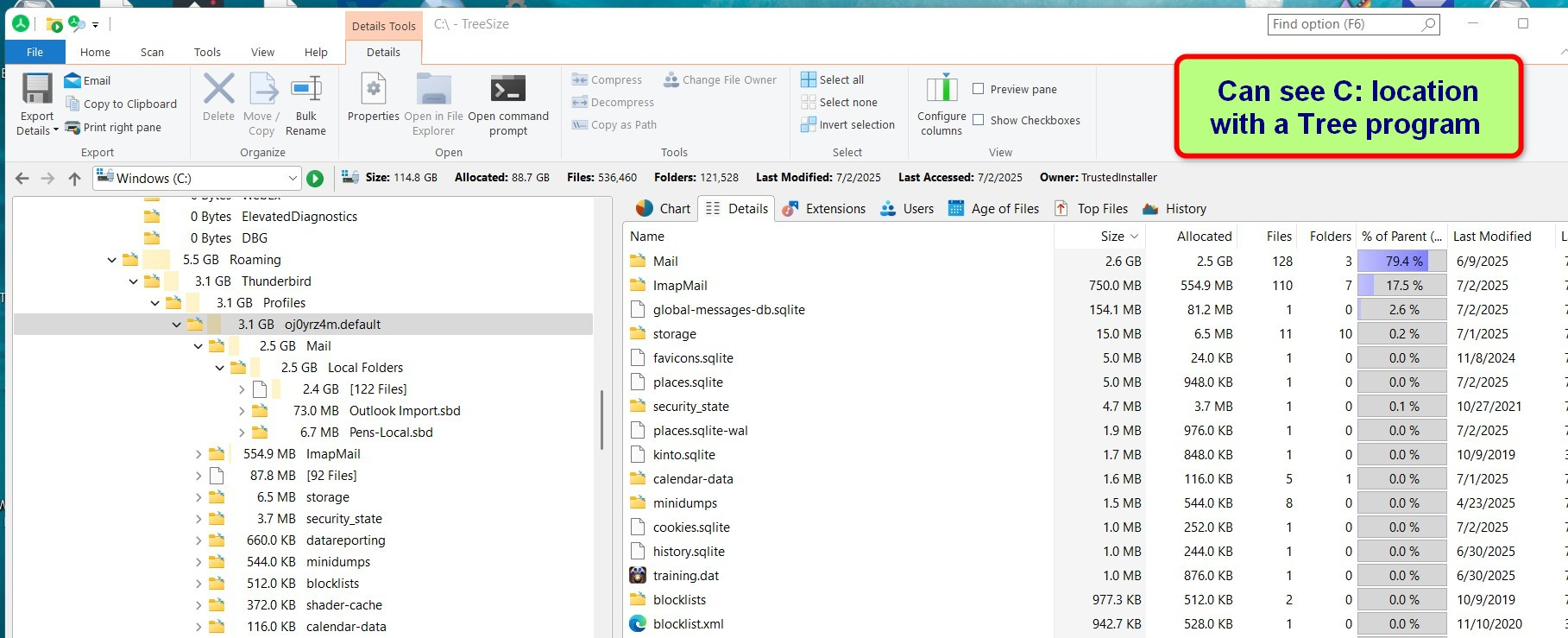
Local folders were in default location on C: drive, 128GB SSD boot drive. Installed a 1TB SSD as D: drive. Want to use D: for local folders. When changed local drive to D: lost access to default Local Drive. Can't reconnect as location not visible in file explorer. Want to move local folder from C: to D:.
Local folders were in default location on C: drive, 128GB SSD boot drive. Installed a 1TB SSD as D: drive. Want to use D: for local folders. When changed local drive to D: lost access to default Local Drive. Can't reconnect as location not visible in file explorer. Want to move local folder from C: to D:.
Alle svar (1)

"AppData" is a hidden folder. I think that making your operating system show hidden folders should solve your problem.