Firefox access to a respected website

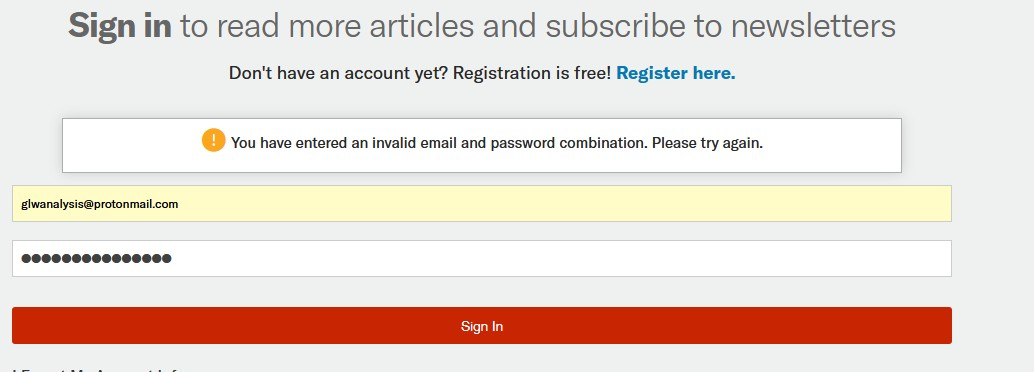
https://hbr.org will not allow me to sign in using Firefox. It does not recognise my email address if I use the Lost Password option. MS Edge allows me to sign in to https://hbr.org without problems. I have listed hbr.org as Exceptions in tracking protection, cookies, and blocking pop up windows
Alle svar (1)

Looks like a simple login issue and not a browser issue. Try putting your login info in notepad and make sure there are no spaces before and after the username and password. Then just try to copy and paste the info instead of typing. It happened to me today at work.
Did you try with Firefox in Troubleshoot Mode? https://support.mozilla.org/en-US/kb/diagnose-firefox-issues-using-troubleshoot-mode#w_how-to-start-firefox-in-4troubleshoot-modesf5safe-modesf
Did you clear your browser cache? https://support.mozilla.org/en-US/kb/clear-cookies-and-site-data-firefox
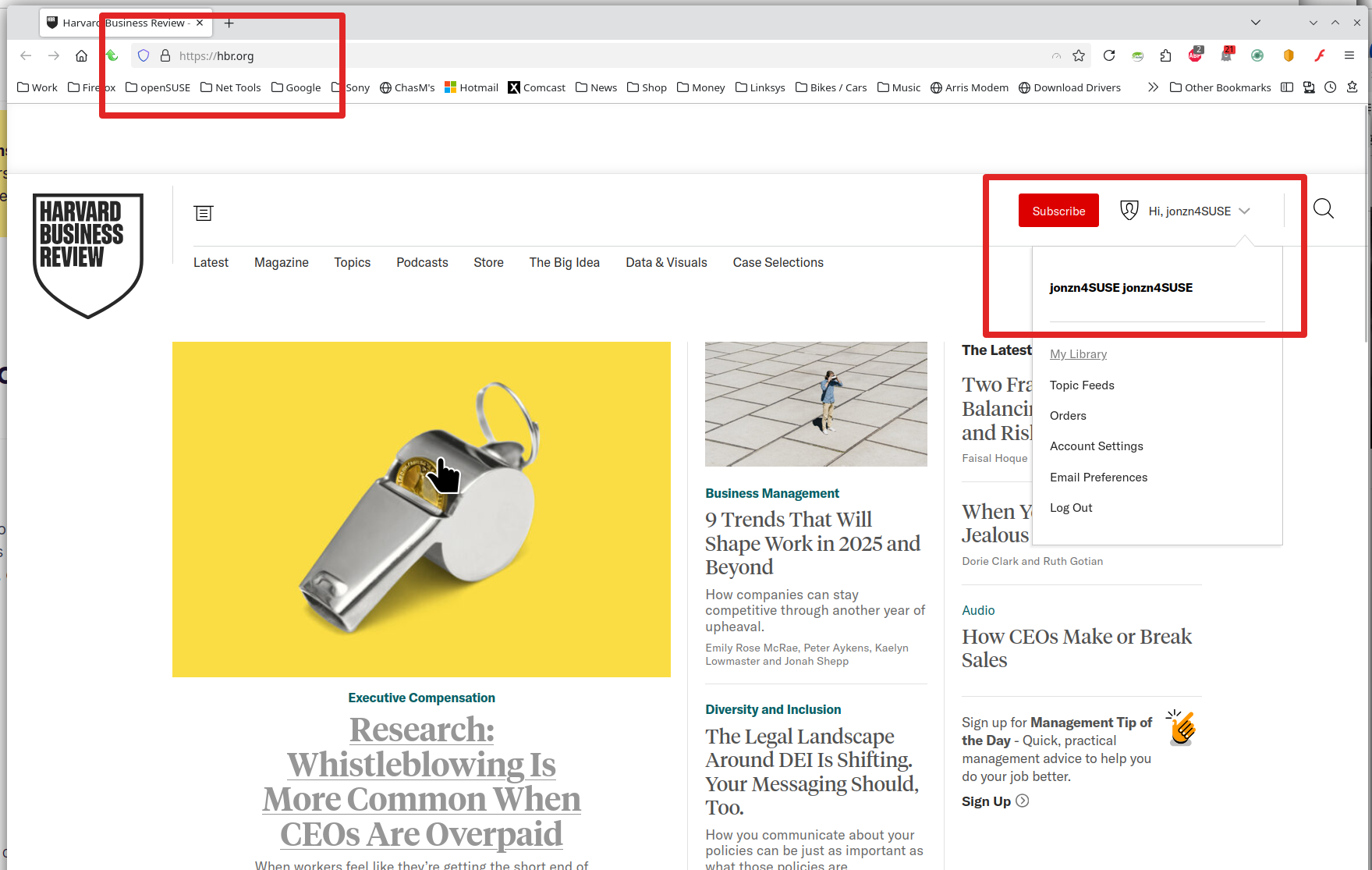
I was able to login. see screenshot