

Denne tråd blev arkiveret.
Stil et nyt spørgsmål, hvis du har brug for hjælp.

Løst
Arkiveret
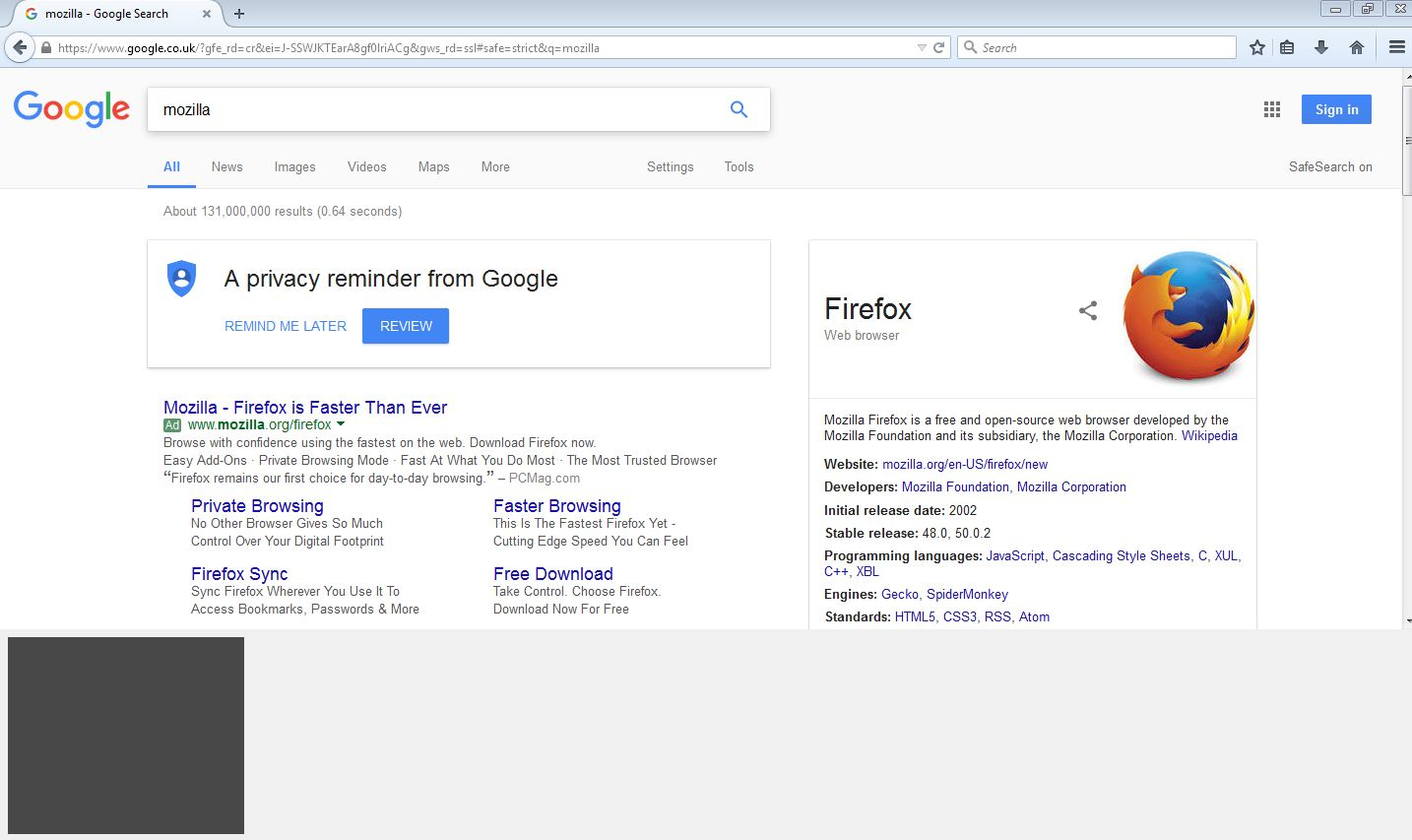
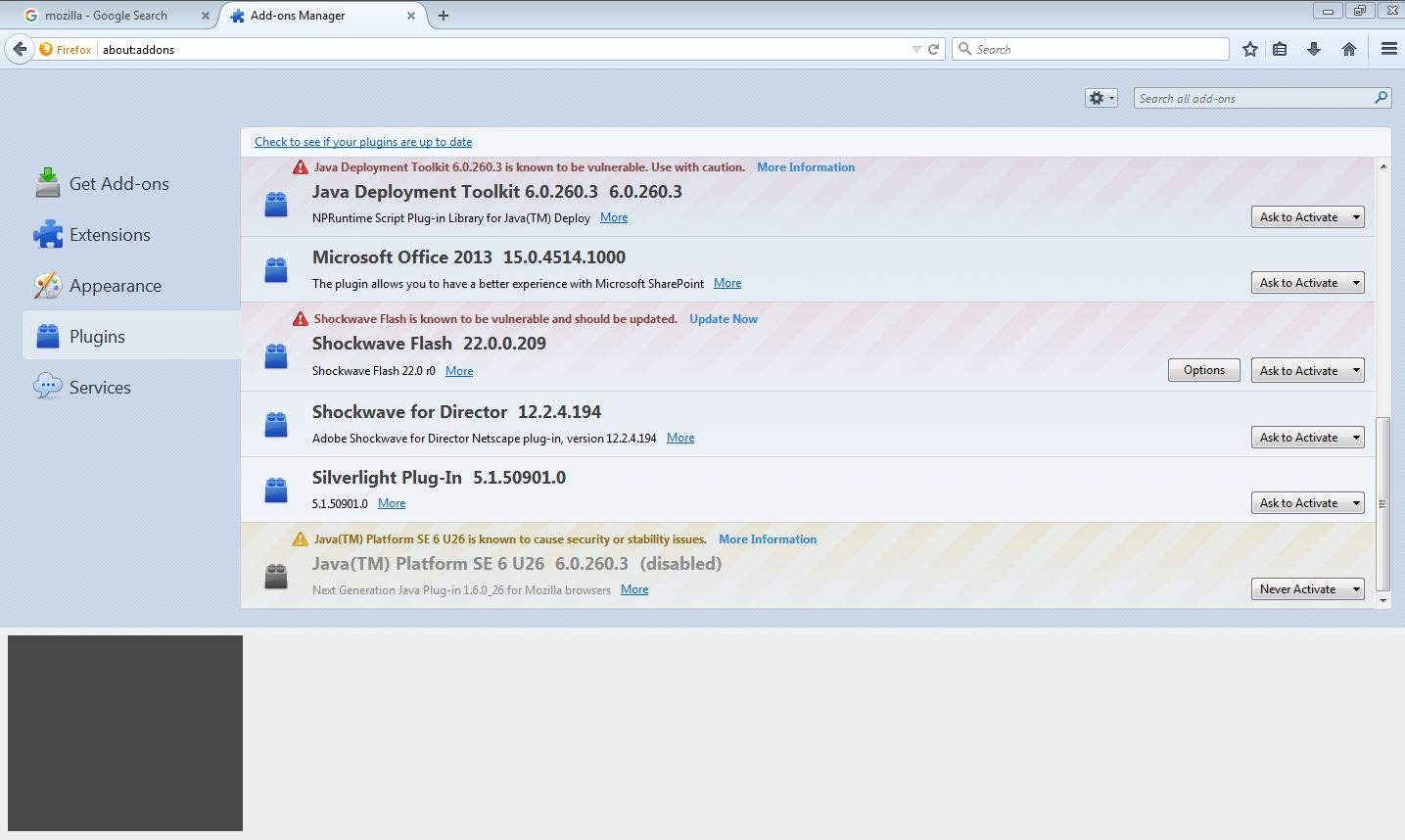
Gray square shows in down-left side of the page

Hello,
Gray square shows in down-left side of the page. Unable to hide. The square chase me everywhere. In Internet surfing, options, or any other tabs in Mozilla
help
Hello,
Gray square shows in down-left side of the page. Unable to hide.
The square chase me everywhere. In Internet surfing, options, or any other tabs in Mozilla
help
Alle svar (1)

Valgt løsning
Why are you using an ancient version of Firefox?
Start Firefox in Safe Mode {web Link} by holding down the <Shift>
(Mac=Options) key, and then starting Firefox.
A small dialog should appear. Click Start In Safe Mode (not Refresh).
Is the problem still there?