


Facebook won't open. It works in other browsers but with Firefox all I get is a page with numbers, letters, etc...I've refreshed firefox & used other solutions

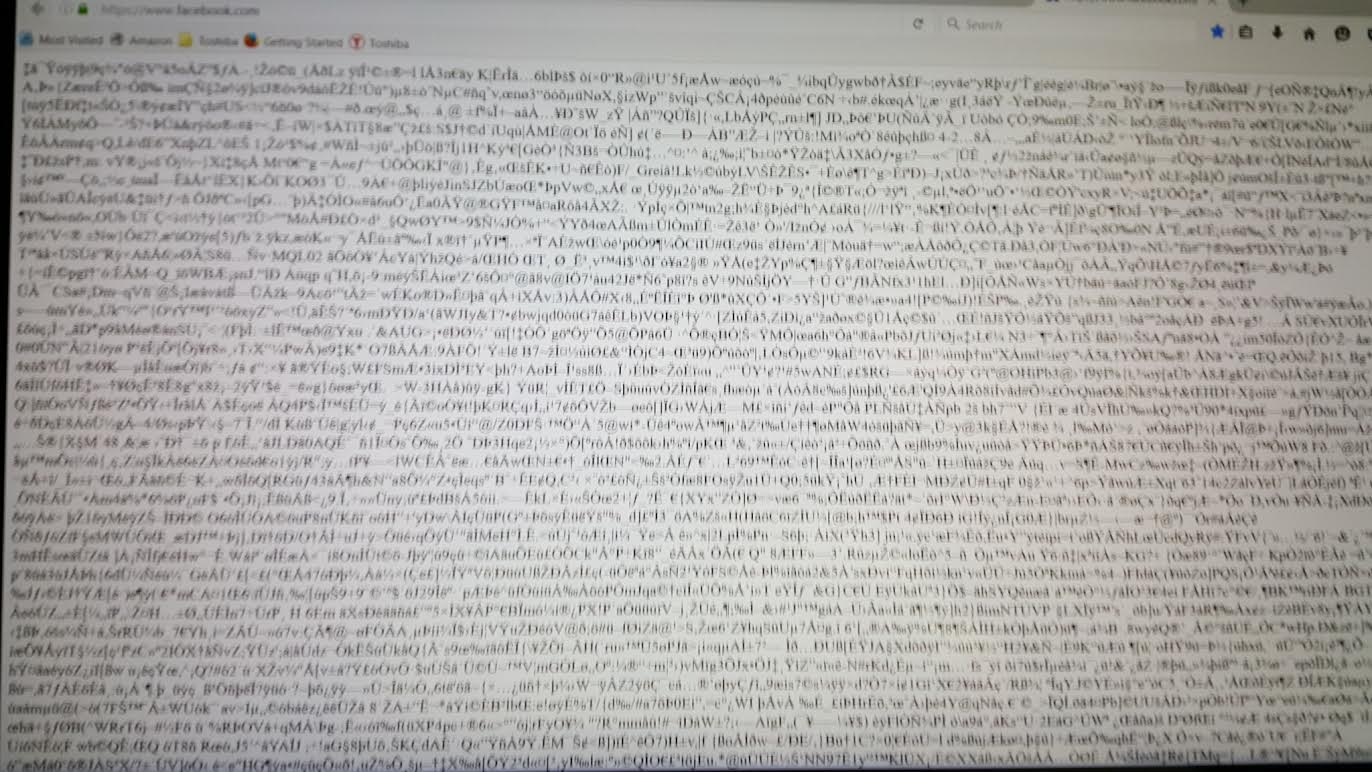
All other pages work fine but Facebook. When I open it all I get is a white page with numbers, letters and a bunch of symbols. Facebook does open with other browsers though. I've tried every solution with Firefox's troubleshooting guide and none of them have worked. I've included a picture of my screen.
Valgt løsning
hi HJ1979, unfortunately that will be caused by a fault in kaspersky security software on your device which meddles with your connections. in order to fix this go to kaspersky Settings > Additional > Network > Traffic Processing and uncheck the "Inject script" setting. in addition, disable the scanning of secure connections like it's described at https://support.mozilla.org/en-US/kb/troubleshoot-SEC_ERROR_UNKNOWN_ISSUER#w_kaspersky and reboot your system afterwards.
https://forum.kaspersky.com/index.php?showtopic=351027
Læs dette svar i sammenhæng 👍 1Alle svar (2)
Valgt løsning
hi HJ1979, unfortunately that will be caused by a fault in kaspersky security software on your device which meddles with your connections. in order to fix this go to kaspersky Settings > Additional > Network > Traffic Processing and uncheck the "Inject script" setting. in addition, disable the scanning of secure connections like it's described at https://support.mozilla.org/en-US/kb/troubleshoot-SEC_ERROR_UNKNOWN_ISSUER#w_kaspersky and reboot your system afterwards.
Problem solved. Thanks for the help!!!