


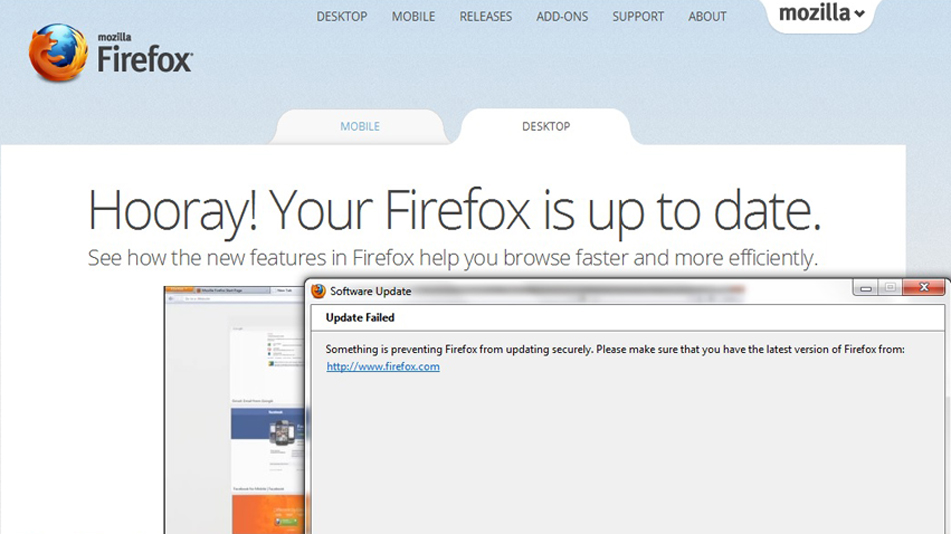
Firefox says it cannot update securely. Then says it is up-to-date.

Every other time I restart or turn on my laptop, Ill randomly get a pop-up window that says: 'Something is preventing Firefox from updating securely. Please make sure you have the latest version'. Then, I check, and it is in fact up-to-date. It's not really a BAD thing... just annoying.
Every other time I restart or turn on my laptop, Ill randomly get a pop-up window that says: 'Something is preventing Firefox from updating securely. Please make sure you have the latest version'. Then, I check, and it is in fact up-to-date. It's not really a BAD thing... just annoying.
All Replies (2)
heres a screencap of the pop-up.
Hello timeslip325, see: Firefox says it's just updated every time it starts - how to fix
If firefox don't keep the changes after restart it, see : http://kb.mozillazine.org/Preferences_not_saved
thank you