


how to use a custom image in a firefox shortcut

Hi, I have a shortcut which comes up with a blank icon. I've tried Google help to use a custom picture, but nothing worked. The complication is that my shortcut does not go to Xerox, it goes to their pension provider who has a different name. The shortcut works fine but it would be nice if I didn't have a blank icon.

Chosen Solution
Oh I just grabbed some wikipedia–linked content as an example, here I'm showing the steps to get a link to a reasonably sized "classic" square X logo: https://streamable.com/pojne1
All Replies (6)
Every tile has a "•••" context menu on hover, that has "Edit" option. There is the functionality to provide a replacement icon.
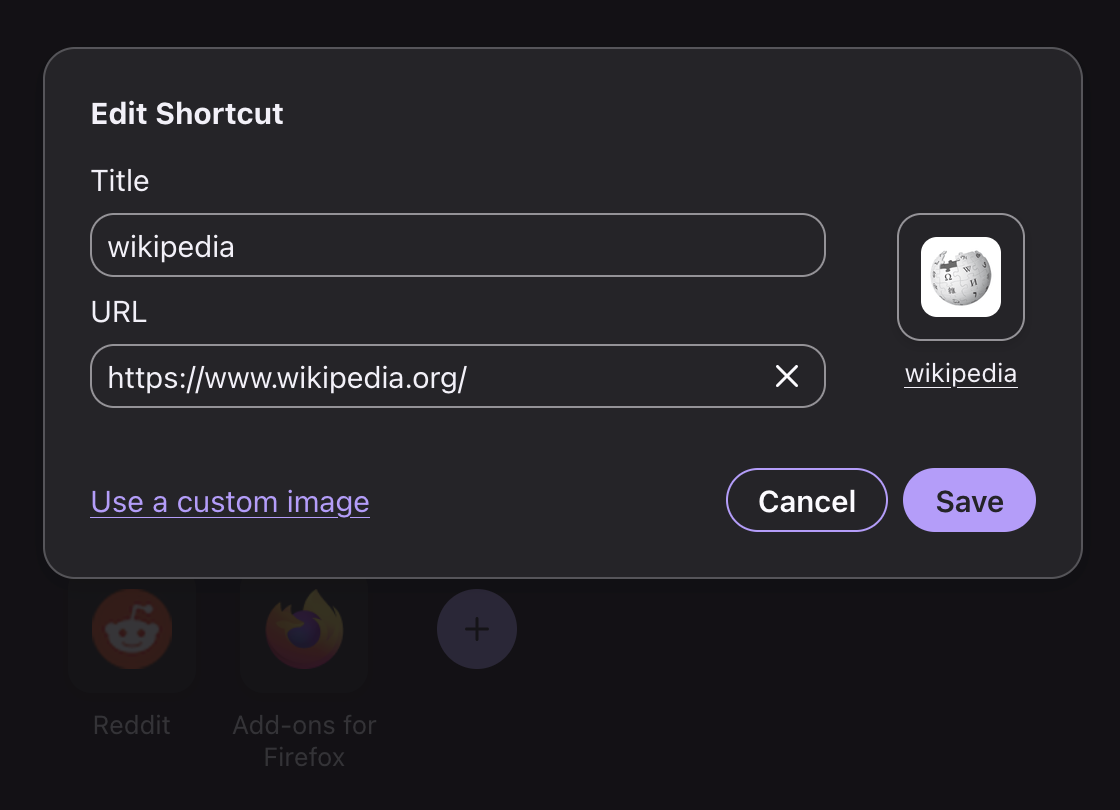
Modified by jbr
Yes thanks, I tried that but it did not work for me. I've been using shortcuts for years and they always populate themselves with an appropriate image on the icon, not this one. Even got 2 hours of Google AI help to try and solve it, using .png, and .ico formats amongst others, but no picture ever appeared in the icon.
Did not "work for you" as in the result was not what you'd have expected, or the preview didn't even load and/or any icon can't be applied to the shortcut entry per se? Only that particular one, or any arbitrary shortcut you create?
Seems fine here: https://streamable.com/jb3wel
Sure, if you feed it oblong assets, the results won't be ideal, so you might need to pick something more rectangular:
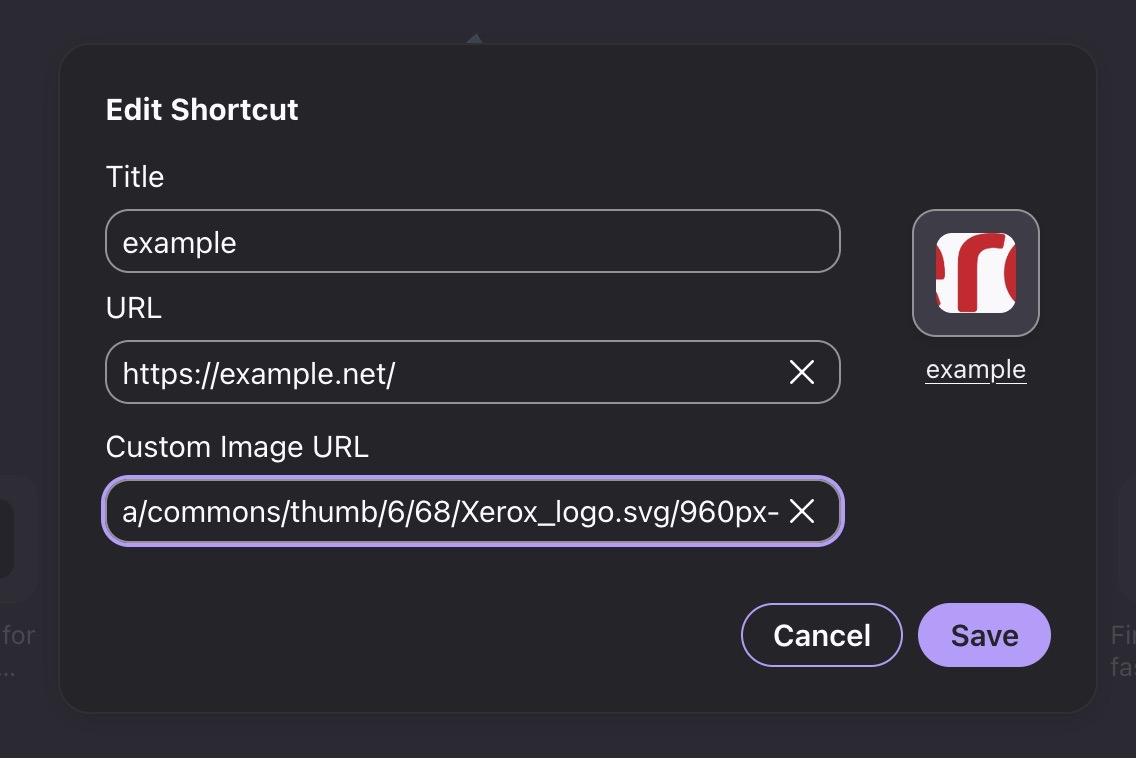
Hi, that looks perfect. But where did you copy the firefox icon from? that I think is the key. Unfortunately the video just cuts off at the top so one can't see where it starts.
Modified by Sweetcorn4711
Chosen Solution
Oh I just grabbed some wikipedia–linked content as an example, here I'm showing the steps to get a link to a reasonably sized "classic" square X logo: https://streamable.com/pojne1
jbr, thank you so much. Problem solved.